
dark_ki11er16 - Minecraft Skins & Skin History
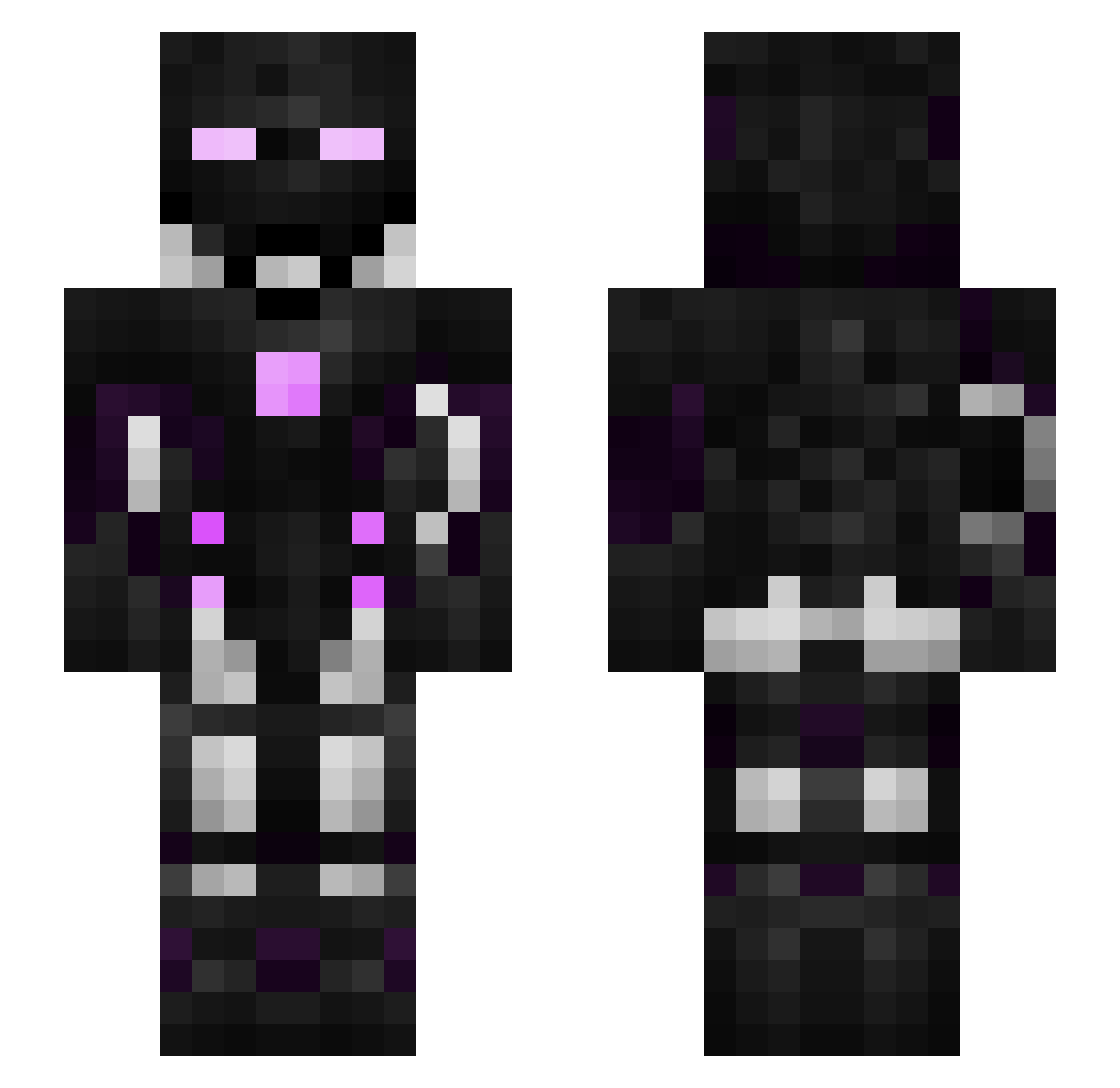
Current Minecraft skin of the player dark_ki11er16, loaded from the official Mojang API. Rotate the 3D model with your mouse or finger, then download the skin as a PNG file and use it in Minecraft: Bedrock Edition or Java Edition for free. When dark_ki11er16 changes their skin, this page updates automatically and the old skin stays in the history below.
Other players with this skin (312)
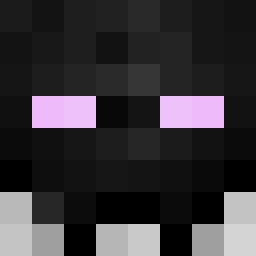
dark_ki11er16 was the 191st player we have seen with this skin, first spotted on 29.09.2026. The same skin was seen on these players. Open a nickname to see their current skin and skin history.
 t0rch0 Tigono AdaroM TOPMINECRAFT_YT _Black_Linkin_ BANGIS Disintegrater2 DaniStone25 AWanweirdLife MrCryptic21 Shadows38 TeaAlt9 MilseTheBot BeastDiamondXD Azureu strorz OuOJIMMYOuO NotoriousKillar Issoudotexe aometh Jaymaxgamer ShotGunKitty121 dcoult10 H8W LordJDF RedL4ck Lord_Examus Mashamasha shadow_walker124 SleepyNight101 ByRafael_ Mythical_Warlord NoVo_69 LizardGM ThatOtherGuy75 Jackboots98 knifeya JonniTravolta Yohem3 Goosie_Gamer jimmyjo9 Hype18 Dynasty_0 The8103Guy PedroPHP Aka7tsu4 ToubabLeKebab GrumblyQ8 scp_9029 GroXon9987 AnchientCreeper DeadGlade M3RCk_ theflashofficial starman000 CesetKokusu Andrej7071 Raptor_Hx UNBTBLJP humphrey707
More Cyborg Minecraft skins
How to install the dark_ki11er16 skin
- Press the Download button above to save the skin as a PNG file.
- Minecraft: Bedrock Edition (PE): open the Dressing Room from the main menu (or tap your character → Edit Character), go to Classic Skins → Owned, press the + (new skin) button, choose the downloaded PNG and pick the Slim (Alex) model. Works on PC and mobile; consoles cannot import custom skins.
- Minecraft: Java Edition: open the Minecraft Launcher, go to the Skins tab, click New Skin, load the PNG, pick the Slim (Alex) model and press Save & Use. You can also upload it at minecraft.net → Profile → Change Skin.
The skin does not show up after import - what should I do?
Restart Minecraft and open the Dressing Room again - imported skins sometimes appear only after a restart. Also make sure you selected the imported skin and picked the Slim (Alex) model.
Which model should I choose, Classic or Slim?
This skin is designed for the Slim (Alex) model. If you pick the wrong model, the arms of the skin will look stretched or squeezed.
Is the skin of dark_ki11er16 free to download?
Yes. Press Download, save the PNG file and use it in Minecraft: Bedrock Edition or Java Edition - no payment or registration needed. The skin also works on multiplayer servers and Realms.
More skins
Looking for more? Go back to all Minecraft skins and check the top skins of the week, month and all time, or find any player's skin by nickname.