
dani_savai - Minecraft Skins & Skin History
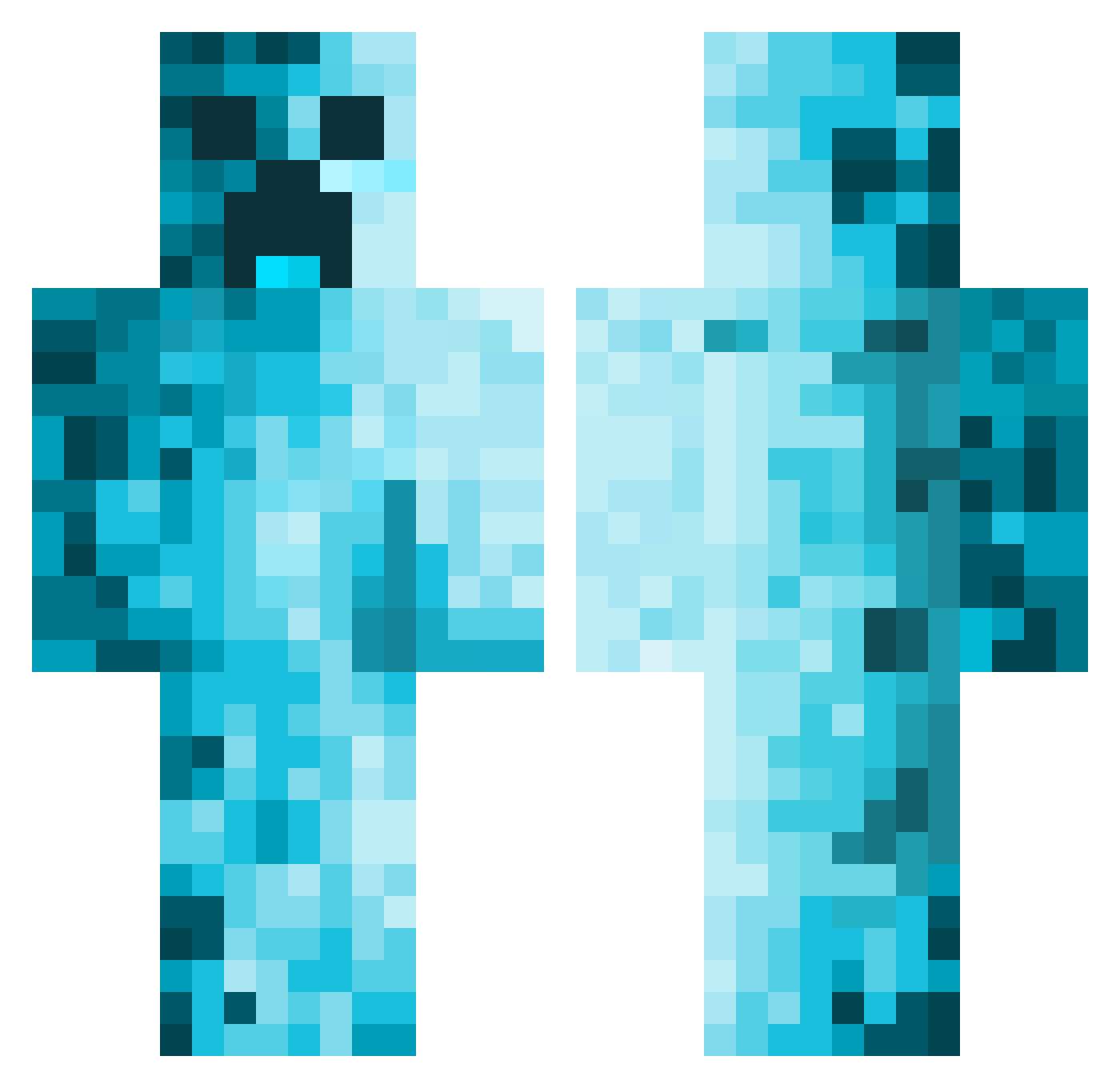
Current Minecraft skin of the player dani_savai, loaded from the official Mojang API. Rotate the 3D model with your mouse or finger, then download the skin as a PNG file and use it in Minecraft: Bedrock Edition or Java Edition for free. When dani_savai changes their skin, this page updates automatically and the old skin stays in the history below.
Other players with this skin (458)
dani_savai was the 287th player we have seen with this skin, first spotted on 19.09.2026. The same skin was seen on these players. Open a nickname to see their current skin and skin history.
 DannyGoatDimes Lightrbandit nightmare200999 Henkka08 Bloopest2 Edis__s karmelo1 ez4rt Toballa03 n3ooob DarkMatter1197 RealMasDog22 tsuQQ finn_orvin VIGEN12 theboiDj Bartolin11 Catbosske MrSaib0t xabx_ Monsteri28 MrStarWars4484 Dove_NEC SoloDrohne Turner1700 MinecraftCreep1 __suluo__ Coolmann257 k0ng_T PurpleCat116 FXYYDS7044 50Rubley whatislife21 Vulpes_macrotis Landi88 CyanideShotgun RobotSimon Yukino_714 alexToTu TheOurs NightRunner_86 UsuallyKinza Piero33 haack313 Giblo007 M1nerva2102 JoelZ1142 Imperiade jorgeju4rez mrloc0 mike0127 Gerard_02 equator1344 Hutch7581 Mww_533 jeffhigga21 DCSIROM Jannik3844 natethegr8202 ByLeonidas
More Creeper Minecraft skins
How to install the dani_savai skin
- Press the Download button above to save the skin as a PNG file.
- Minecraft: Bedrock Edition (PE): open the Dressing Room from the main menu (or tap your character → Edit Character), go to Classic Skins → Owned, press the + (new skin) button, choose the downloaded PNG and pick the Classic (Steve) model. Works on PC and mobile; consoles cannot import custom skins.
- Minecraft: Java Edition: open the Minecraft Launcher, go to the Skins tab, click New Skin, load the PNG, pick the Classic (Steve) model and press Save & Use. You can also upload it at minecraft.net → Profile → Change Skin.
The skin does not show up after import - what should I do?
Restart Minecraft and open the Dressing Room again - imported skins sometimes appear only after a restart. Also make sure you selected the imported skin and picked the Classic (Steve) model.
Which model should I choose, Classic or Slim?
This skin is designed for the Classic (Steve) model. If you pick the wrong model, the arms of the skin will look stretched or squeezed.
Is the skin of dani_savai free to download?
Yes. Press Download, save the PNG file and use it in Minecraft: Bedrock Edition or Java Edition - no payment or registration needed. The skin also works on multiplayer servers and Realms.
More skins
Looking for more? Go back to all Minecraft skins and check the top skins of the week, month and all time, or find any player's skin by nickname.