
crystalxmint - Minecraft Skins & Skin History
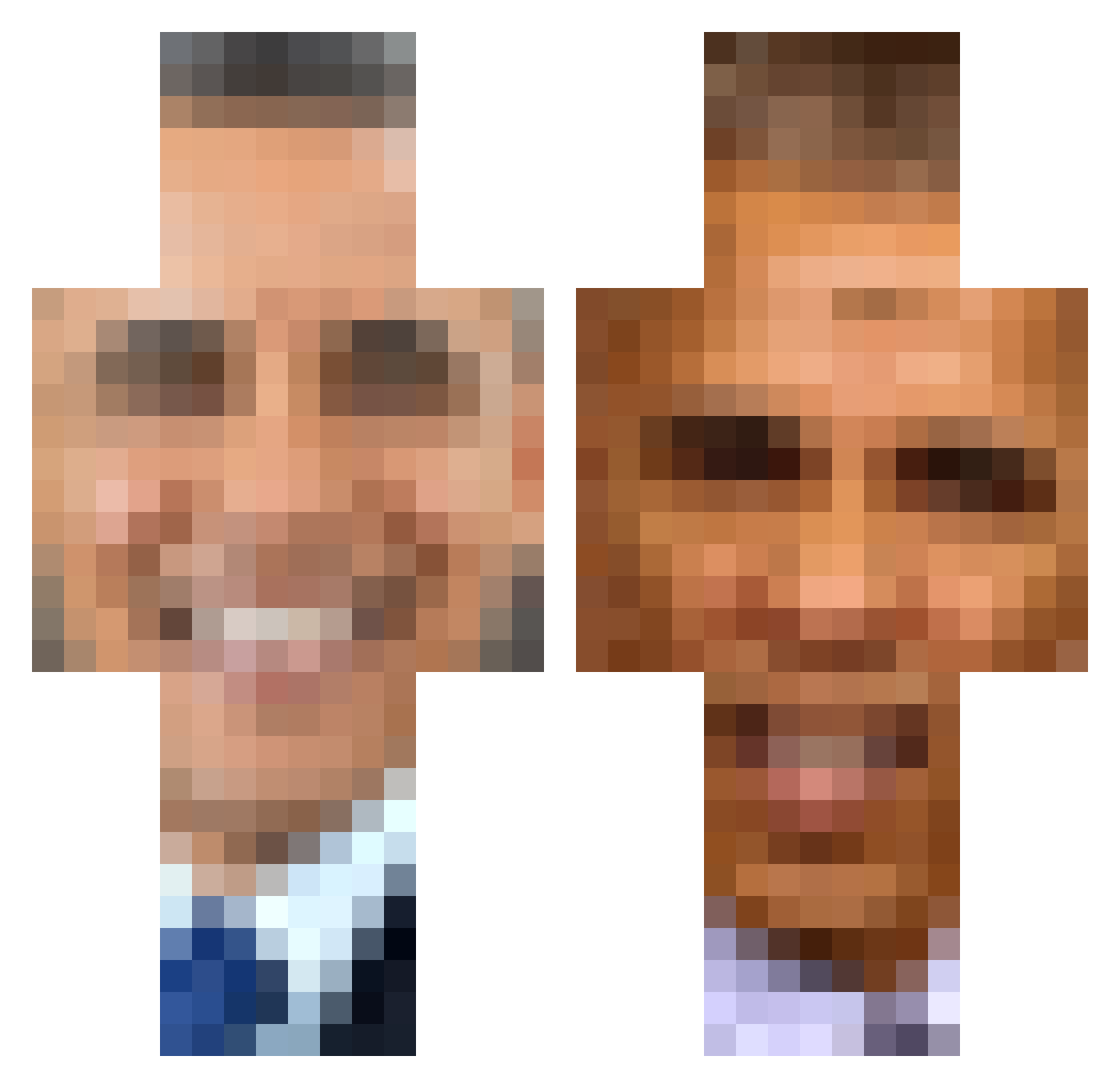
Current Minecraft skin of the player crystalxmint, loaded from the official Mojang API. Rotate the 3D model with your mouse or finger, then download the skin as a PNG file and use it in Minecraft: Bedrock Edition or Java Edition for free. When crystalxmint changes their skin, this page updates automatically and the old skin stays in the history below.
Other players with this skin (389)
crystalxmint was the 38th player we have seen with this skin, first spotted on 03.08.2026. The same skin was seen on these players. Open a nickname to see their current skin and skin history.
 HeyPop RobMan27 top5vibes Aqx109 JuanPhD OMGBHRIS M3SD Daddy_DevitoUwU pwner1523 elyk756 NoperaRL k889 RoninPrime23 murik69 WinterXYZ Noire007 Enoph northzys AustinMate BigHouse69 NLEboykised Cyberze69 SacMaster69 Tochanko 12notb kiri0140 coobbbb rantc12 NUTTLET Mcnavish yashindeed Sameed_ Mansickle12 Simon_90765 Toja__ ChrisBBacon_ eigthnote TCG_Kenshi CreatureDude finalcutgod RatKingXi kirsha_ terry_boychicken BigToughGuy Kickon_ 1999Suburban454 Lyc0z Leberkas96 BarackObama2B2T camthehamm JanFlafster Vize_Exoticz Ben0__0 Jeflex fake_liquids 2inthemorning daddysdingers SaddamHuzze1n Hippie_CzaR wiggle_wobble
More Barack Obama Minecraft skins
See all 259 Barack Obama skins
How to install the crystalxmint skin
- Press the Download button above to save the skin as a PNG file.
- Minecraft: Bedrock Edition (PE): open the Dressing Room from the main menu (or tap your character → Edit Character), go to Classic Skins → Owned, press the + (new skin) button, choose the downloaded PNG and pick the Classic (Steve) model. Works on PC and mobile; consoles cannot import custom skins.
- Minecraft: Java Edition: open the Minecraft Launcher, go to the Skins tab, click New Skin, load the PNG, pick the Classic (Steve) model and press Save & Use. You can also upload it at minecraft.net → Profile → Change Skin.
The skin does not show up after import - what should I do?
Restart Minecraft and open the Dressing Room again - imported skins sometimes appear only after a restart. Also make sure you selected the imported skin and picked the Classic (Steve) model.
Which model should I choose, Classic or Slim?
This skin is designed for the Classic (Steve) model. If you pick the wrong model, the arms of the skin will look stretched or squeezed.
Is the skin of crystalxmint free to download?
Yes. Press Download, save the PNG file and use it in Minecraft: Bedrock Edition or Java Edition - no payment or registration needed. The skin also works on multiplayer servers and Realms.
More skins
Looking for more? Go back to all Minecraft skins and check the top skins of the week, month and all time, or find any player's skin by nickname.