
chloe_0709 - Minecraft Skins & Skin History
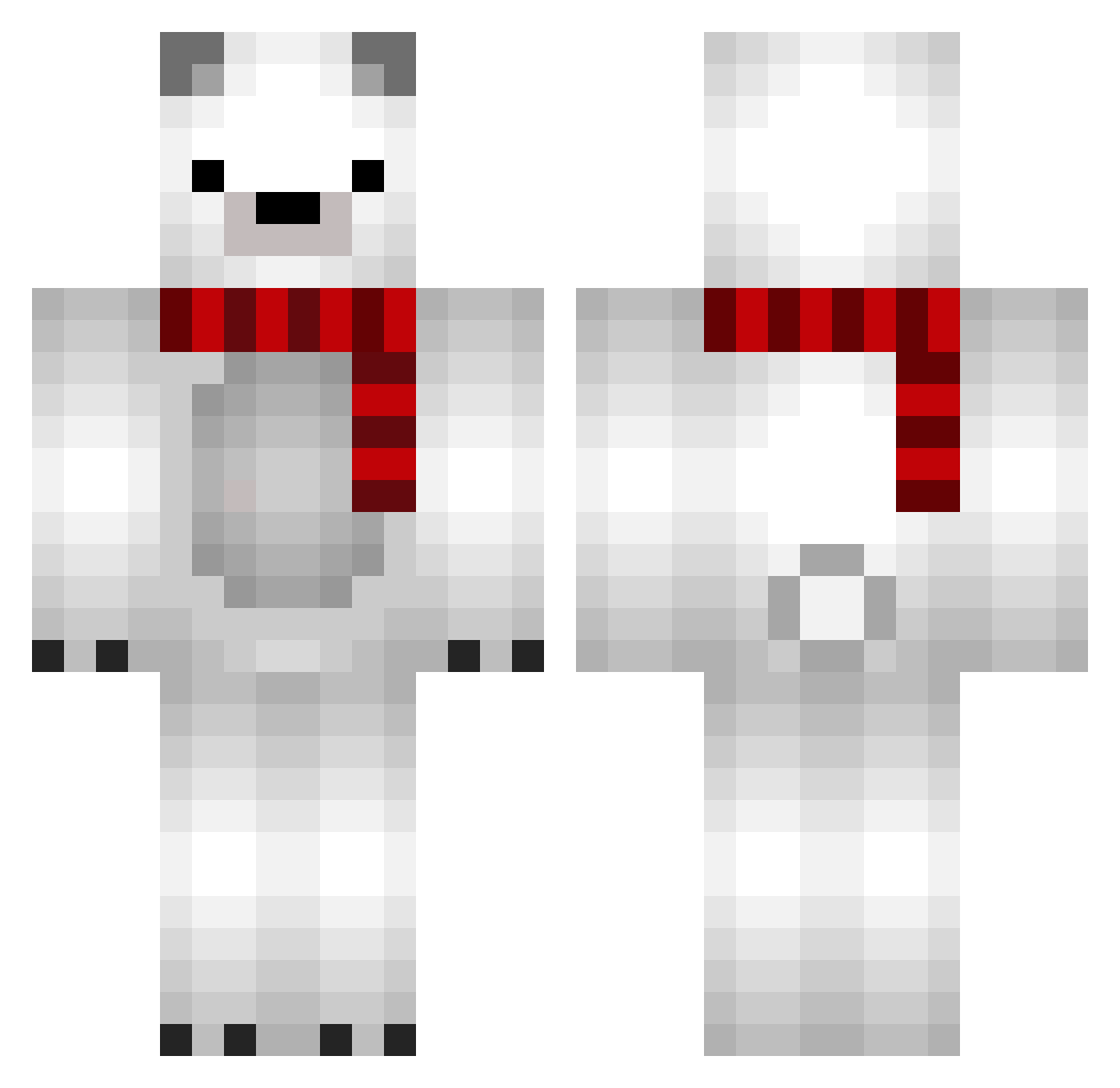
Current Minecraft skin of the player chloe_0709, loaded from the official Mojang API. Rotate the 3D model with your mouse or finger, then download the skin as a PNG file and use it in Minecraft: Bedrock Edition or Java Edition for free. When chloe_0709 changes their skin, this page updates automatically and the old skin stays in the history below.
Other players with this skin (84)
chloe_0709 was the 44th player we have seen with this skin, first spotted on 24.09.2026. The same skin was seen on these players. Open a nickname to see their current skin and skin history.
 HartAtkz RuskBoy TroopHard tepe29 CarterMcCarlson exipresent Punchkin Shadow_mango shanamay5 miki0327 zSkyWiz4rd_ Olfaaa Oddrunn dustable MrABGold 6pm_ MUIMUIMUI 5up4ik Ana_mafia_ pupnol moongodown gaztom KOPOHHbIU Tayber107 Tokitaaaaaaa nicole_21 GameCrup Minecraft_Fred Kerotan2gou nyaaaaaan vhuhu shashosan PeeHee LINHAOTING ay_marsh xeangkerez burn1224 Piiter_ Cakegirl10 Sponge_sakura Enderchicken45 Kadiya taru817 KonmaninEIEI littledonkey m4th_ saywa quadriz Fanila24 samoyedsmile Hina2373 PatoStriker tunderain Raychalle TayberMC Timbin0 UnawarePolarBear Dama200 inugoya15 q28129
More Polar Bear Minecraft skins
How to install the chloe_0709 skin
- Press the Download button above to save the skin as a PNG file.
- Minecraft: Bedrock Edition (PE): open the Dressing Room from the main menu (or tap your character → Edit Character), go to Classic Skins → Owned, press the + (new skin) button, choose the downloaded PNG and pick the Classic (Steve) model. Works on PC and mobile; consoles cannot import custom skins.
- Minecraft: Java Edition: open the Minecraft Launcher, go to the Skins tab, click New Skin, load the PNG, pick the Classic (Steve) model and press Save & Use. You can also upload it at minecraft.net → Profile → Change Skin.
The skin does not show up after import - what should I do?
Restart Minecraft and open the Dressing Room again - imported skins sometimes appear only after a restart. Also make sure you selected the imported skin and picked the Classic (Steve) model.
Which model should I choose, Classic or Slim?
This skin is designed for the Classic (Steve) model. If you pick the wrong model, the arms of the skin will look stretched or squeezed.
Is the skin of chloe_0709 free to download?
Yes. Press Download, save the PNG file and use it in Minecraft: Bedrock Edition or Java Edition - no payment or registration needed. The skin also works on multiplayer servers and Realms.
More skins
Looking for more? Go back to all Minecraft skins and check the top skins of the week, month and all time, or find any player's skin by nickname.