
chengfeng5459 - Minecraft Skins & Skin History
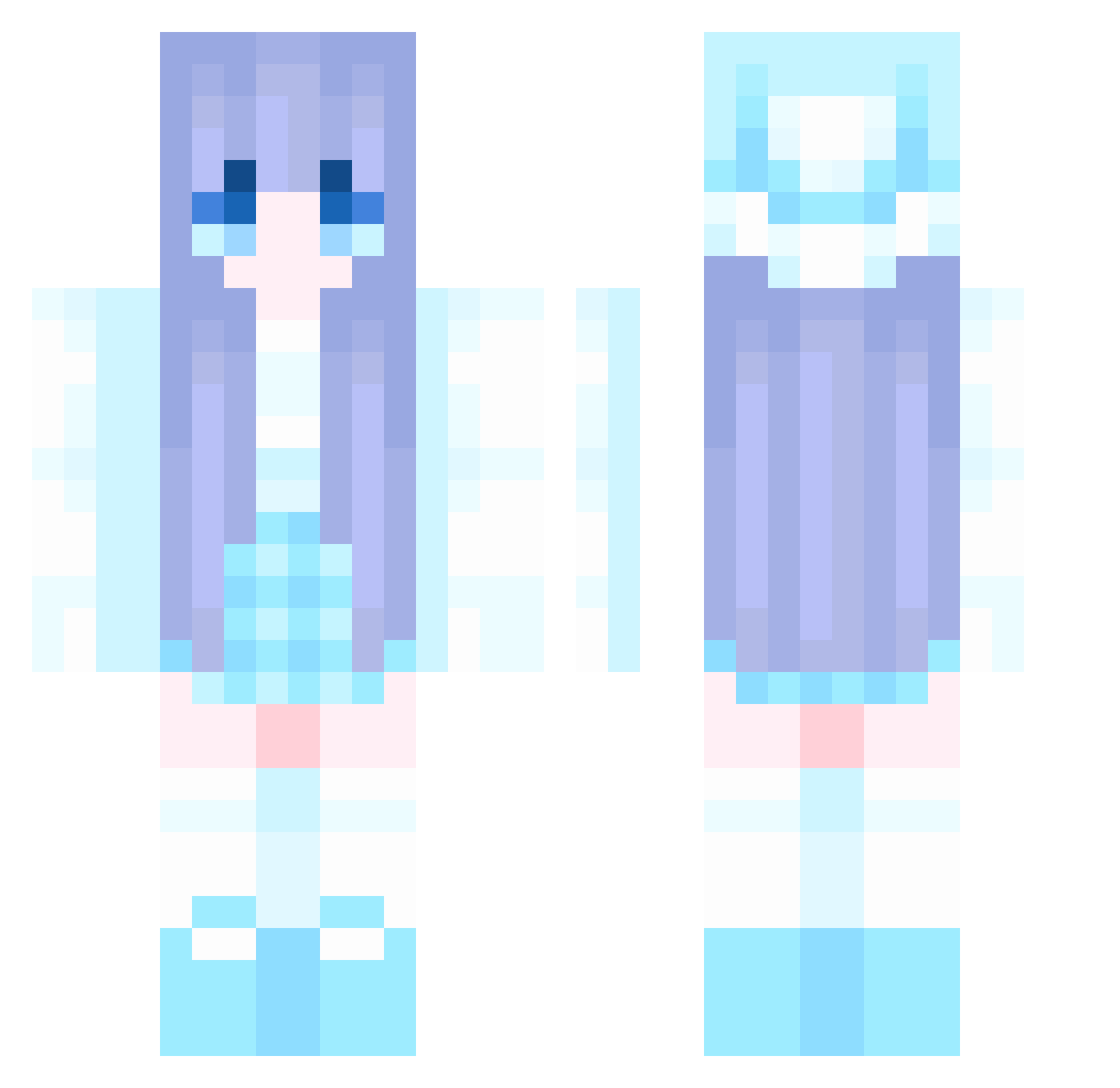
Current Minecraft skin of the player chengfeng5459, loaded from the official Mojang API. Rotate the 3D model with your mouse or finger, then download the skin as a PNG file and use it in Minecraft: Bedrock Edition or Java Edition for free. When chengfeng5459 changes their skin, this page updates automatically and the old skin stays in the history below.
Other players with this skin (1044)
chengfeng5459 was the 773rd player we have seen with this skin, first spotted on 10.10.2026. The same skin was seen on these players. Open a nickname to see their current skin and skin history.
 zyc341 aishaqq Anneliese6829 xian1045 Nunu15 shik02 bloodspeed EnoyYueSG LogyFish7 AILINI13 qig574 PureShadow78 Selenanananan mocigo CaoLiu668 shalnc Xelo_Dreamer hanbin1234 nanli937 RunFree666 Legends_086 happyhahi FCTYE Ligeia88 eqwrda JagodowyPaczek Fallen1x huo456 BAIKAIS farmer369 FrederickFazbalz Themen_ chen200204 WestWind2024 40ss Foronly alnner Frostiepop878 Overtone001 Himlet _0x07 Rosina50 muyuOvO _LonelyQAQ_ jiaotangmojito Tygrysica123 tim_hahaha Ately vallo0202 Orangezzi SUWON129 xmacy530 xing721 Flygplats JKathler LunaCristal susu_1234 Puschel015 chiroqua 191732
More Winter Minecraft skins
How to install the chengfeng5459 skin
- Press the Download button above to save the skin as a PNG file.
- Minecraft: Bedrock Edition (PE): open the Dressing Room from the main menu (or tap your character → Edit Character), go to Classic Skins → Owned, press the + (new skin) button, choose the downloaded PNG and pick the Classic (Steve) model. Works on PC and mobile; consoles cannot import custom skins.
- Minecraft: Java Edition: open the Minecraft Launcher, go to the Skins tab, click New Skin, load the PNG, pick the Classic (Steve) model and press Save & Use. You can also upload it at minecraft.net → Profile → Change Skin.
The skin does not show up after import - what should I do?
Restart Minecraft and open the Dressing Room again - imported skins sometimes appear only after a restart. Also make sure you selected the imported skin and picked the Classic (Steve) model.
Which model should I choose, Classic or Slim?
This skin is designed for the Classic (Steve) model. If you pick the wrong model, the arms of the skin will look stretched or squeezed.
Is the skin of chengfeng5459 free to download?
Yes. Press Download, save the PNG file and use it in Minecraft: Bedrock Edition or Java Edition - no payment or registration needed. The skin also works on multiplayer servers and Realms.
More skins
Looking for more? Go back to all Minecraft skins and check the top skins of the week, month and all time, or find any player's skin by nickname.