
carier55 - Minecraft Skins & Skin History
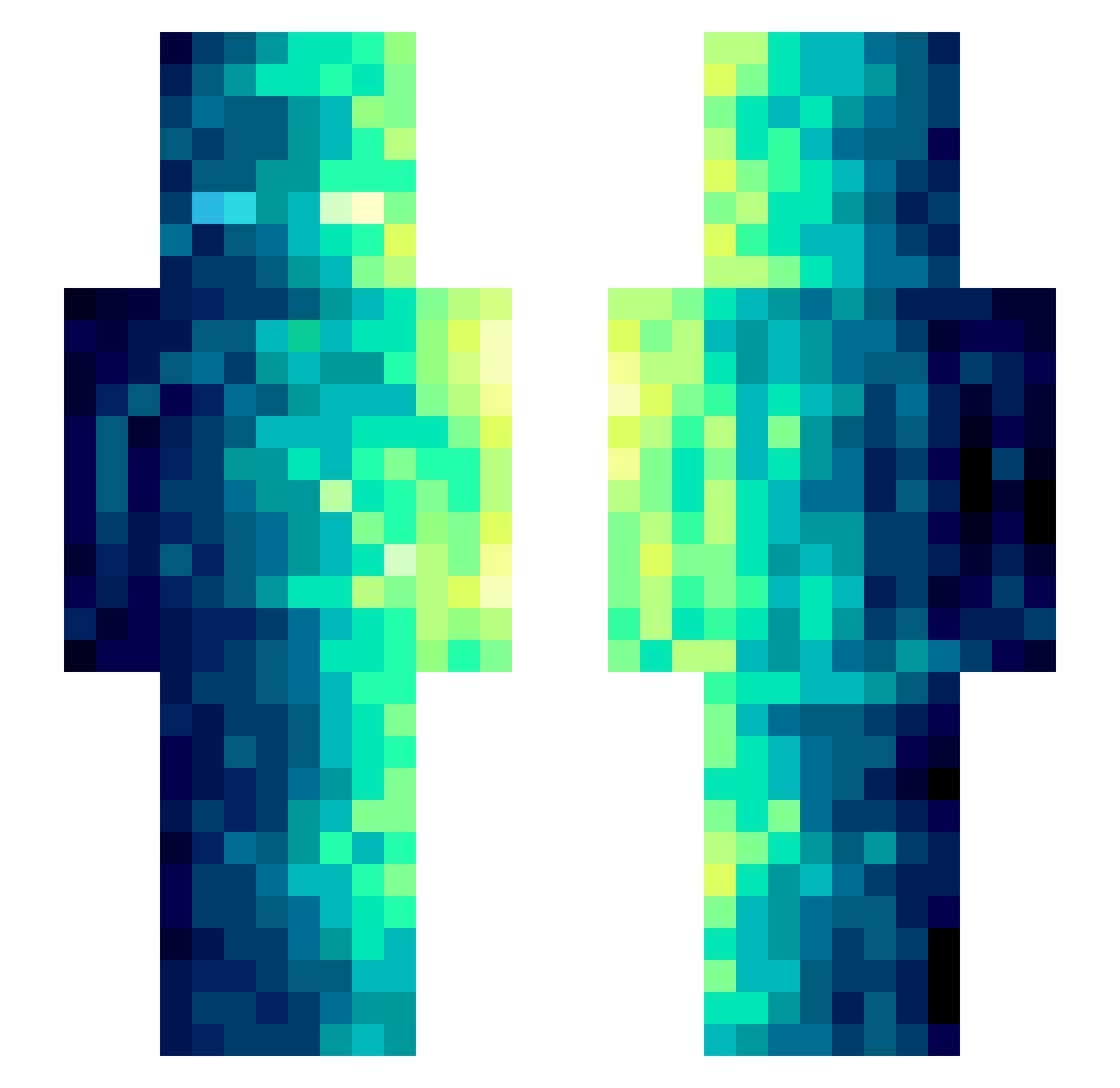
Current Minecraft skin of the player carier55, loaded from the official Mojang API. Rotate the 3D model with your mouse or finger, then download the skin as a PNG file and use it in Minecraft: Bedrock Edition or Java Edition for free. When carier55 changes their skin, this page updates automatically and the old skin stays in the history below.
Other players with this skin (489)
carier55 was the 222nd player we have seen with this skin, first spotted on 16.09.2026. The same skin was seen on these players. Open a nickname to see their current skin and skin history.
 McCookies Cinque27 Leejungwooyo GeorgeBA leeyumin0916 cringey123 BackpulverBanane SFGFD kaka205 HighGamer20 dektembuel aQuaz__5 Le_Couillon1736 Realterial LostPawn Andyyyds666 Unicode267 carol20258 bingosim mqsshu zhuyiZY Kairti lSinaps lll_lil Terburonet Enarei Hol7i JelyBelly David_Harbour M0dilin BiliBili_2211443 bao56 jamim1234 Saarski Harshblunts sss1107 BoyishCharms B4xZ Draught_ks gwansu111 StoredSaturn418 MuLLer1 _9YNo6 hhelium3 MSYsssss Se7enTeK Dougzter_ RageLlama123 Vega7 yj061012 Aragon213 Bratishka3351 AwesomeGuyZA G191l Foxilaz ShinHate ZombieOutRunner JACOB0O0
 hero2013cv phxntxmm
How to install the carier55 skin
- Press the Download button above to save the skin as a PNG file.
- Minecraft: Bedrock Edition (PE): open the Dressing Room from the main menu (or tap your character → Edit Character), go to Classic Skins → Owned, press the + (new skin) button, choose the downloaded PNG and pick the Slim (Alex) model. Works on PC and mobile; consoles cannot import custom skins.
- Minecraft: Java Edition: open the Minecraft Launcher, go to the Skins tab, click New Skin, load the PNG, pick the Slim (Alex) model and press Save & Use. You can also upload it at minecraft.net → Profile → Change Skin.
The skin does not show up after import - what should I do?
Restart Minecraft and open the Dressing Room again - imported skins sometimes appear only after a restart. Also make sure you selected the imported skin and picked the Slim (Alex) model.
Which model should I choose, Classic or Slim?
This skin is designed for the Slim (Alex) model. If you pick the wrong model, the arms of the skin will look stretched or squeezed.
Is the skin of carier55 free to download?
Yes. Press Download, save the PNG file and use it in Minecraft: Bedrock Edition or Java Edition - no payment or registration needed. The skin also works on multiplayer servers and Realms.
More skins
Looking for more? Go back to all Minecraft skins and check the top skins of the week, month and all time, or find any player's skin by nickname.