
capi_Niklas - Minecraft Skins & Skin History
Current Minecraft skin of the player capi_Niklas, loaded from the official Mojang API. Rotate the 3D model with your mouse or finger, then download the skin as a PNG file and use it in Minecraft: Bedrock Edition or Java Edition for free. When capi_Niklas changes their skin, this page updates automatically and the old skin stays in the history below.
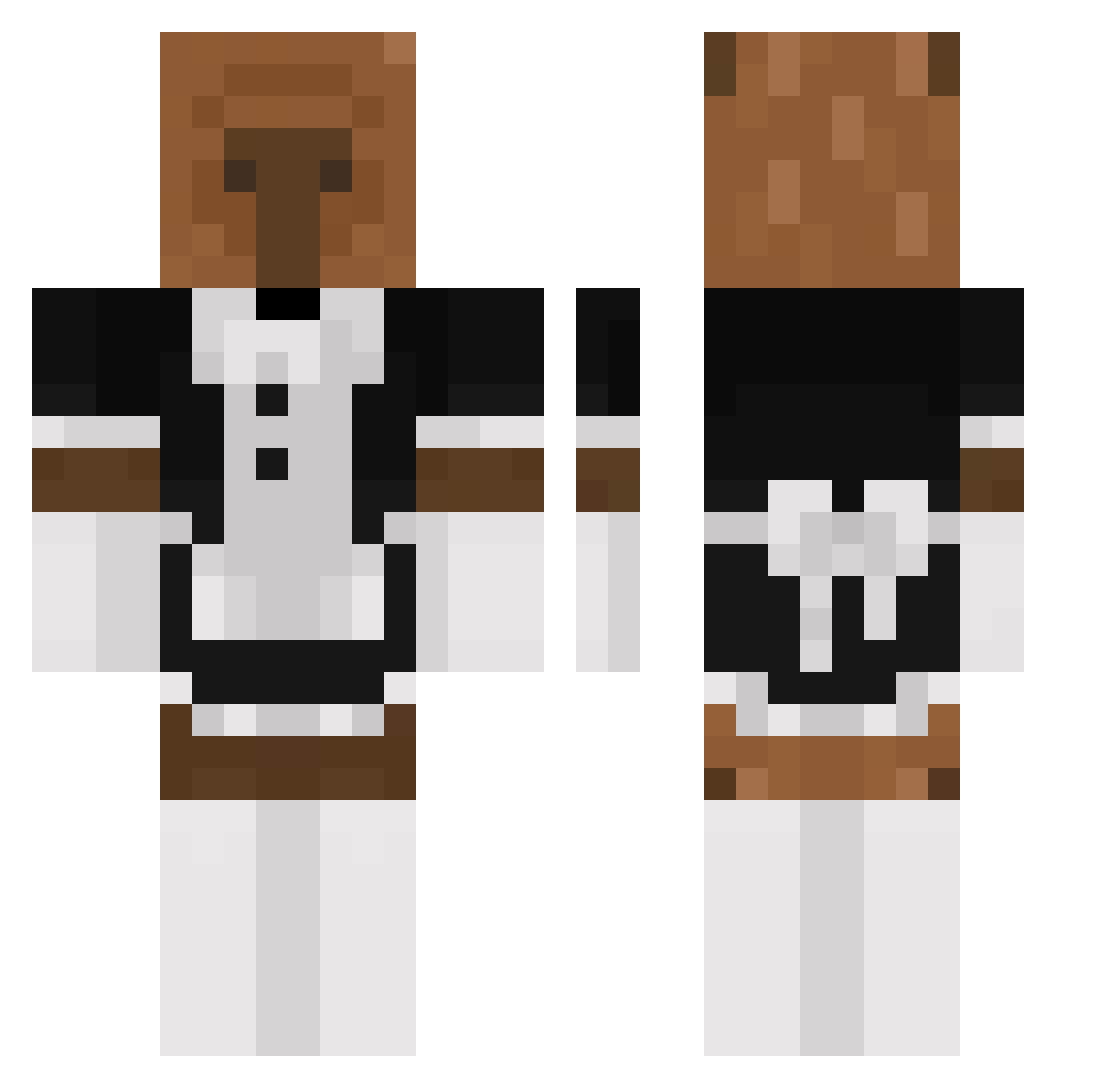
Other players with this skin (240)
capi_Niklas was the 26th player we have seen with this skin, first spotted on 08.08.2026. The same skin was seen on these players. Open a nickname to see their current skin and skin history.
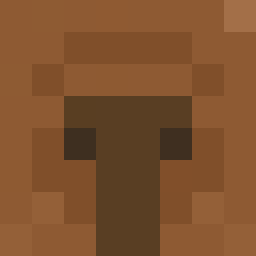 Eaimiano Rizzztopher DritterKeks cheboss Huyth56 J2ma ColbiNater69 MarkTheBBBOOOYYY Havey25 giansp04 rAvEtRaCinG PeterliebtSascha BlackAndWhite_MH AKIHI014 blurryskiess Waaaaaaaa4 Coxinha156 bigboogi Antonette777 Gurkvatten ch3rcash HarDCorEGameR677 Catszilla jonooooooo capybara02 c0astyy Gomer4ek itsamedionel huklajak revilox14 LmnoP3367 Ajuao Topa_ CheongAlice_01 Oliver2042 Xanthen0 GoofyGoober27 2dre6an BIOGRAFADO1 Fuurieki untolqse
 Softboi123 MCS_DK BuleczkaV8 beymax73 Exp1ze Saulhv2106 beetlebeatt Plinto_1207 CrownBeef Suffocateee Asstaa Ruzkass riendos SimpDeSimp jose2143 Nalusss iotablade Stolby 1MagicFox1
More Bear Minecraft skins
How to install the capi_Niklas skin
- Press the Download button above to save the skin as a PNG file.
- Minecraft: Bedrock Edition (PE): open the Dressing Room from the main menu (or tap your character → Edit Character), go to Classic Skins → Owned, press the + (new skin) button, choose the downloaded PNG and pick the Classic (Steve) model. Works on PC and mobile; consoles cannot import custom skins.
- Minecraft: Java Edition: open the Minecraft Launcher, go to the Skins tab, click New Skin, load the PNG, pick the Classic (Steve) model and press Save & Use. You can also upload it at minecraft.net → Profile → Change Skin.
The skin does not show up after import - what should I do?
Restart Minecraft and open the Dressing Room again - imported skins sometimes appear only after a restart. Also make sure you selected the imported skin and picked the Classic (Steve) model.
Which model should I choose, Classic or Slim?
This skin is designed for the Classic (Steve) model. If you pick the wrong model, the arms of the skin will look stretched or squeezed.
Is the skin of capi_Niklas free to download?
Yes. Press Download, save the PNG file and use it in Minecraft: Bedrock Edition or Java Edition - no payment or registration needed. The skin also works on multiplayer servers and Realms.
More skins
Looking for more? Go back to all Minecraft skins and check the top skins of the week, month and all time, or find any player's skin by nickname.