
 Kas1a Owneki Donchikk ballsnowman Get_Shrekked ILIKECAPYBARAS coisits ReeduxZx conjogo _iBruh_ fearfulxt clax2200 LotionCrust beccaboi habib_THE_goat idna420 MCS_DK KyCat YeePlazs kilejo_06 H3raX PakayDeChips egg_man33 Missyzin ImCattus ImHery 6Oki6 u4der GYUN0523 oedemAmedeo TheProx27 DbashYT AlexMacentaidosa Florafal Ballet1776 vskyber MdotC dashodie T0FU26 SebasIsKING reib5x MorcillaMurciana Denchik_Meow CclAuDiAaA xX_MILKSLAYER_Xx Exp1ze Oliver2042 Catszilla Expensivily kitcaterina Ramz1k Nalusss Xxx_TOPA_xxX claudio_roco nickibill IceStorm313 whalerun Bunkfeet Fuurieki DaddyShaun
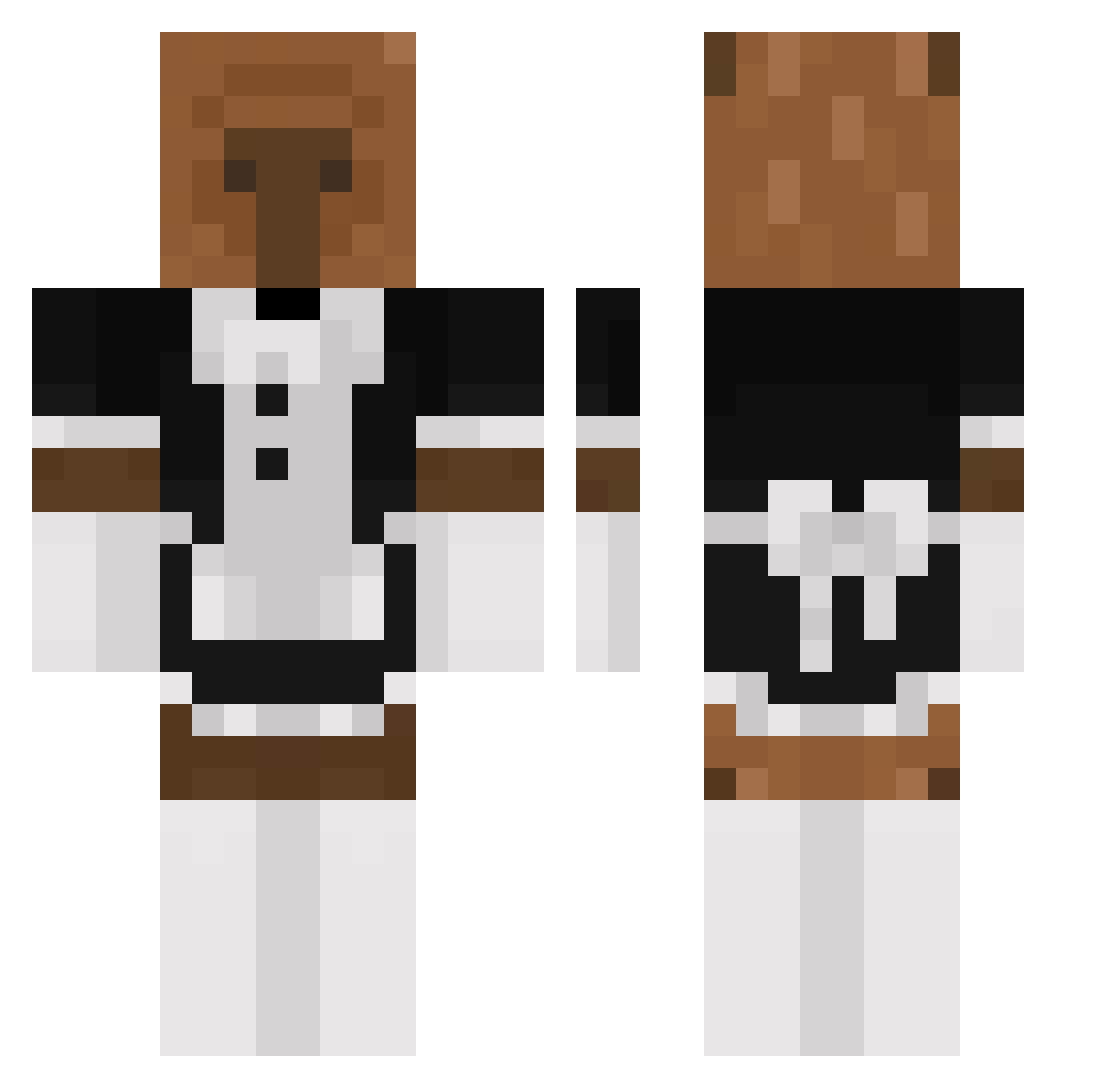
Minecraft skin of li52oe. Rotate the 3D model with your mouse or finger to view the skin from every angle, then download it as a PNG file and use it in Minecraft: Bedrock Edition or Java Edition for free. Rate the skin with stars to help other players find the best skins in our collection.
How to install the li52oe skin
- Press the Download button above to save the skin as a PNG file.
- Minecraft: Bedrock Edition (PE): open the Dressing Room from the main menu (or tap your character → Edit Character), go to Classic Skins → Owned, press the + (new skin) button, choose the downloaded PNG and pick the Classic (Steve) model. Works on PC and mobile; consoles cannot import custom skins.
- Minecraft: Java Edition: open the Minecraft Launcher, go to the Skins tab, click New Skin, load the PNG, pick the Classic (Steve) model and press Save & Use. You can also upload it at minecraft.net → Profile → Change Skin.
The skin does not show up after import - what should I do?
Restart Minecraft and open the Dressing Room again - imported skins sometimes appear only after a restart. Also make sure you selected the imported skin and picked the Classic (Steve) model.
Which model should I choose, Classic or Slim?
This skin is designed for the Classic (Steve) model. If you pick the wrong model, the arms of the skin will look stretched or squeezed.
Is this skin free to use?
Yes. Press Download, save the PNG file and use it in Minecraft: Bedrock Edition or Java Edition - no payment or registration needed. The skin also works on multiplayer servers and Realms.
More Bear Minecraft skins
More skins
Looking for more? Go back to all Minecraft skins and check the top skins of the week, month and all time, or find any player's skin by nickname.