
brunettesprinkls - Minecraft Skins & Skin History
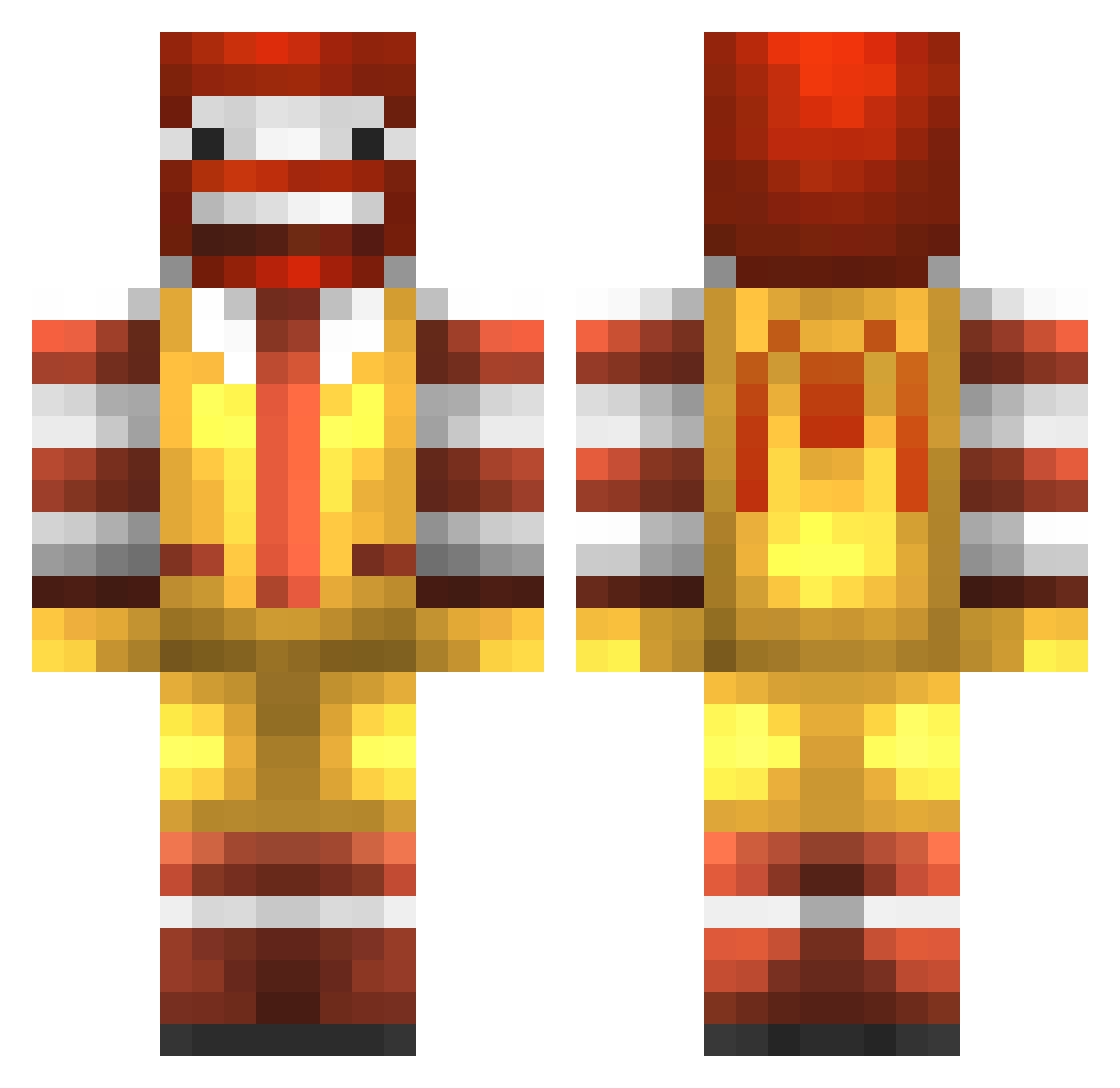
Current Minecraft skin of the player brunettesprinkls, loaded from the official Mojang API. Rotate the 3D model with your mouse or finger, then download the skin as a PNG file and use it in Minecraft: Bedrock Edition or Java Edition for free. When brunettesprinkls changes their skin, this page updates automatically and the old skin stays in the history below.
Other players with this skin (777)
brunettesprinkls was the 362nd player we have seen with this skin, first spotted on 06.09.2026. The same skin was seen on these players. Open a nickname to see their current skin and skin history.
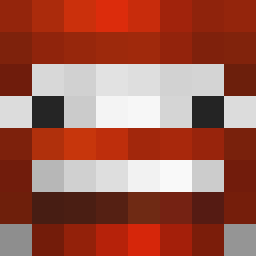 This_brah armadiller04 Maysty tomekgoalie EPICxKayz JonasGustav1 xiclanero kingramaj nutty55 willstaley texasboy08 philippe03800 KnotFest McBigD1ck Flaccid_Salad Stuundy Donnie112 Parker92FOOL justinlubitz2012 sebgu mmsjk Bramproskilled Ruimonteiro12 Intertayne haohaochao TheMythicalCreep DannyBrick Finnbrue FootMan27 filipinophenom ben1o josabelle RonaldmcawsomeYT FelipeAutopsy PeanutButterKid2 Nitron26 Earwene kiwix sausymayo ToxicLimitz raidhu dillandthompson mocnwalker hadypali i8m hobbit4904 Beast_Face RonaIdMcDonald_ Delphyne_ Futuraman TheGamingHair_HD tomykong EliottSt HyperWolfMan99 john_nvs Macho_Peas TimmyShain jch1234 B3nkei Anthony_Antonio
More Ronald Mcdonald Minecraft skins
See all 126 Ronald Mcdonald skins
How to install the brunettesprinkls skin
- Press the Download button above to save the skin as a PNG file.
- Minecraft: Bedrock Edition (PE): open the Dressing Room from the main menu (or tap your character → Edit Character), go to Classic Skins → Owned, press the + (new skin) button, choose the downloaded PNG and pick the Classic (Steve) model. Works on PC and mobile; consoles cannot import custom skins.
- Minecraft: Java Edition: open the Minecraft Launcher, go to the Skins tab, click New Skin, load the PNG, pick the Classic (Steve) model and press Save & Use. You can also upload it at minecraft.net → Profile → Change Skin.
The skin does not show up after import - what should I do?
Restart Minecraft and open the Dressing Room again - imported skins sometimes appear only after a restart. Also make sure you selected the imported skin and picked the Classic (Steve) model.
Which model should I choose, Classic or Slim?
This skin is designed for the Classic (Steve) model. If you pick the wrong model, the arms of the skin will look stretched or squeezed.
Is the skin of brunettesprinkls free to download?
Yes. Press Download, save the PNG file and use it in Minecraft: Bedrock Edition or Java Edition - no payment or registration needed. The skin also works on multiplayer servers and Realms.
More skins
Looking for more? Go back to all Minecraft skins and check the top skins of the week, month and all time, or find any player's skin by nickname.