
bouncingrabbit - Minecraft Skins & Skin History
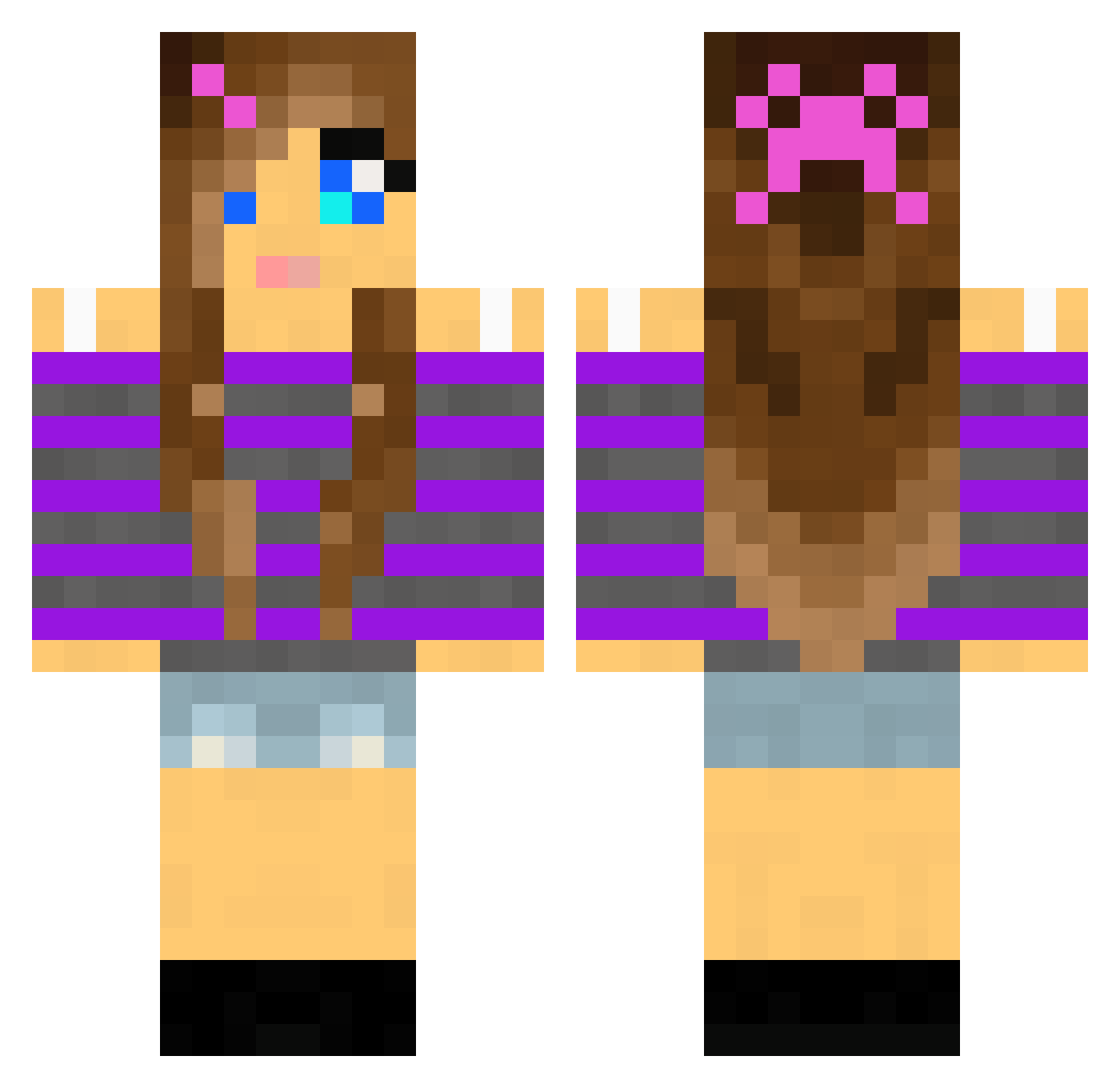
Current Minecraft skin of the player bouncingrabbit, loaded from the official Mojang API. Rotate the 3D model with your mouse or finger, then download the skin as a PNG file and use it in Minecraft: Bedrock Edition or Java Edition for free. When bouncingrabbit changes their skin, this page updates automatically and the old skin stays in the history below.
Other players with this skin (2168)
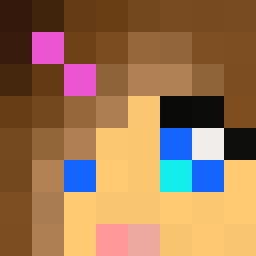
bouncingrabbit was the 2084th player we have seen with this skin, first spotted on 06.11.2026. The same skin was seen on these players. Open a nickname to see their current skin and skin history.
 snuffy28 ShayShayM23 Lauryn_Isaac red1233 ghengis774 BreezyBree Daisy636 MissLaura86 morganrucker nicostar12 willowpops gnomieroller emmy258 holyroller795 diamondgirl12121 twitt274 Beth28 Heltborg400 Jimi_2002 justthatcraft guineapig7889 ellaf1 NinaNat83 ul12345 CookieKittyLove7 morganlouise10 z00b700 lajlat laura776 ccope10 cspunk remipeck Eli__1 QueenNeenie hannahbanana16 kieltm Michelle31 TroubledAngel Icamys ddcocoa Rindaa jposey112 g1g2g3g4 Echo298 magnuskjaer LOVE035 Misu00 Thimaja Moongirl8 Bluediamondbaby LundMikkel stzgirl militaryangel SimpleMine101 Wedge2003 camryn07 KaileyFace talmai Kwiatek1215 PrincessCupcake3
More Girl Minecraft skins
How to install the bouncingrabbit skin
- Press the Download button above to save the skin as a PNG file.
- Minecraft: Bedrock Edition (PE): open the Dressing Room from the main menu (or tap your character → Edit Character), go to Classic Skins → Owned, press the + (new skin) button, choose the downloaded PNG and pick the Classic (Steve) model. Works on PC and mobile; consoles cannot import custom skins.
- Minecraft: Java Edition: open the Minecraft Launcher, go to the Skins tab, click New Skin, load the PNG, pick the Classic (Steve) model and press Save & Use. You can also upload it at minecraft.net → Profile → Change Skin.
The skin does not show up after import - what should I do?
Restart Minecraft and open the Dressing Room again - imported skins sometimes appear only after a restart. Also make sure you selected the imported skin and picked the Classic (Steve) model.
Which model should I choose, Classic or Slim?
This skin is designed for the Classic (Steve) model. If you pick the wrong model, the arms of the skin will look stretched or squeezed.
Is the skin of bouncingrabbit free to download?
Yes. Press Download, save the PNG file and use it in Minecraft: Bedrock Edition or Java Edition - no payment or registration needed. The skin also works on multiplayer servers and Realms.
More skins
Looking for more? Go back to all Minecraft skins and check the top skins of the week, month and all time, or find any player's skin by nickname.