
bobbler22 - Minecraft Skins & Skin History
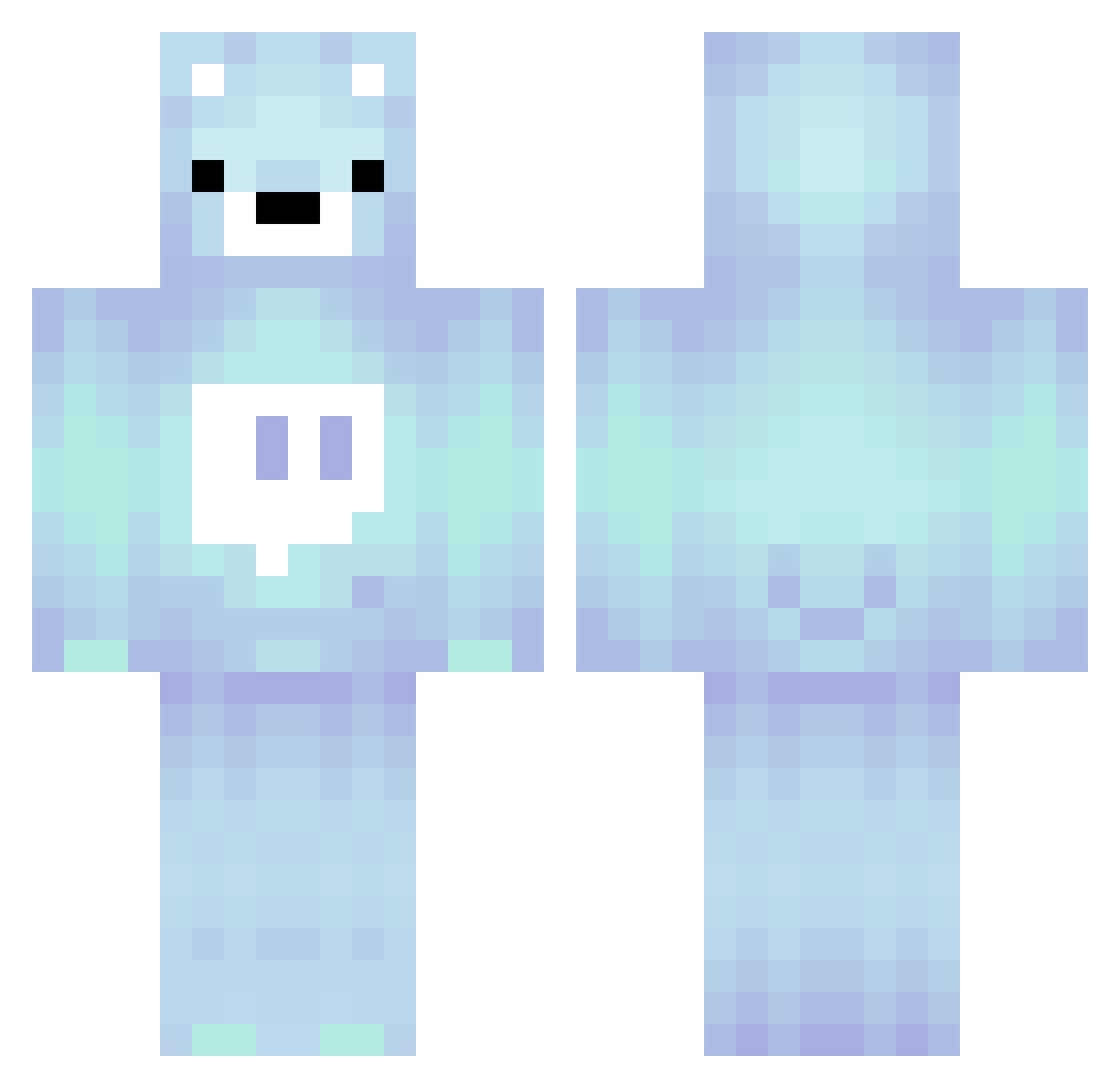
Current Minecraft skin of the player bobbler22, loaded from the official Mojang API. Rotate the 3D model with your mouse or finger, then download the skin as a PNG file and use it in Minecraft: Bedrock Edition or Java Edition for free. When bobbler22 changes their skin, this page updates automatically and the old skin stays in the history below.
Other players with this skin (280)
bobbler22 was the 155th player we have seen with this skin, first spotted on 01.10.2026. The same skin was seen on these players. Open a nickname to see their current skin and skin history.
 ajbmaster1000 Deadender216 Mr_fed gaju__ M12x juicy0925 CausingCafe798 Jeongjae1004 Humzy7 patiz02 matsu0128 SVIVER124 SneakyDanny208 Jongjam sonicdashliam KRRISHRS08 ekxp lenalenalena wjdwodhks CoolOC9094 NoScopeErick sebkri hOLENdrecht kneennuh KidMemer LumoLOL Rosalind515 Ernestorius NotWallibear Obezyana93 RiotLad Sampow11 Chick3n26 Beegloos Itz_lucass lollypopboii Miracle0317 M11012 martaiivan86 hellomentor DaddyClapzClaps vynxbn BareBlu Wyke837 joelleypoop BestBr0s owl64 handsome_pig Kebsterr09 Not_Wallibear Logicielvr AnakinCrpWalker iM_ay Waitingnick12 _qwq_1 cxred12 BuddyR BumsMaschine CLuTCH_ASHT0N KiviliJackDaniel
More Bear Minecraft skins
How to install the bobbler22 skin
- Press the Download button above to save the skin as a PNG file.
- Minecraft: Bedrock Edition (PE): open the Dressing Room from the main menu (or tap your character → Edit Character), go to Classic Skins → Owned, press the + (new skin) button, choose the downloaded PNG and pick the Classic (Steve) model. Works on PC and mobile; consoles cannot import custom skins.
- Minecraft: Java Edition: open the Minecraft Launcher, go to the Skins tab, click New Skin, load the PNG, pick the Classic (Steve) model and press Save & Use. You can also upload it at minecraft.net → Profile → Change Skin.
The skin does not show up after import - what should I do?
Restart Minecraft and open the Dressing Room again - imported skins sometimes appear only after a restart. Also make sure you selected the imported skin and picked the Classic (Steve) model.
Which model should I choose, Classic or Slim?
This skin is designed for the Classic (Steve) model. If you pick the wrong model, the arms of the skin will look stretched or squeezed.
Is the skin of bobbler22 free to download?
Yes. Press Download, save the PNG file and use it in Minecraft: Bedrock Edition or Java Edition - no payment or registration needed. The skin also works on multiplayer servers and Realms.
More skins
Looking for more? Go back to all Minecraft skins and check the top skins of the week, month and all time, or find any player's skin by nickname.