
 k_1s SkxrmishOCE JackTu gonghao007 PombrMaci _nxth _Walli_XD_Bear_ Sixten_ Shadow_BG LayTonxx42 kendrickthegoat Jaseeny Ghockey34 BreakawayAunt48 ShumweelXLucifer kamolamo MisterIvan_MT Vincia98 skycreek NemuiOyasumi slouter228 geraldus06fr Unknown_Spencer KR_CYS Coolmaster6474 uqks RedstonePro76 nephariuss wallifan Alchemuls EightShark29393 TBNRfreind emptydeath studio_sync RNG7 koukokko fluffydumpling1 TL_Shiiko TarnishedHopes Ayana2002 technoneverdiezx Liam_Andres Hixihix2511 snake_oiler Moody2k1 Saim9 TabbyCabbage121 Skropy GucciCanibal MariusPopkorn MirekLLLLugowski RefreshMe funnymc957 T4marindoi Hongjae_95 Douglas200434 games202472 Simix47 NilsnerPilsner Prankster_101
Minecraft skin of oKernelo. Rotate the 3D model with your mouse or finger to view the skin from every angle, then download it as a PNG file and use it in Minecraft: Bedrock Edition or Java Edition for free. Rate the skin with stars to help other players find the best skins in our collection.
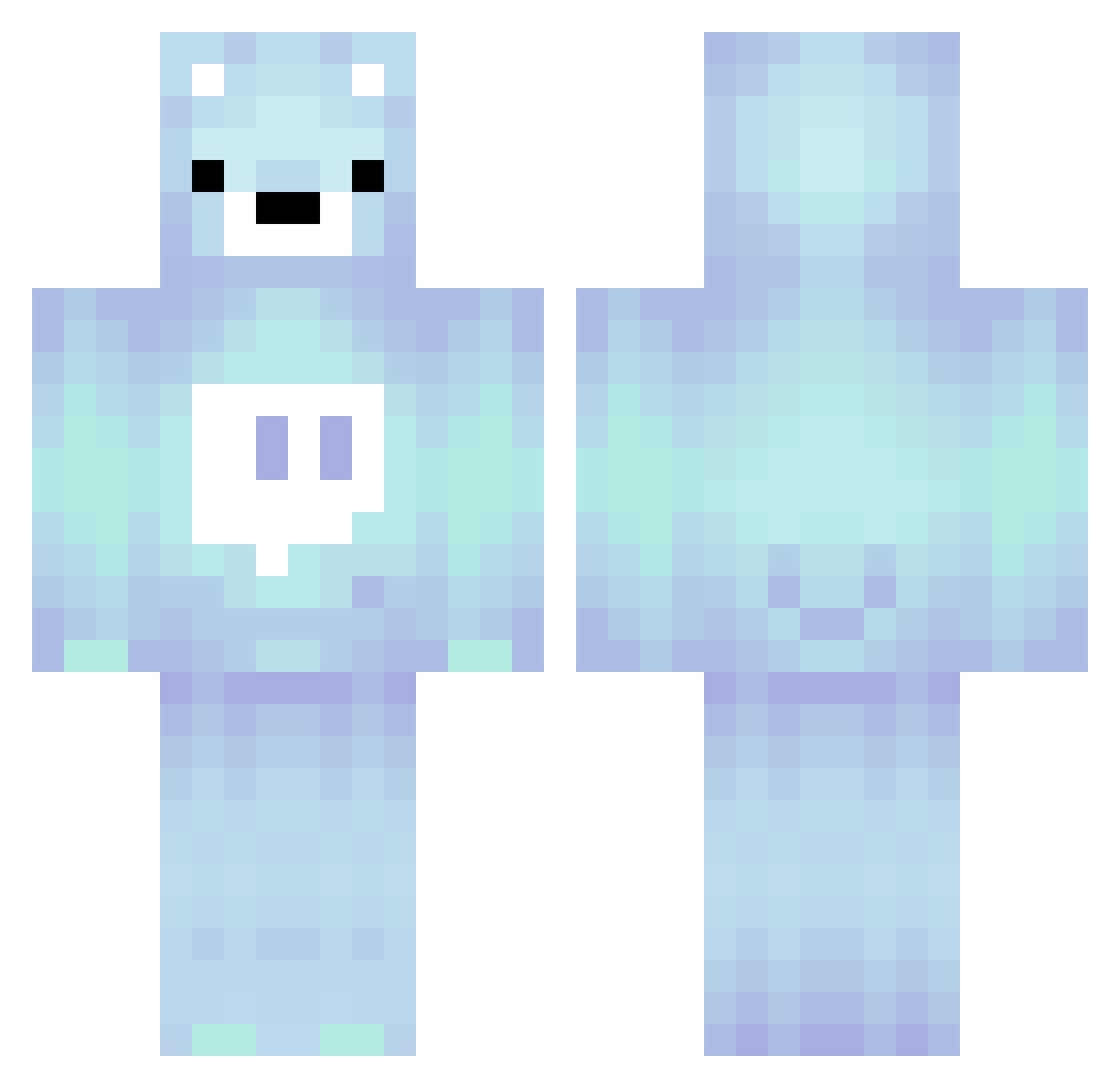
How to install the oKernelo skin
- Press the Download button above to save the skin as a PNG file.
- Minecraft: Bedrock Edition (PE): open the Dressing Room from the main menu (or tap your character → Edit Character), go to Classic Skins → Owned, press the + (new skin) button, choose the downloaded PNG and pick the Classic (Steve) model. Works on PC and mobile; consoles cannot import custom skins.
- Minecraft: Java Edition: open the Minecraft Launcher, go to the Skins tab, click New Skin, load the PNG, pick the Classic (Steve) model and press Save & Use. You can also upload it at minecraft.net → Profile → Change Skin.
The skin does not show up after import - what should I do?
Restart Minecraft and open the Dressing Room again - imported skins sometimes appear only after a restart. Also make sure you selected the imported skin and picked the Classic (Steve) model.
Which model should I choose, Classic or Slim?
This skin is designed for the Classic (Steve) model. If you pick the wrong model, the arms of the skin will look stretched or squeezed.
Is this skin free to use?
Yes. Press Download, save the PNG file and use it in Minecraft: Bedrock Edition or Java Edition - no payment or registration needed. The skin also works on multiplayer servers and Realms.
More Bear Minecraft skins
More skins
Looking for more? Go back to all Minecraft skins and check the top skins of the week, month and all time, or find any player's skin by nickname.