
bilif - Minecraft Skins & Skin History
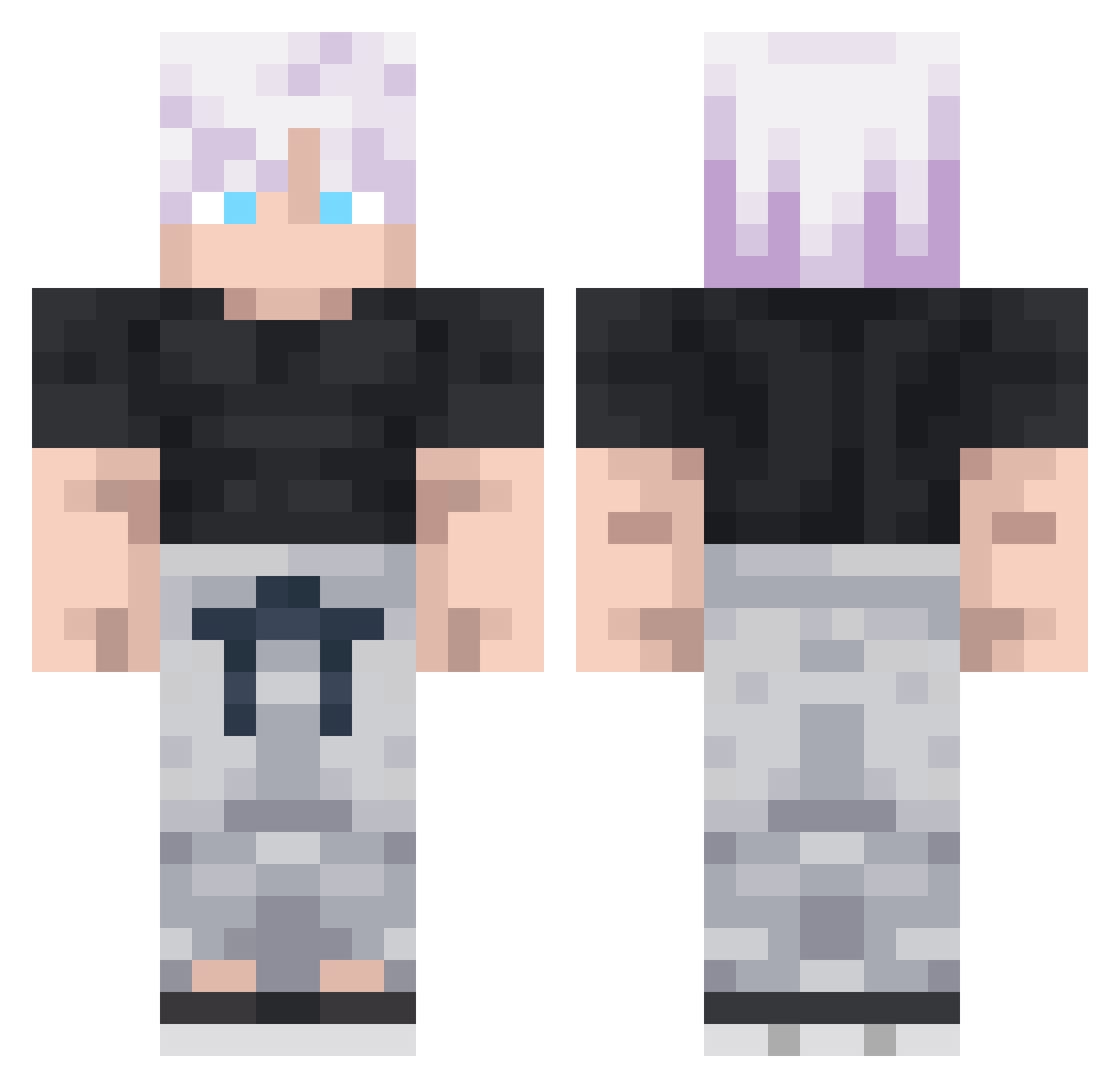
Current Minecraft skin of the player bilif, loaded from the official Mojang API. Rotate the 3D model with your mouse or finger, then download the skin as a PNG file and use it in Minecraft: Bedrock Edition or Java Edition for free. When bilif changes their skin, this page updates automatically and the old skin stays in the history below.
Other players with this skin (292)
bilif was the 262nd player we have seen with this skin, first spotted on 22.10.2026. The same skin was seen on these players. Open a nickname to see their current skin and skin history.
 Alex05p Tacolokote Imd4ku winternoel0 grusha54 adidasblak2 thqol cactus1569 Pratoykuhgu26 MarioMecha aziide gogobon lagoon7 Odif30 bdeathninja sansiu Constantinos15 CYBERFROMWORLD dieu_perceval Ecolai LuukeTLG LilZIko raveIclL6zAE weskka Thomou_ Chlebkos Trool_Bet4 EternalFufu fedkot1 DoctorCalamity 4766 zQunto GojoLover22 Pope_Adrian Knzky GojoSatoru_Judas kjh0822 maxence8948 Sizas_ Xvoide SylphieBestWaifu janekmatu Rainacles Domigass Defanoux Sektantt __ONN__ bejmax Noda57 silverplayer13 jjhoffman MegJord zvlmo Jake1026 67N3XT67 ADNAKAW NeonGenisus Omar229 DababyAckerman_ MacheteMayhem
More Satoru Gojo Minecraft skins
See all 1316 Satoru Gojo skins
How to install the bilif skin
- Press the Download button above to save the skin as a PNG file.
- Minecraft: Bedrock Edition (PE): open the Dressing Room from the main menu (or tap your character → Edit Character), go to Classic Skins → Owned, press the + (new skin) button, choose the downloaded PNG and pick the Classic (Steve) model. Works on PC and mobile; consoles cannot import custom skins.
- Minecraft: Java Edition: open the Minecraft Launcher, go to the Skins tab, click New Skin, load the PNG, pick the Classic (Steve) model and press Save & Use. You can also upload it at minecraft.net → Profile → Change Skin.
The skin does not show up after import - what should I do?
Restart Minecraft and open the Dressing Room again - imported skins sometimes appear only after a restart. Also make sure you selected the imported skin and picked the Classic (Steve) model.
Which model should I choose, Classic or Slim?
This skin is designed for the Classic (Steve) model. If you pick the wrong model, the arms of the skin will look stretched or squeezed.
Is the skin of bilif free to download?
Yes. Press Download, save the PNG file and use it in Minecraft: Bedrock Edition or Java Edition - no payment or registration needed. The skin also works on multiplayer servers and Realms.
More skins
Looking for more? Go back to all Minecraft skins and check the top skins of the week, month and all time, or find any player's skin by nickname.