
bbyrd529 - Minecraft Skins & Skin History
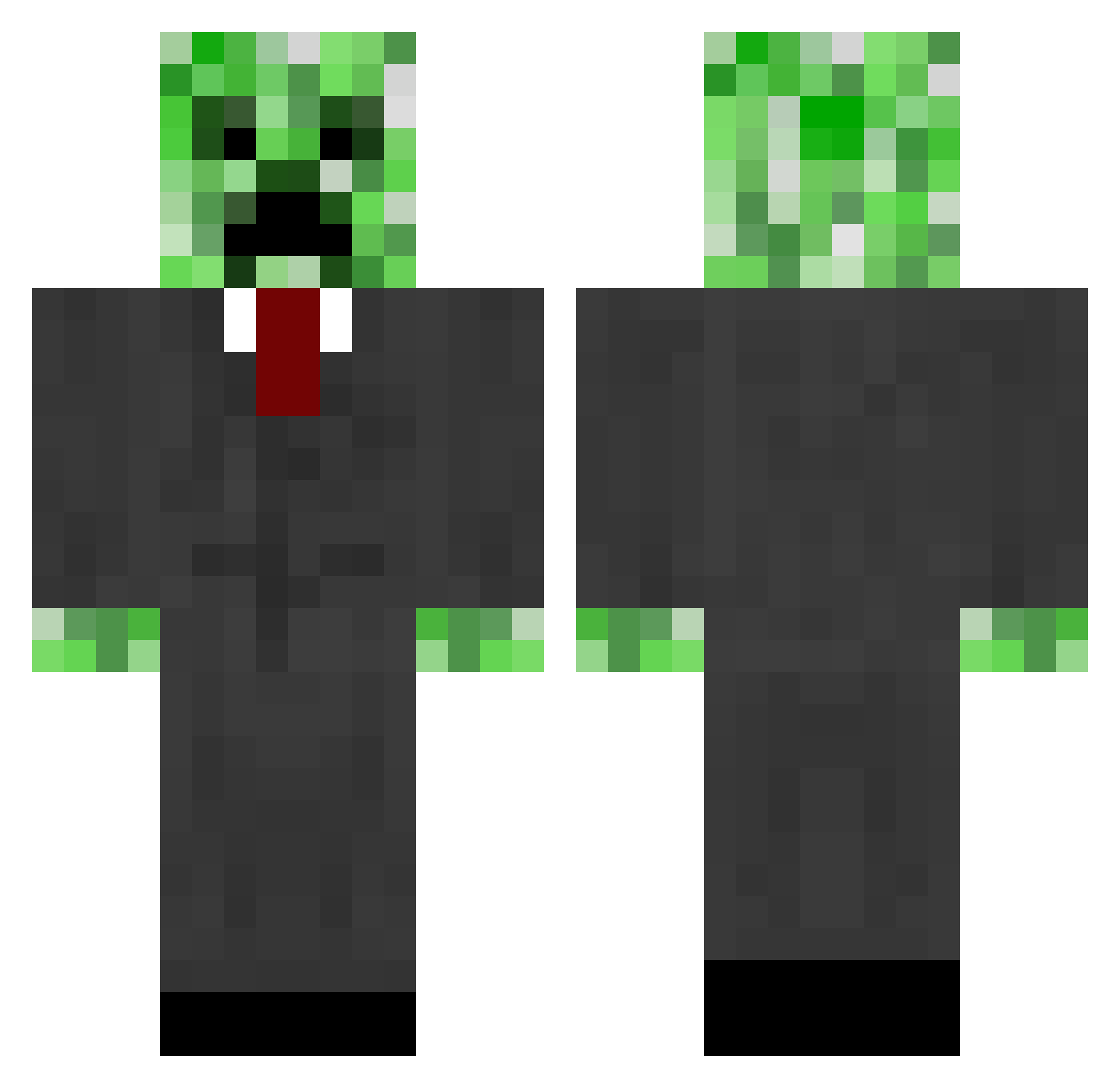
Current Minecraft skin of the player bbyrd529, loaded from the official Mojang API. Rotate the 3D model with your mouse or finger, then download the skin as a PNG file and use it in Minecraft: Bedrock Edition or Java Edition for free. When bbyrd529 changes their skin, this page updates automatically and the old skin stays in the history below.
Other players with this skin (665)
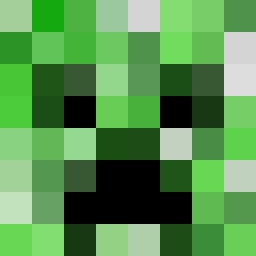
bbyrd529 was the 363rd player we have seen with this skin, first spotted on 26.09.2026. The same skin was seen on these players. Open a nickname to see their current skin and skin history.
 benap AccidentalGamer lukasvdwolf tobiaswulf14 Kerwindena NerdDude SamGens Evan_Walsh jackkenobi Azesino mcfreakkk original_D Electronicolas kharlequin Giacu Nachtmahr91 Smasher46 ALTheCreeper MrDrummerman33 Dragonfireegg SquirellVenom carz98 jweigle De_boys01 pepyakin Cesar7599 Cwadder JamesGators stanwastaken To_Fo99 TimKraft7 DIVM94 corn265 CamGolem samoro uberdriverfl triumph159 Bossugo100 Robert244423 shawninvader Nisse2004 TheMrXTC Hallix99 jayja321 Spawnia Hankdog42 Tbonesmadness zvl2000 Dougman36 maretyuy tiggy7777 jala2000000 sorcerervecna Farmer135 Diggitty_ GardenZombie 1zweig lampsman minecrafthomie11 Daevank5
More Creeper Minecraft skins
How to install the bbyrd529 skin
- Press the Download button above to save the skin as a PNG file.
- Minecraft: Bedrock Edition (PE): open the Dressing Room from the main menu (or tap your character → Edit Character), go to Classic Skins → Owned, press the + (new skin) button, choose the downloaded PNG and pick the Classic (Steve) model. Works on PC and mobile; consoles cannot import custom skins.
- Minecraft: Java Edition: open the Minecraft Launcher, go to the Skins tab, click New Skin, load the PNG, pick the Classic (Steve) model and press Save & Use. You can also upload it at minecraft.net → Profile → Change Skin.
The skin does not show up after import - what should I do?
Restart Minecraft and open the Dressing Room again - imported skins sometimes appear only after a restart. Also make sure you selected the imported skin and picked the Classic (Steve) model.
Which model should I choose, Classic or Slim?
This skin is designed for the Classic (Steve) model. If you pick the wrong model, the arms of the skin will look stretched or squeezed.
Is the skin of bbyrd529 free to download?
Yes. Press Download, save the PNG file and use it in Minecraft: Bedrock Edition or Java Edition - no payment or registration needed. The skin also works on multiplayer servers and Realms.
More skins
Looking for more? Go back to all Minecraft skins and check the top skins of the week, month and all time, or find any player's skin by nickname.