
bamcoo1 - Minecraft Skins & Skin History
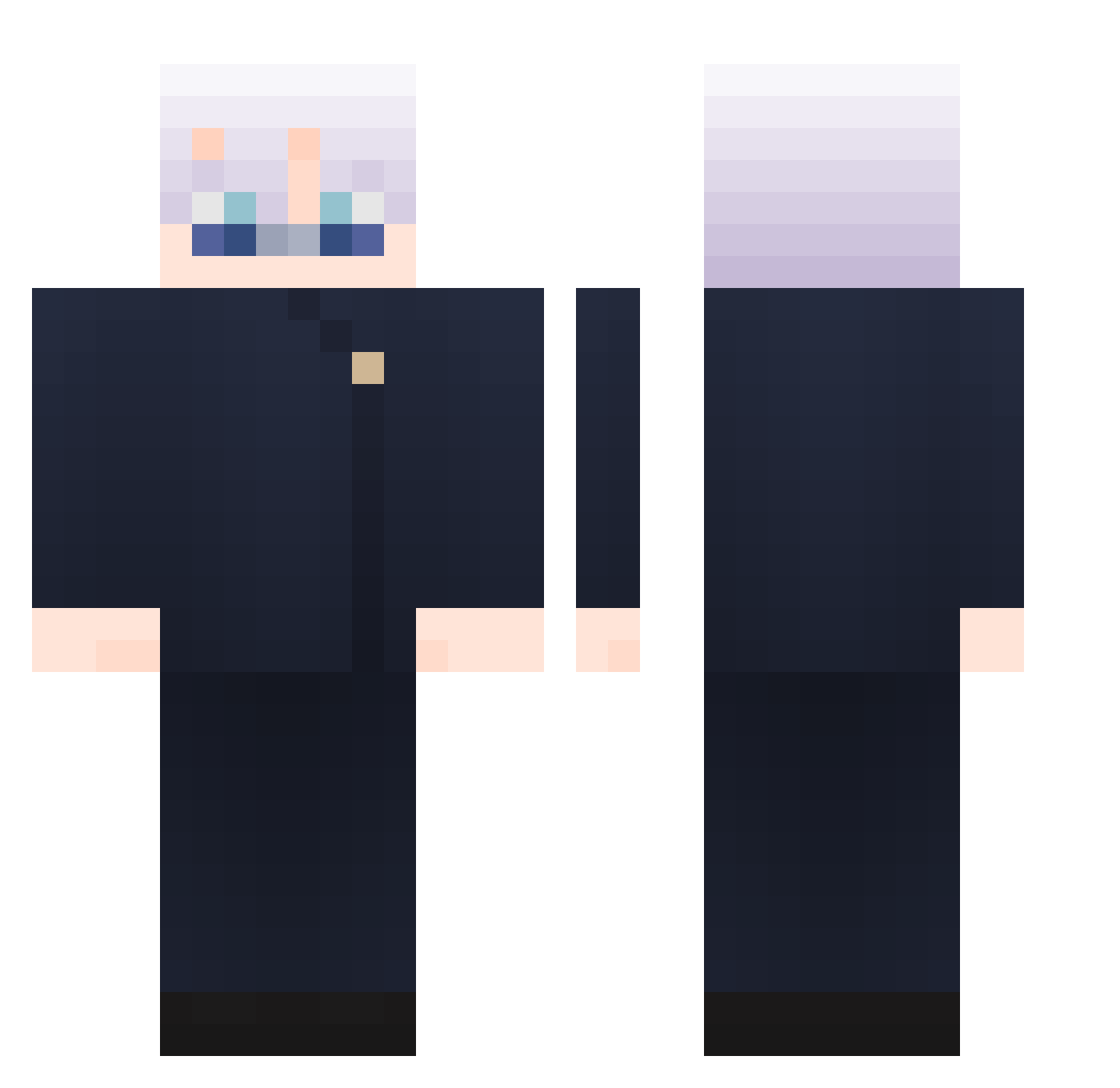
Current Minecraft skin of the player bamcoo1, loaded from the official Mojang API. Rotate the 3D model with your mouse or finger, then download the skin as a PNG file and use it in Minecraft: Bedrock Edition or Java Edition for free. When bamcoo1 changes their skin, this page updates automatically and the old skin stays in the history below.
Other players with this skin (865)
bamcoo1 was the 240th player we have seen with this skin, first spotted on 22.08.2026. The same skin was seen on these players. Open a nickname to see their current skin and skin history.
 ZekGiovanna Rubenssssss ZM1N nekoramen3 rohsaka Loczek_7 s97fyt132 LEEKM97 Hseven7 DUYTHEDUONG TheDavicho Chocolate_doudou joonchul NovaNAE 905sonder Brumbah ElectroFire2246 Vengeancess Umadbro562 Lhuitre muimortal ChengYuu__ NaY_KunG Bamgrahxm renyifei billyzaeiei taewon1223 wzyylx Mnxkx IfThereIsIf SatoruGojo5 SeiJJo ThroneSkin V3nenox 1238890 awalanseyangmao Orange_load_crab Haagen8104 Mawuena228 Tzaino Raxdzz Suwaipu Lshja JulianGa30 TorpedoTim69 Nessingen Noturno001 Stuqid0w0 torolol wangxiaomeng Paxarenn TsubuanAzuki PacoPro4006
 VANTAE26 Zietion Borgane270 NTN_WOLF Jack1214_ Wahib20 izzjha
More Satoru Gojo Minecraft skins
See all 1223 Satoru Gojo skins
How to install the bamcoo1 skin
- Press the Download button above to save the skin as a PNG file.
- Minecraft: Bedrock Edition (PE): open the Dressing Room from the main menu (or tap your character → Edit Character), go to Classic Skins → Owned, press the + (new skin) button, choose the downloaded PNG and pick the Classic (Steve) model. Works on PC and mobile; consoles cannot import custom skins.
- Minecraft: Java Edition: open the Minecraft Launcher, go to the Skins tab, click New Skin, load the PNG, pick the Classic (Steve) model and press Save & Use. You can also upload it at minecraft.net → Profile → Change Skin.
The skin does not show up after import - what should I do?
Restart Minecraft and open the Dressing Room again - imported skins sometimes appear only after a restart. Also make sure you selected the imported skin and picked the Classic (Steve) model.
Which model should I choose, Classic or Slim?
This skin is designed for the Classic (Steve) model. If you pick the wrong model, the arms of the skin will look stretched or squeezed.
Is the skin of bamcoo1 free to download?
Yes. Press Download, save the PNG file and use it in Minecraft: Bedrock Edition or Java Edition - no payment or registration needed. The skin also works on multiplayer servers and Realms.
More skins
Looking for more? Go back to all Minecraft skins and check the top skins of the week, month and all time, or find any player's skin by nickname.