
bagseonghyeon46 - Minecraft Skins & Skin History
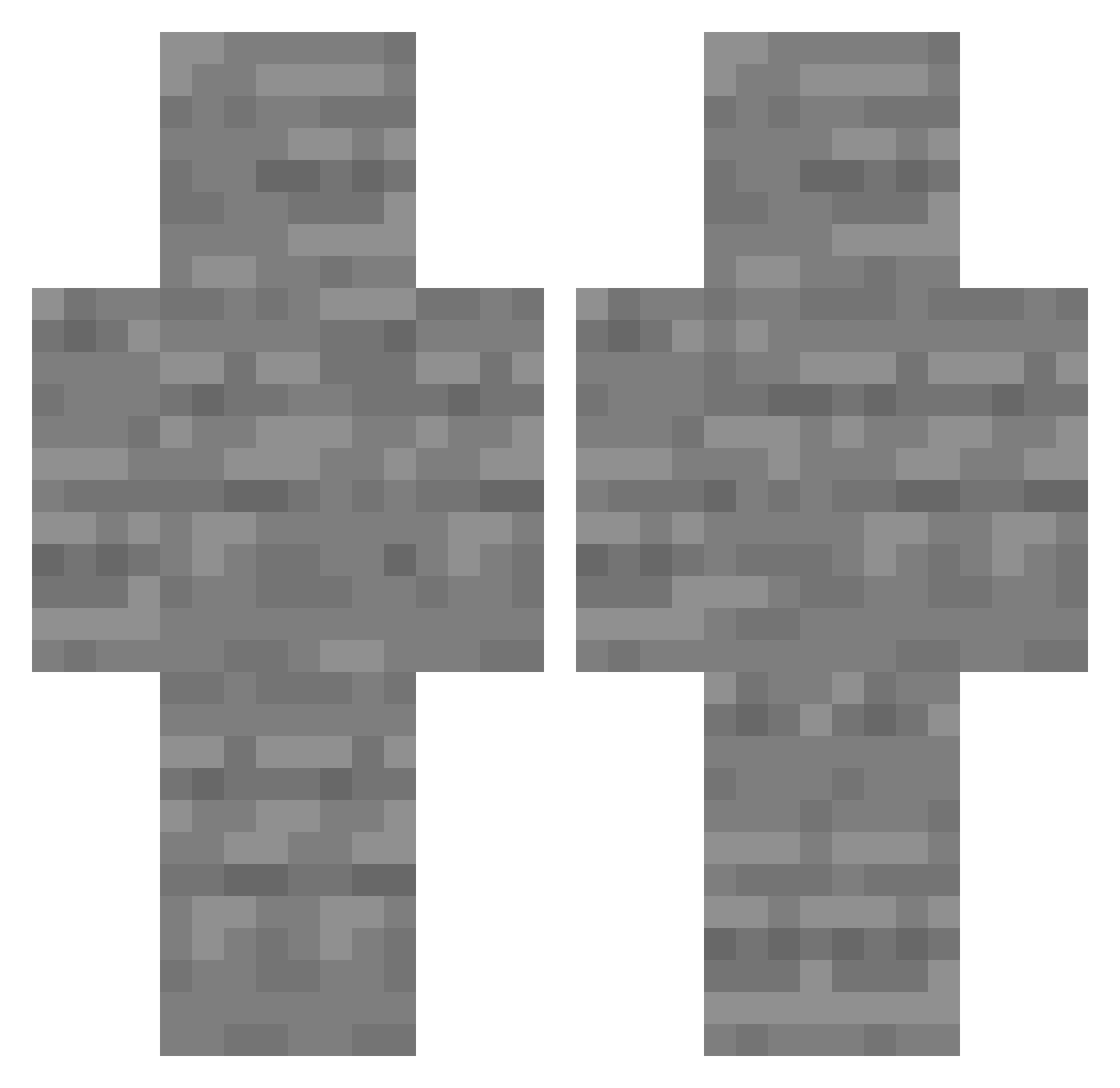
Current Minecraft skin of the player bagseonghyeon46, loaded from the official Mojang API. Rotate the 3D model with your mouse or finger, then download the skin as a PNG file and use it in Minecraft: Bedrock Edition or Java Edition for free. When bagseonghyeon46 changes their skin, this page updates automatically and the old skin stays in the history below.
Other players with this skin (219)
bagseonghyeon46 was the 90th player we have seen with this skin, first spotted on 03.09.2026. The same skin was seen on these players. Open a nickname to see their current skin and skin history.
 vidaral ater ichiryu_m powerdev Makes55 KarateGirl102006 Dodojesus10 YongNam_ PINO201 CEMENT_BL0CK vrltx Xeepee ayht007 PG93boi DwerpyAlex cattbutt001 AlphaCharlie98 ZeroonX ninopipin Catt002 C0ld_on_Crack Ironboy2009 Profesor_Gurko a__ko Bluish_x RAEDHY HF____ garicias Croustyyyyy Mazekey DynBarter The_Craftinatrix stepas20 hopeoo
 nolifefor chan_woo0404 mqurielth N1x33 lordtop1ggbulat lob5201 DarthCarbon7 StellarSmiley Aidacat InsanityManatee NekaPa Nesme144 Super_Lizo aviadbnl ErrorBread15 PukuWasTaken LGInnotek CinsinhaNPK egott38earnest80 X6X6X6X5 Proob53 Luiz_l27 Samygdala Tiannafireworks Goobley1 Wimsi
More Stone Minecraft skins
How to install the bagseonghyeon46 skin
- Press the Download button above to save the skin as a PNG file.
- Minecraft: Bedrock Edition (PE): open the Dressing Room from the main menu (or tap your character → Edit Character), go to Classic Skins → Owned, press the + (new skin) button, choose the downloaded PNG and pick the Classic (Steve) model. Works on PC and mobile; consoles cannot import custom skins.
- Minecraft: Java Edition: open the Minecraft Launcher, go to the Skins tab, click New Skin, load the PNG, pick the Classic (Steve) model and press Save & Use. You can also upload it at minecraft.net → Profile → Change Skin.
The skin does not show up after import - what should I do?
Restart Minecraft and open the Dressing Room again - imported skins sometimes appear only after a restart. Also make sure you selected the imported skin and picked the Classic (Steve) model.
Which model should I choose, Classic or Slim?
This skin is designed for the Classic (Steve) model. If you pick the wrong model, the arms of the skin will look stretched or squeezed.
Is the skin of bagseonghyeon46 free to download?
Yes. Press Download, save the PNG file and use it in Minecraft: Bedrock Edition or Java Edition - no payment or registration needed. The skin also works on multiplayer servers and Realms.
More skins
Looking for more? Go back to all Minecraft skins and check the top skins of the week, month and all time, or find any player's skin by nickname.