
baconmaster257 - Minecraft Skins & Skin History
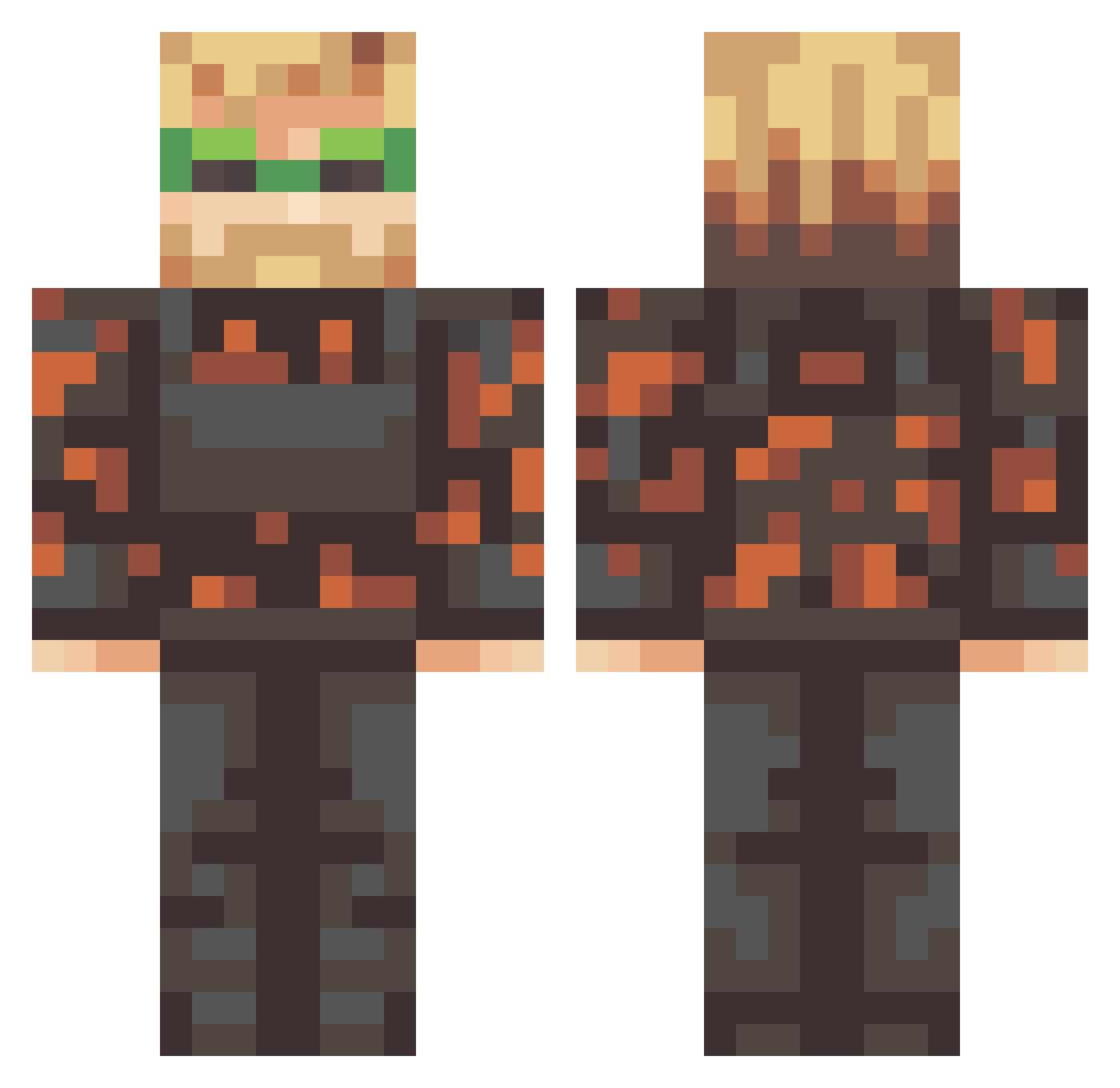
Current Minecraft skin of the player baconmaster257, loaded from the official Mojang API. Rotate the 3D model with your mouse or finger, then download the skin as a PNG file and use it in Minecraft: Bedrock Edition or Java Edition for free. When baconmaster257 changes their skin, this page updates automatically and the old skin stays in the history below.
Other players with this skin (333)
baconmaster257 was the 192nd player we have seen with this skin, first spotted on 30.09.2026. The same skin was seen on these players. Open a nickname to see their current skin and skin history.
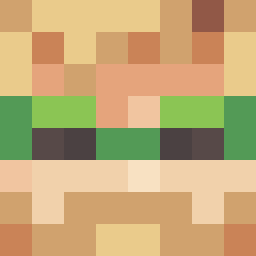 Danielolll bibitte_on_crack Justeedo NinjaClog _DemTop_ ___Cypher___ fridebrane Jimmu1 Walkappaa Gamer_Ahri Harro_in pwedipie little_doener Sprocket862 Pyryster 4potka ChrispyyChris halfnopro theBlondDon abhnv angelam1255 hihow GoldRaven17 FranciscaSG Vind_91 mmmmmmaya LookAtRosa TheDarkSideMP DarpVader cdub_socks DERX_TrueEnvy nohomo_tho Teinchigo Eternial BixNooded Yttrium26 Nick3438 Arbuenos Liam_Field orobbo girthygav predatorEx02 Jwilly529 Str0wie istinkypig Boover12 BirgittaS SmudgeCarter123 Lizandr0 V2XP Arets_Nolla Svenet kangaroo_d CosmicSniper400 DirtyMaid Tobigangster __pewdiepie__ Clever_Kevin CellDope tianne789
More Camo Minecraft skins
How to install the baconmaster257 skin
- Press the Download button above to save the skin as a PNG file.
- Minecraft: Bedrock Edition (PE): open the Dressing Room from the main menu (or tap your character → Edit Character), go to Classic Skins → Owned, press the + (new skin) button, choose the downloaded PNG and pick the Classic (Steve) model. Works on PC and mobile; consoles cannot import custom skins.
- Minecraft: Java Edition: open the Minecraft Launcher, go to the Skins tab, click New Skin, load the PNG, pick the Classic (Steve) model and press Save & Use. You can also upload it at minecraft.net → Profile → Change Skin.
The skin does not show up after import - what should I do?
Restart Minecraft and open the Dressing Room again - imported skins sometimes appear only after a restart. Also make sure you selected the imported skin and picked the Classic (Steve) model.
Which model should I choose, Classic or Slim?
This skin is designed for the Classic (Steve) model. If you pick the wrong model, the arms of the skin will look stretched or squeezed.
Is the skin of baconmaster257 free to download?
Yes. Press Download, save the PNG file and use it in Minecraft: Bedrock Edition or Java Edition - no payment or registration needed. The skin also works on multiplayer servers and Realms.
More skins
Looking for more? Go back to all Minecraft skins and check the top skins of the week, month and all time, or find any player's skin by nickname.