
 pradyut DariusKHK XTk69420 GilitoXil ReidXKing CloutCobain17 mrtheloe rdsalami fashwath mujo208 CookieMonster107 CalfenTv Oatmeal95 Ban_Jo Goodvas9166 LITTLEGUY149 NickMarsico RussiaRanda gabe_2116 GalahadLasay Ryland69 Wise_Polak InFenTeX BikerJL Launch4444 Alb3rtinho RLMgames ChinNashi reyzaars blahhblahhblaah Aa1k Bahohey PainOverhaul Cr7san KaraBiL benji12334 One_Kiwi susjerma slienst JumpyTurtlee hwunte jocastle jrskorick sub2pewdiepie69 KLIKTERASH pancakeL0RD Rieke1205 pewdiepieluvr69 resurrectedbelly ethanvb844 Luk3sak PrinceDann LushLorenz2004 Ebo129 mike3648 PJH03 Enpi23 alex2555 shouldntbehere OnDaCraft
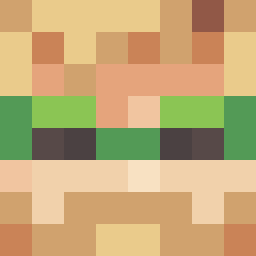
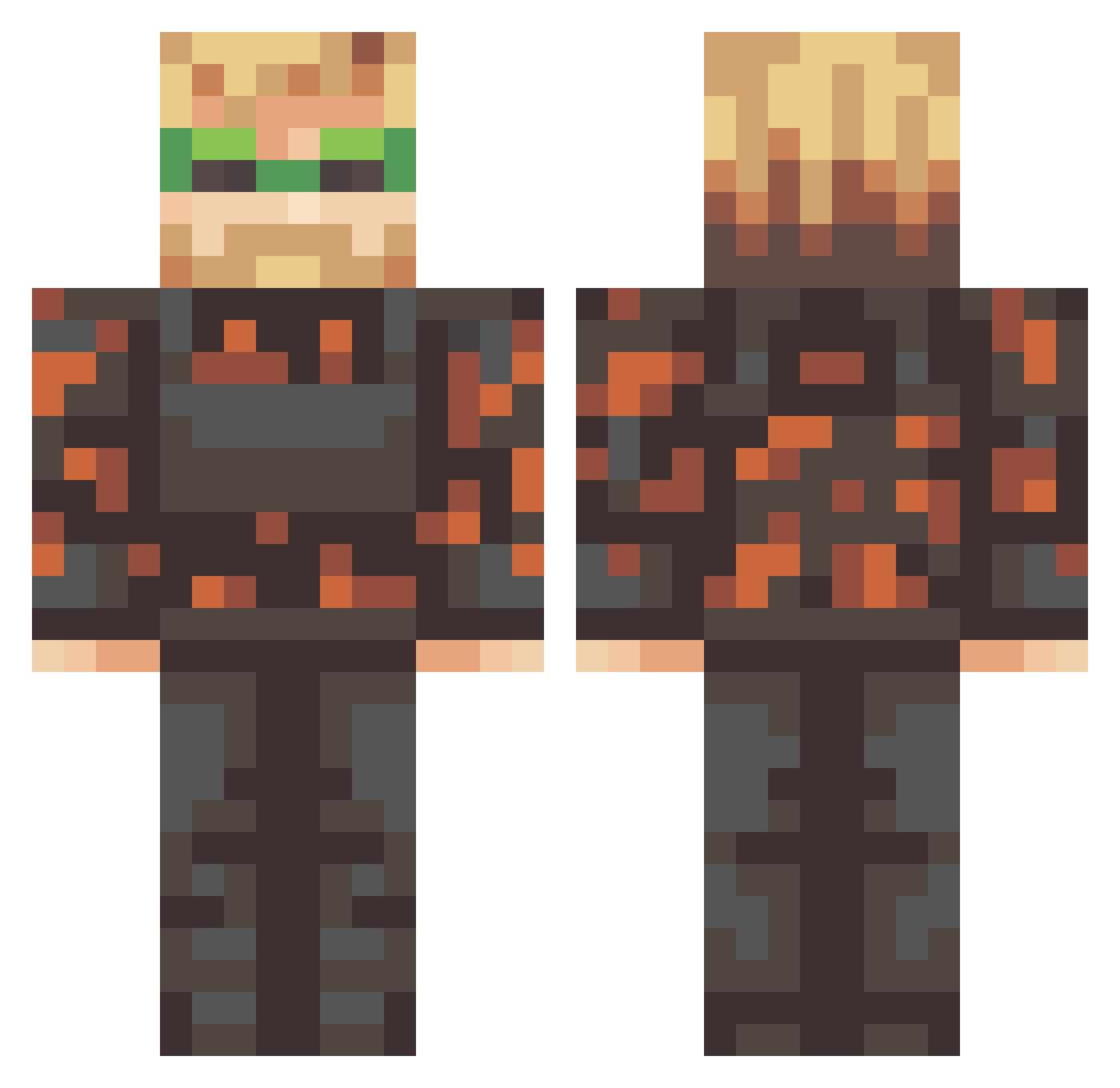
Minecraft skin of Dayfoplug. Rotate the 3D model with your mouse or finger to view the skin from every angle, then download it as a PNG file and use it in Minecraft: Bedrock Edition or Java Edition for free. Rate the skin with stars to help other players find the best skins in our collection.
How to install the Dayfoplug skin
- Press the Download button above to save the skin as a PNG file.
- Minecraft: Bedrock Edition (PE): open the Dressing Room from the main menu (or tap your character → Edit Character), go to Classic Skins → Owned, press the + (new skin) button, choose the downloaded PNG and pick the Classic (Steve) model. Works on PC and mobile; consoles cannot import custom skins.
- Minecraft: Java Edition: open the Minecraft Launcher, go to the Skins tab, click New Skin, load the PNG, pick the Classic (Steve) model and press Save & Use. You can also upload it at minecraft.net → Profile → Change Skin.
The skin does not show up after import - what should I do?
Restart Minecraft and open the Dressing Room again - imported skins sometimes appear only after a restart. Also make sure you selected the imported skin and picked the Classic (Steve) model.
Which model should I choose, Classic or Slim?
This skin is designed for the Classic (Steve) model. If you pick the wrong model, the arms of the skin will look stretched or squeezed.
Is this skin free to use?
Yes. Press Download, save the PNG file and use it in Minecraft: Bedrock Edition or Java Edition - no payment or registration needed. The skin also works on multiplayer servers and Realms.
More Camo Minecraft skins
More skins
Looking for more? Go back to all Minecraft skins and check the top skins of the week, month and all time, or find any player's skin by nickname.