
ashton0125 - Minecraft Skins & Skin History
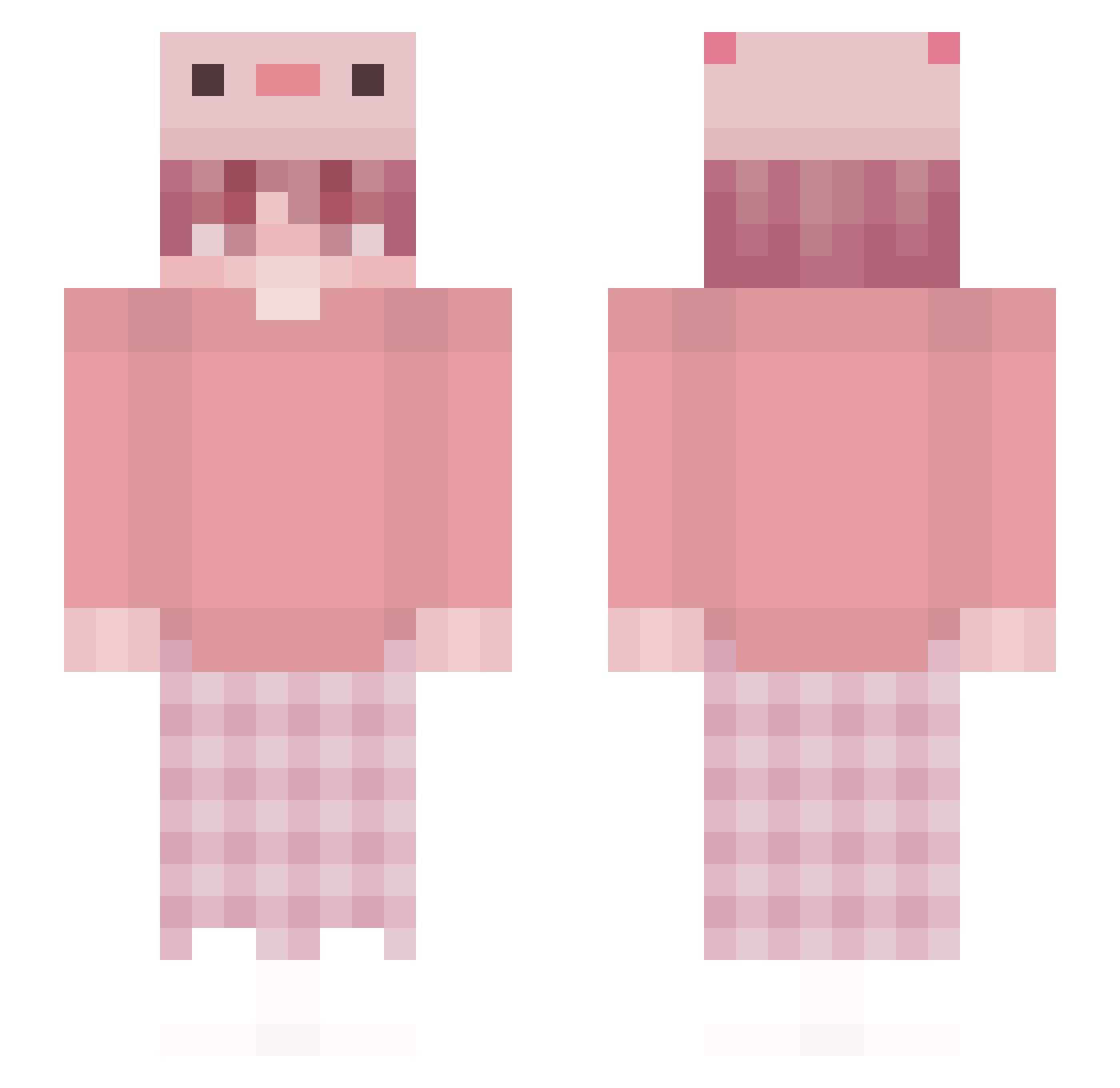
Current Minecraft skin of the player ashton0125, loaded from the official Mojang API. Rotate the 3D model with your mouse or finger, then download the skin as a PNG file and use it in Minecraft: Bedrock Edition or Java Edition for free. When ashton0125 changes their skin, this page updates automatically and the old skin stays in the history below.
Other players with this skin (236)
ashton0125 was the 147th player we have seen with this skin, first spotted on 25.09.2026. The same skin was seen on these players. Open a nickname to see their current skin and skin history.
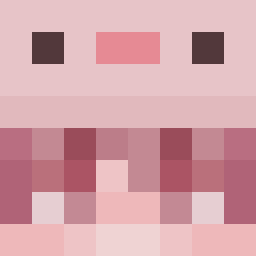 upa4649 DarkMagics9 kalapiim redvilot ManhMC_YTB1 starboy_o Dedly_Nightshade OGSaKi inkie_uwu ill_carry_you KATUII nobody_overhere_ SuppessX ElisTheOne So1ve_ bejeweledSnail goralnine 42gdfgre562245 Lady_Jasmina qingsuia AirZouo vqlz Dark_Dark0419 OrphanPinky WhiteSugar0911 Maggsi420 zhihe725 Boiv500 Ms181100 Senap0203 sasukemodus Tendeweny Brownmanrises Frissu hope_is_bot seohyeon012 shjun97 SZynthia creamycup mimetym Senjukaisen Kooltag nemuru2931 Maritor TibiBoo Chipxlata xCanStrqf_ FwMerjii pretttysuhyun dssand iilaria fgfhfh wrmwrq phyemistry Mcfisher sword2202 Darou Ter0_Risti Ozguc08 M4CIUSI3K_X
More Axolotl Hat Minecraft skins
How to install the ashton0125 skin
- Press the Download button above to save the skin as a PNG file.
- Minecraft: Bedrock Edition (PE): open the Dressing Room from the main menu (or tap your character → Edit Character), go to Classic Skins → Owned, press the + (new skin) button, choose the downloaded PNG and pick the Slim (Alex) model. Works on PC and mobile; consoles cannot import custom skins.
- Minecraft: Java Edition: open the Minecraft Launcher, go to the Skins tab, click New Skin, load the PNG, pick the Slim (Alex) model and press Save & Use. You can also upload it at minecraft.net → Profile → Change Skin.
The skin does not show up after import - what should I do?
Restart Minecraft and open the Dressing Room again - imported skins sometimes appear only after a restart. Also make sure you selected the imported skin and picked the Slim (Alex) model.
Which model should I choose, Classic or Slim?
This skin is designed for the Slim (Alex) model. If you pick the wrong model, the arms of the skin will look stretched or squeezed.
Is the skin of ashton0125 free to download?
Yes. Press Download, save the PNG file and use it in Minecraft: Bedrock Edition or Java Edition - no payment or registration needed. The skin also works on multiplayer servers and Realms.
More skins
Looking for more? Go back to all Minecraft skins and check the top skins of the week, month and all time, or find any player's skin by nickname.