
ashleywbu - Minecraft Skins & Skin History
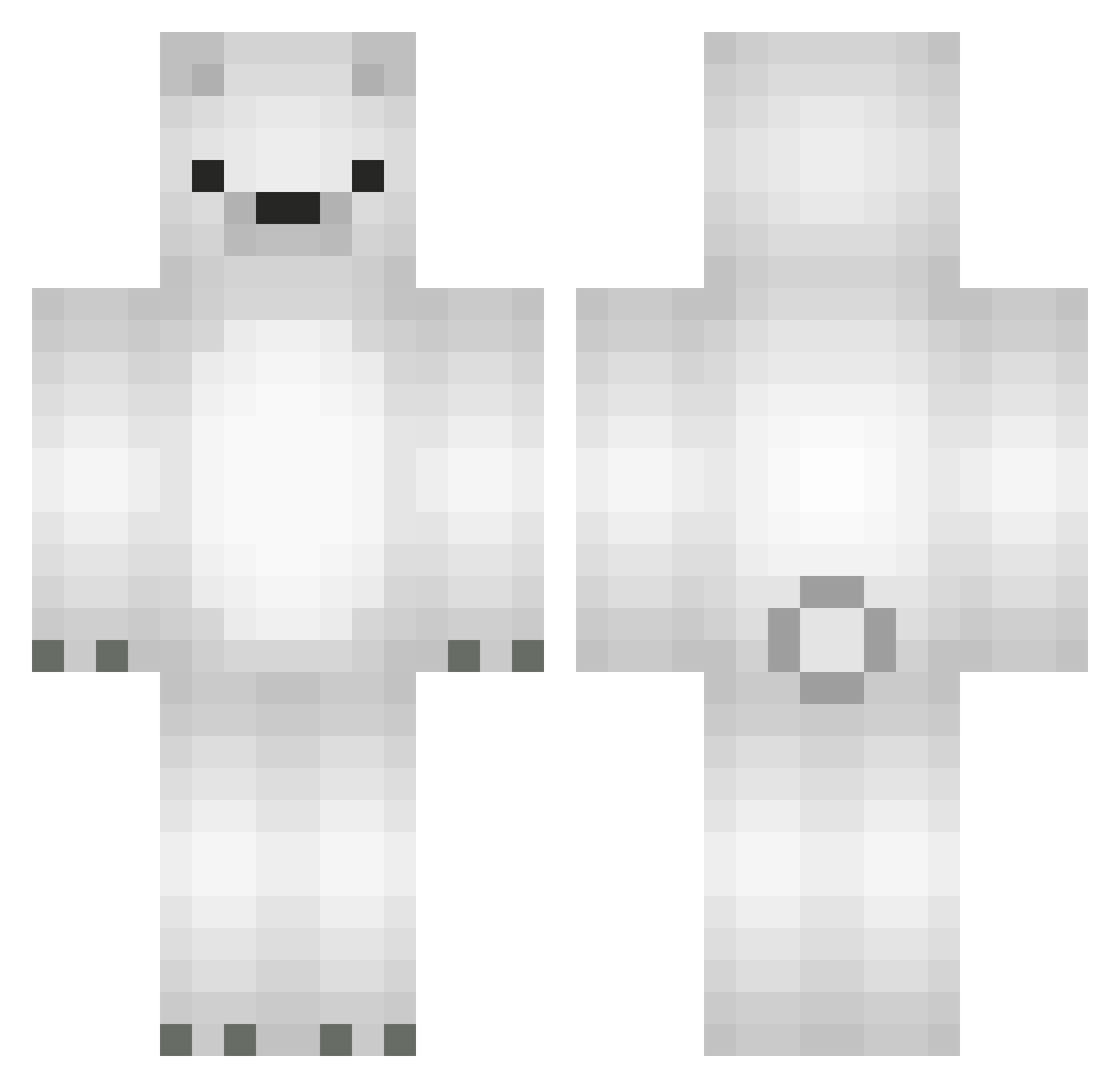
Current Minecraft skin of the player ashleywbu, loaded from the official Mojang API. Rotate the 3D model with your mouse or finger, then download the skin as a PNG file and use it in Minecraft: Bedrock Edition or Java Edition for free. When ashleywbu changes their skin, this page updates automatically and the old skin stays in the history below.
Other players with this skin (566)
ashleywbu was the 143rd player we have seen with this skin, first spotted on 23.08.2026. The same skin was seen on these players. Open a nickname to see their current skin and skin history.
 TTTHHY byooyoo Lipaodopao _Heroro_ dabin1258 MINGUN12 1xzun Polar_Bolado G_GTOY daffodi1 Will_Green pe_pp3r Baneling_ Dolik1234 mfnsk Schlechtes_Mikro Ambition111 mooaoh alyfer7 olkennethlo Malcu Noalytale Vekiji KJdylang Tejaaa Vristing r0m0jrr SeanChiu92 Marcin776 DanilGetu Zuzia234 Kumasan huing2188 Mcas0215 Fl4mpt UncleGMan YABO_FR dltrb Heygunn BestSaeran ZattenUA GiunoX06 Jjeren kooooouuuu sandraawyr sangha0_ KEFRMO pak8398 Komeshiro 20051218 pO000 ATParker2003 Maxjohnlin miibuhz CarlosMart03 9Bilin OJWO Lemniscate107 6f7 milkcms
More Polar Bear Minecraft skins
How to install the ashleywbu skin
- Press the Download button above to save the skin as a PNG file.
- Minecraft: Bedrock Edition (PE): open the Dressing Room from the main menu (or tap your character → Edit Character), go to Classic Skins → Owned, press the + (new skin) button, choose the downloaded PNG and pick the Classic (Steve) model. Works on PC and mobile; consoles cannot import custom skins.
- Minecraft: Java Edition: open the Minecraft Launcher, go to the Skins tab, click New Skin, load the PNG, pick the Classic (Steve) model and press Save & Use. You can also upload it at minecraft.net → Profile → Change Skin.
The skin does not show up after import - what should I do?
Restart Minecraft and open the Dressing Room again - imported skins sometimes appear only after a restart. Also make sure you selected the imported skin and picked the Classic (Steve) model.
Which model should I choose, Classic or Slim?
This skin is designed for the Classic (Steve) model. If you pick the wrong model, the arms of the skin will look stretched or squeezed.
Is the skin of ashleywbu free to download?
Yes. Press Download, save the PNG file and use it in Minecraft: Bedrock Edition or Java Edition - no payment or registration needed. The skin also works on multiplayer servers and Realms.
More skins
Looking for more? Go back to all Minecraft skins and check the top skins of the week, month and all time, or find any player's skin by nickname.