
aserg71 - Minecraft Skins & Skin History
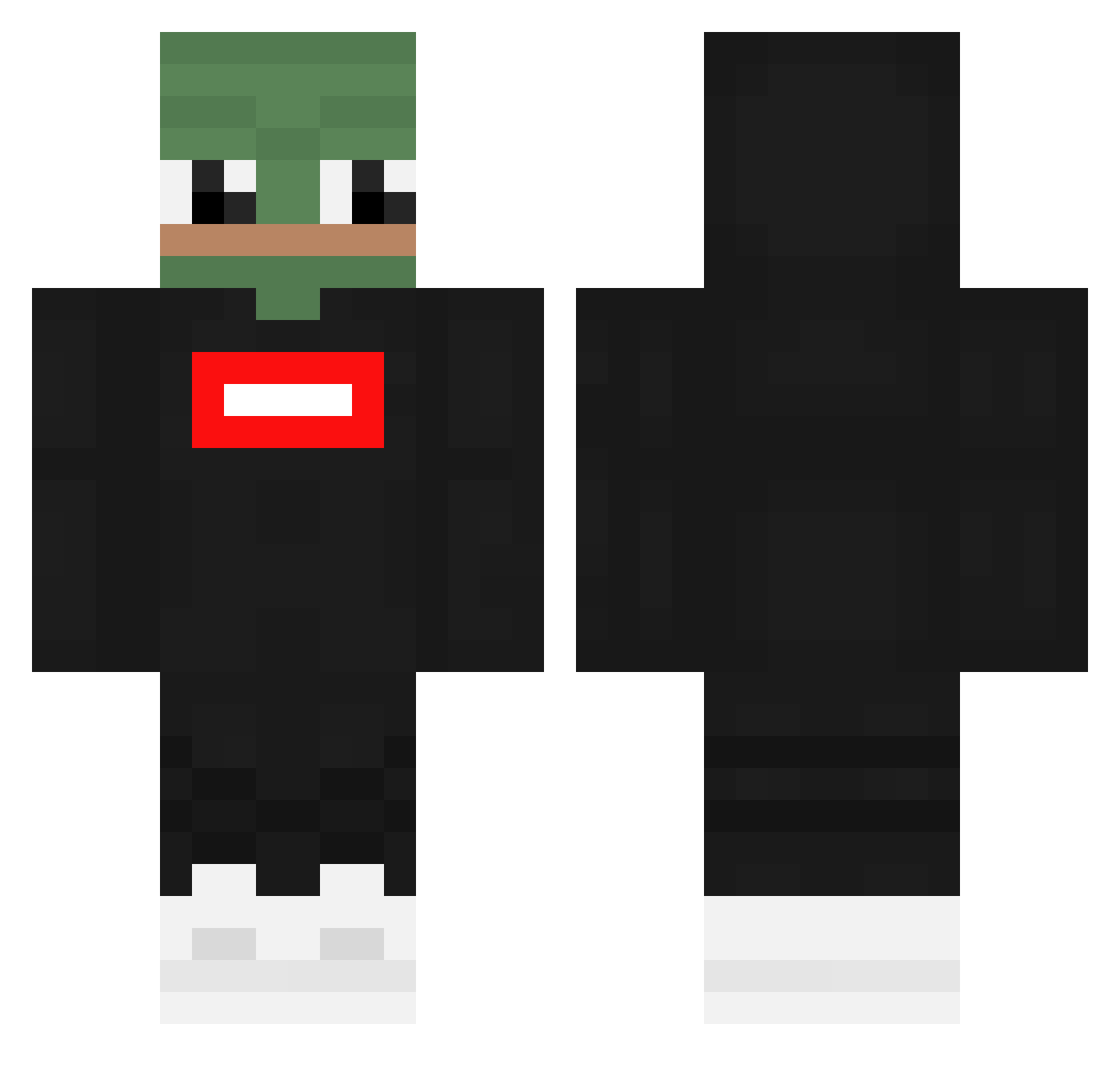
Current Minecraft skin of the player aserg71, loaded from the official Mojang API. Rotate the 3D model with your mouse or finger, then download the skin as a PNG file and use it in Minecraft: Bedrock Edition or Java Edition for free. When aserg71 changes their skin, this page updates automatically and the old skin stays in the history below.
Other players with this skin (362)
aserg71 was the 259th player we have seen with this skin, first spotted on 13.10.2026. The same skin was seen on these players. Open a nickname to see their current skin and skin history.
 CIMKEA TheHunter1974 _Hjaart CrayAlt04 SATURNOSPEED iKalaaSh g3rem TeiraHero zTim itZ_joe Gasima12 mottuna Hessval TITO_SAMA Suaris F7K_ Manueloski Reldiez Taufqqq DookieBear ttakgom serugacolin Brezelsalzer Davidovicccc Stannieboy Alexjwhite GABOVER Euran Kanisho lluuuckyyy McgracuPL Meizir Goncas17Marques VarGed4779 sgoooks O_tae_O AmnxSia08 ___Majo TheS1mp erFoskito justlotto fyxo Akap9ss SNAP2452 Abobabiano ji_cheol Urbisoft Ginduin Zamong_ei Nxtlvl_Unicorn MrOjoHD ApIIl0_ shakumi Archipoimen Gingagaming01 CalmestEel6092 HankSedin33 Dilliamus Matice_vdv AlikeBadger1213
More Pepe Minecraft skins
How to install the aserg71 skin
- Press the Download button above to save the skin as a PNG file.
- Minecraft: Bedrock Edition (PE): open the Dressing Room from the main menu (or tap your character → Edit Character), go to Classic Skins → Owned, press the + (new skin) button, choose the downloaded PNG and pick the Classic (Steve) model. Works on PC and mobile; consoles cannot import custom skins.
- Minecraft: Java Edition: open the Minecraft Launcher, go to the Skins tab, click New Skin, load the PNG, pick the Classic (Steve) model and press Save & Use. You can also upload it at minecraft.net → Profile → Change Skin.
The skin does not show up after import - what should I do?
Restart Minecraft and open the Dressing Room again - imported skins sometimes appear only after a restart. Also make sure you selected the imported skin and picked the Classic (Steve) model.
Which model should I choose, Classic or Slim?
This skin is designed for the Classic (Steve) model. If you pick the wrong model, the arms of the skin will look stretched or squeezed.
Is the skin of aserg71 free to download?
Yes. Press Download, save the PNG file and use it in Minecraft: Bedrock Edition or Java Edition - no payment or registration needed. The skin also works on multiplayer servers and Realms.
More skins
Looking for more? Go back to all Minecraft skins and check the top skins of the week, month and all time, or find any player's skin by nickname.