
arno2903 - Minecraft Skins & Skin History
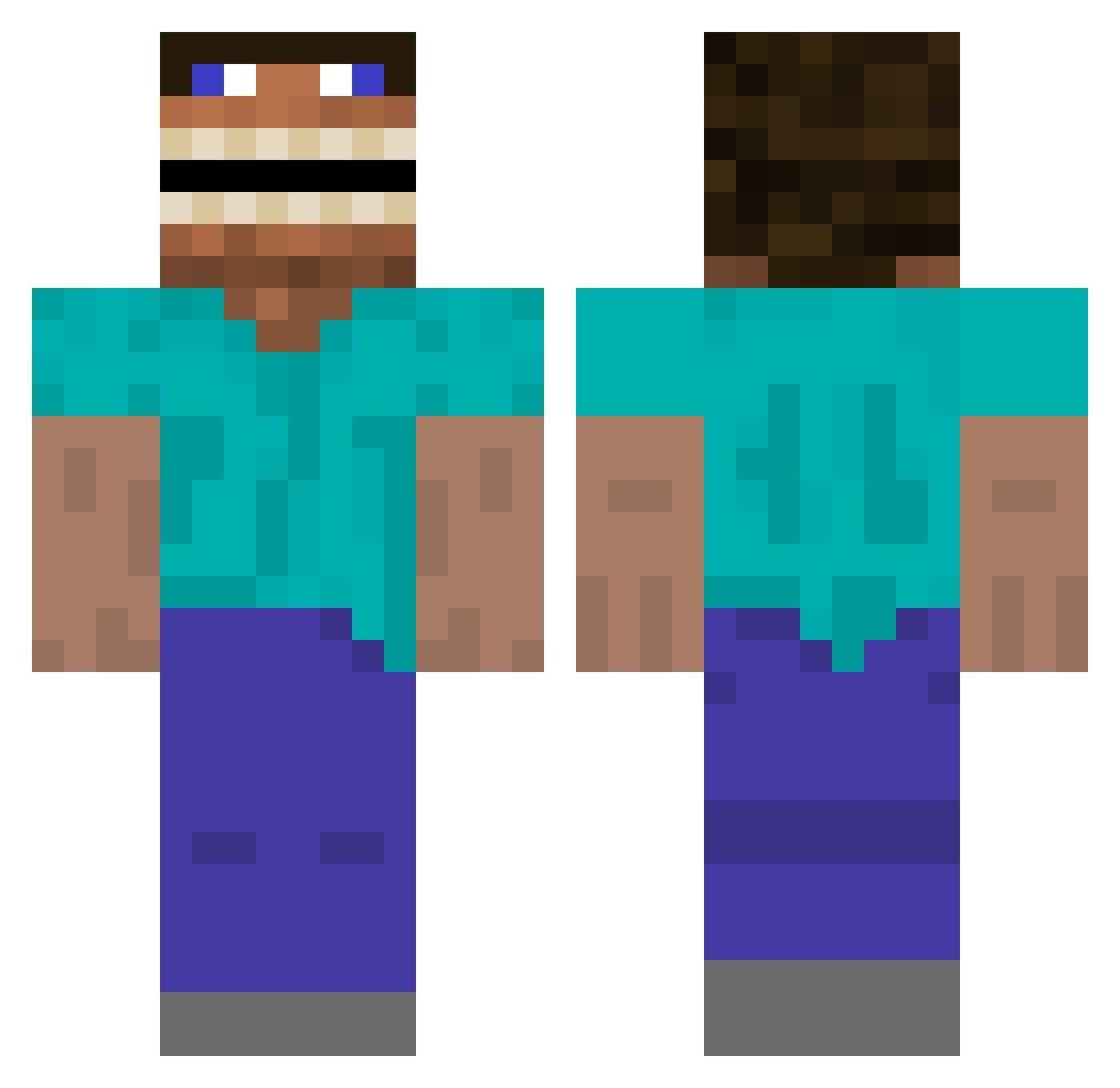
Current Minecraft skin of the player arno2903, loaded from the official Mojang API. Rotate the 3D model with your mouse or finger, then download the skin as a PNG file and use it in Minecraft: Bedrock Edition or Java Edition for free. When arno2903 changes their skin, this page updates automatically and the old skin stays in the history below.
Other players with this skin (393)
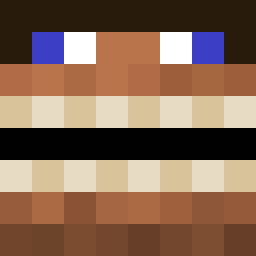
arno2903 was the 272nd player we have seen with this skin, first spotted on 01.10.2026. The same skin was seen on these players. Open a nickname to see their current skin and skin history.
 Lasszi13 KGN_dad Michcraftmine larenreid TameDa craftydanno Cliveee123 KreoRuthRR WEzar_ IDoVibe Aakaita Concannon253 RyanShane TiredChunk46580 ARSELIX BotBaPofak ParadoxDash CPTNkremePuf DMD21 machkyumbs Hopeless44 toolboyQ darrenx7 Cuprum STOKELEY69 Fl0raJ LargeColGammer Stoneeds krkrkrk StinkyGoat42n Xienior ThatDude54 crcmsisonshot GoombaDoomba Jneal707 hosner_ Blockae9 HydroMirage23 victor89z jmaill BashMax Epoorr DrTickleTime99 SkIbIdIxXy okcool340 sweatpants6768 Juli701_ Static793 ItsRamenBoi sonclor MYNAMEISNUMBER8 POPxdd EdgyCurtain Apfelbirne charathingguy C1narcik_ BigCrickett Brolgeta lil_Doodle Raptones
More Funny Minecraft skins
How to install the arno2903 skin
- Press the Download button above to save the skin as a PNG file.
- Minecraft: Bedrock Edition (PE): open the Dressing Room from the main menu (or tap your character → Edit Character), go to Classic Skins → Owned, press the + (new skin) button, choose the downloaded PNG and pick the Classic (Steve) model. Works on PC and mobile; consoles cannot import custom skins.
- Minecraft: Java Edition: open the Minecraft Launcher, go to the Skins tab, click New Skin, load the PNG, pick the Classic (Steve) model and press Save & Use. You can also upload it at minecraft.net → Profile → Change Skin.
The skin does not show up after import - what should I do?
Restart Minecraft and open the Dressing Room again - imported skins sometimes appear only after a restart. Also make sure you selected the imported skin and picked the Classic (Steve) model.
Which model should I choose, Classic or Slim?
This skin is designed for the Classic (Steve) model. If you pick the wrong model, the arms of the skin will look stretched or squeezed.
Is the skin of arno2903 free to download?
Yes. Press Download, save the PNG file and use it in Minecraft: Bedrock Edition or Java Edition - no payment or registration needed. The skin also works on multiplayer servers and Realms.
More skins
Looking for more? Go back to all Minecraft skins and check the top skins of the week, month and all time, or find any player's skin by nickname.