
arkylia - Minecraft Skins & Skin History
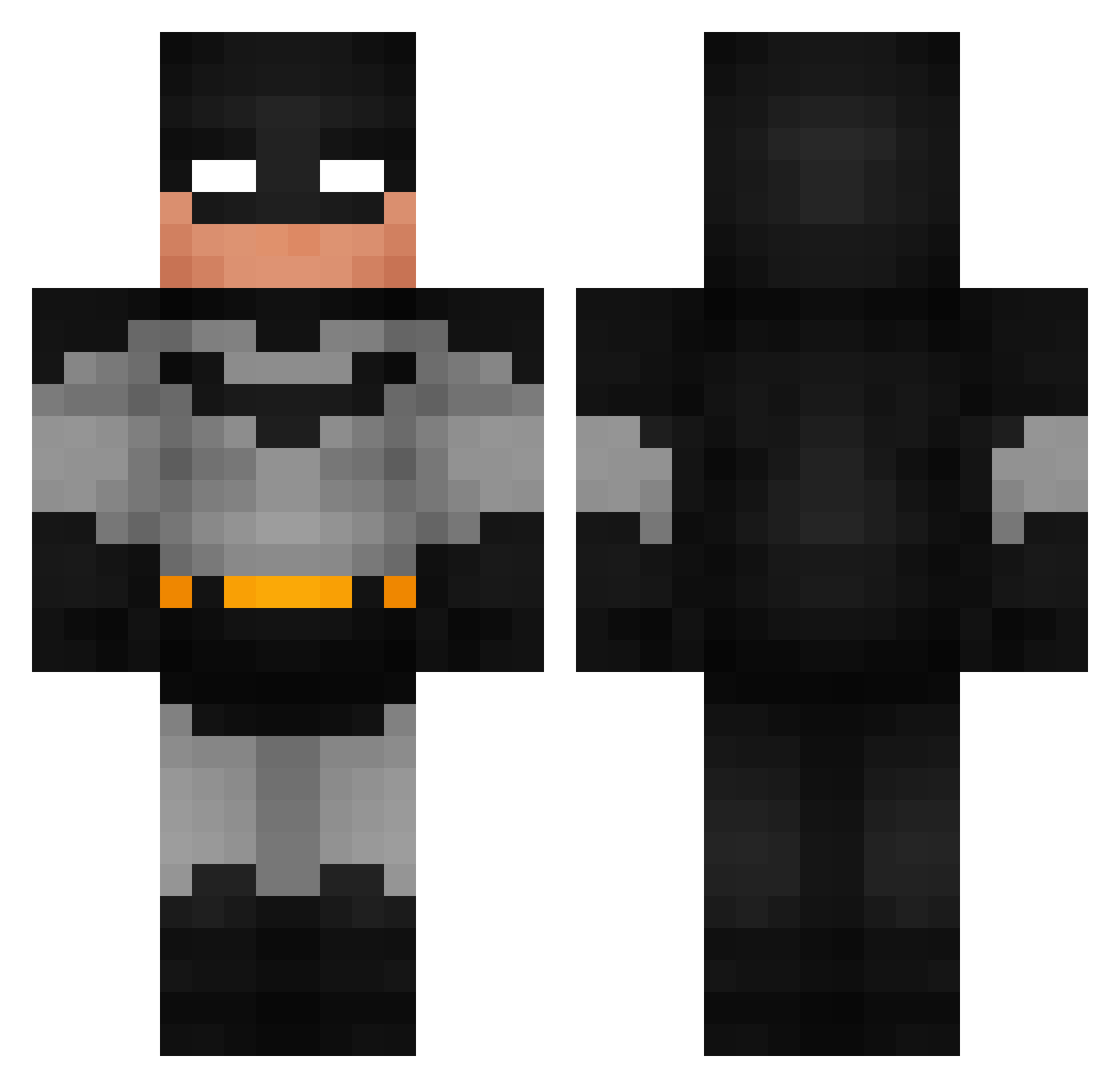
Current Minecraft skin of the player arkylia, loaded from the official Mojang API. Rotate the 3D model with your mouse or finger, then download the skin as a PNG file and use it in Minecraft: Bedrock Edition or Java Edition for free. When arkylia changes their skin, this page updates automatically and the old skin stays in the history below.
Other players with this skin (791)
arkylia was the 190th player we have seen with this skin, first spotted on 16.08.2026. The same skin was seen on these players. Open a nickname to see their current skin and skin history.
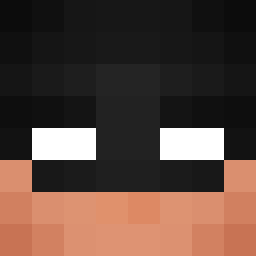 heysundy Eclipse_Eclipse captaincap33 ui4_z zNovabtw Ismet762 Th4tDud3_ iluvdeftones123
 Biddulph_ Pietrex_PL Jujubeet23 artoriusDDD Jackopi Berg9982 TapiaGod Bernatgarmo SHC540 Iwishiwascool333 k1ng_sh4pe Bearcatz15 qttndf trentstuddard ZZYleonZZY wiliermist 05HBXS Clikzzt 6exe OverCommit07 Triptolemus1 ScreamingDentist valegod BAKAM0N0 Vastflat Mekanize zBashar11 swifff Purple_Oranges14 Jrizmo XONICX spikerbubs Baron_0 Grayson317 JAMES00705 redcarpettt PJGlizzyPSA Taykho distillled_water ricky878787 RudyKondon Chechumr svntgo ELPANCHO101 ouanfomistu Eliasminbabe chaewonsbangs DOM6345 DecisiveWings37 MurrayMint6704 chasebearr1 R0tul4
More Batman Minecraft skins
How to install the arkylia skin
- Press the Download button above to save the skin as a PNG file.
- Minecraft: Bedrock Edition (PE): open the Dressing Room from the main menu (or tap your character → Edit Character), go to Classic Skins → Owned, press the + (new skin) button, choose the downloaded PNG and pick the Classic (Steve) model. Works on PC and mobile; consoles cannot import custom skins.
- Minecraft: Java Edition: open the Minecraft Launcher, go to the Skins tab, click New Skin, load the PNG, pick the Classic (Steve) model and press Save & Use. You can also upload it at minecraft.net → Profile → Change Skin.
The skin does not show up after import - what should I do?
Restart Minecraft and open the Dressing Room again - imported skins sometimes appear only after a restart. Also make sure you selected the imported skin and picked the Classic (Steve) model.
Which model should I choose, Classic or Slim?
This skin is designed for the Classic (Steve) model. If you pick the wrong model, the arms of the skin will look stretched or squeezed.
Is the skin of arkylia free to download?
Yes. Press Download, save the PNG file and use it in Minecraft: Bedrock Edition or Java Edition - no payment or registration needed. The skin also works on multiplayer servers and Realms.
More skins
Looking for more? Go back to all Minecraft skins and check the top skins of the week, month and all time, or find any player's skin by nickname.