
aphasia123 - Minecraft Skins & Skin History
Current Minecraft skin of the player aphasia123, loaded from the official Mojang API. Rotate the 3D model with your mouse or finger, then download the skin as a PNG file and use it in Minecraft: Bedrock Edition or Java Edition for free. When aphasia123 changes their skin, this page updates automatically and the old skin stays in the history below.
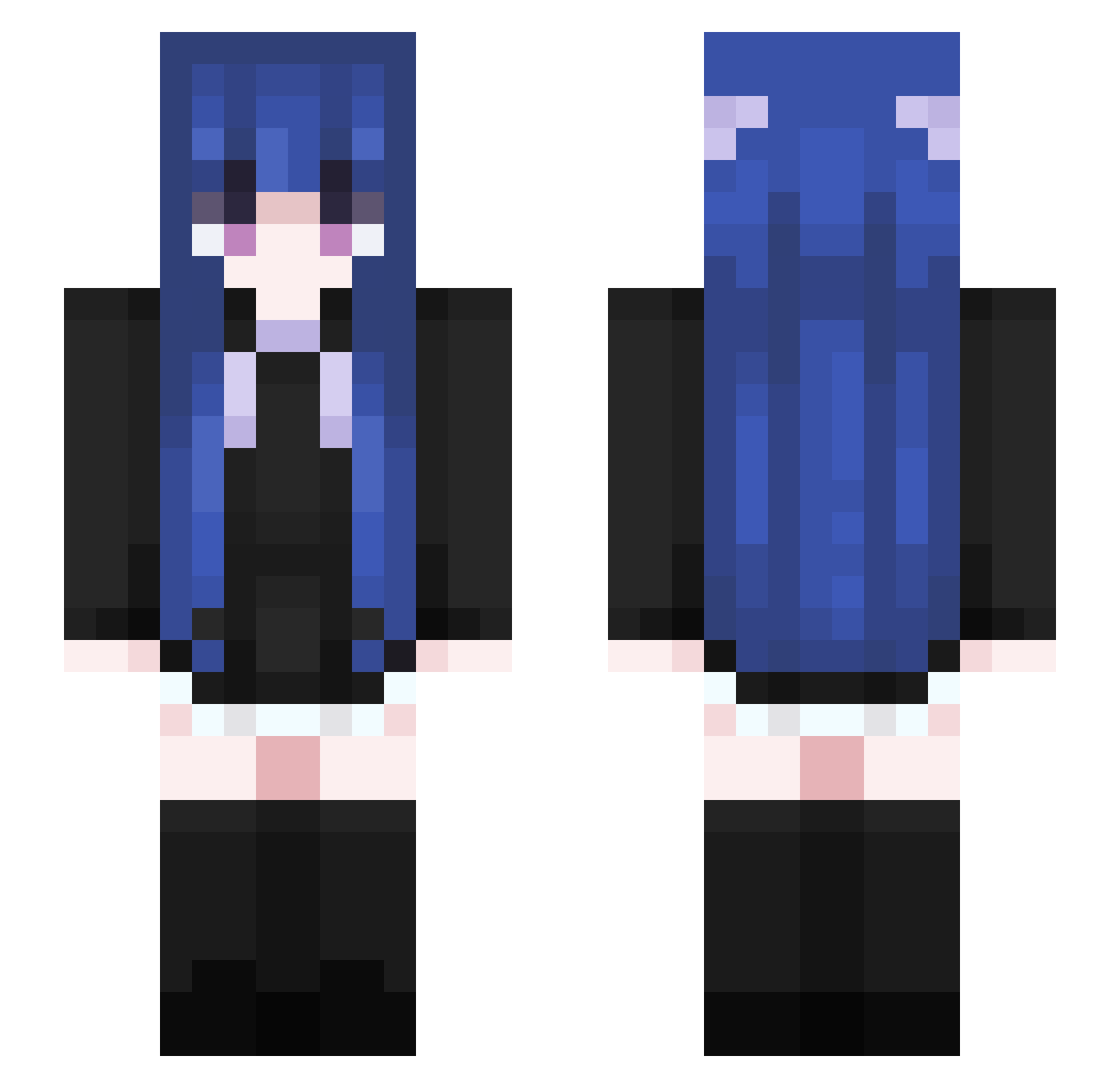
Other players with this skin (460)
aphasia123 was the 101st player we have seen with this skin, first spotted on 14.08.2026. The same skin was seen on these players. Open a nickname to see their current skin and skin history.
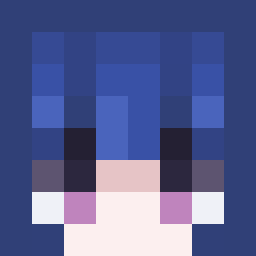 cszdnm VinyCell8737952 saragamer1768 Redbloodshark BuilderXiao_Ming YotsubaFanboy Nexusatticus yujiax sholine Drachen_Feder wadsTM Shrek_is_bacc DimitriDuce asatuki yantai333 Xie_Flawd Huankingi xiaoshuo1 Migorka starrrrrynight xiao0801 erenlov3bot vrewz Deer_spirit Feerrr666 ldccc RootHoot Criticalpxz BirseiyBriz nihil9223 Boring_Today wenhanV MAOMAOYUKI WeiYu162 Krapzer timyang2007 newupdatembygood Jess_Jay66 55botezeli_ ce1esx XiaoHan_F Lindsay278 MgFeCl Nero_Sparta ronru Beixni LONELYER_ Prussian_Hakimi Dannyyenting He_JingJing bbgxiang timeset2024 lucicree ellibellyy qtn0115 tutujiang EtherealQing TermedCloth Asakiew INeedHealinggg
More Goth Minecraft skins
How to install the aphasia123 skin
- Press the Download button above to save the skin as a PNG file.
- Minecraft: Bedrock Edition (PE): open the Dressing Room from the main menu (or tap your character → Edit Character), go to Classic Skins → Owned, press the + (new skin) button, choose the downloaded PNG and pick the Slim (Alex) model. Works on PC and mobile; consoles cannot import custom skins.
- Minecraft: Java Edition: open the Minecraft Launcher, go to the Skins tab, click New Skin, load the PNG, pick the Slim (Alex) model and press Save & Use. You can also upload it at minecraft.net → Profile → Change Skin.
The skin does not show up after import - what should I do?
Restart Minecraft and open the Dressing Room again - imported skins sometimes appear only after a restart. Also make sure you selected the imported skin and picked the Slim (Alex) model.
Which model should I choose, Classic or Slim?
This skin is designed for the Slim (Alex) model. If you pick the wrong model, the arms of the skin will look stretched or squeezed.
Is the skin of aphasia123 free to download?
Yes. Press Download, save the PNG file and use it in Minecraft: Bedrock Edition or Java Edition - no payment or registration needed. The skin also works on multiplayer servers and Realms.
More skins
Looking for more? Go back to all Minecraft skins and check the top skins of the week, month and all time, or find any player's skin by nickname.