
antoa31 - Minecraft Skins & Skin History
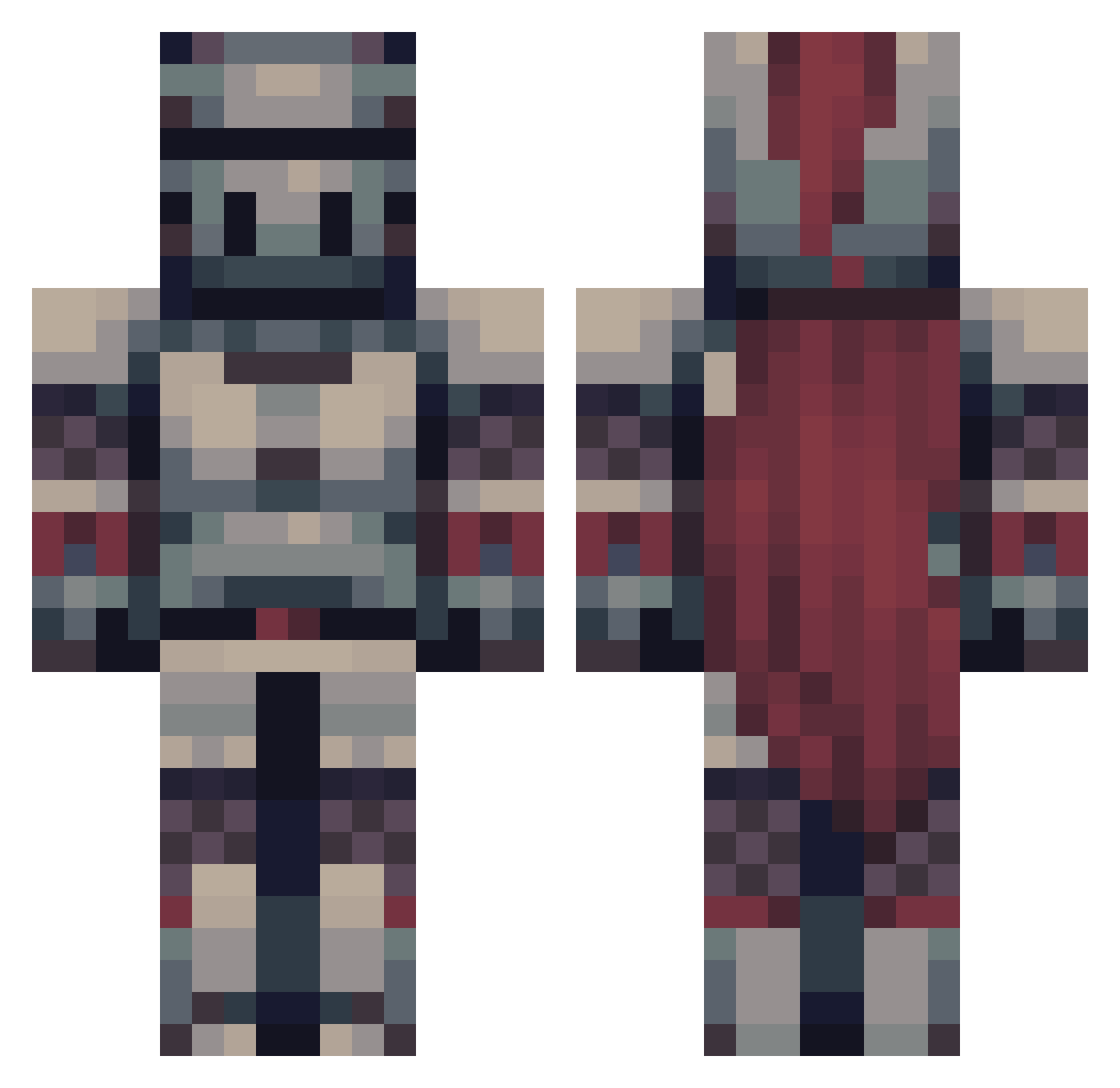
Current Minecraft skin of the player antoa31, loaded from the official Mojang API. Rotate the 3D model with your mouse or finger, then download the skin as a PNG file and use it in Minecraft: Bedrock Edition or Java Edition for free. When antoa31 changes their skin, this page updates automatically and the old skin stays in the history below.
Other players with this skin (475)
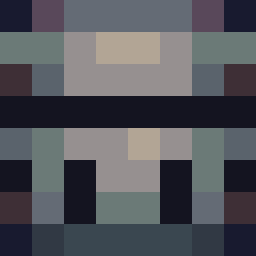
antoa31 was the 262nd player we have seen with this skin, first spotted on 23.09.2026. The same skin was seen on these players. Open a nickname to see their current skin and skin history.
 YaFrickenMudcrab PKNAH Previouswork MaximMauser Belisarius_Cawl Magic_Master22 sReeW DontTreadOnMee Driipster HazzardFreak SR_ossas igotFRAMED Gravity_Master Grandkai27 Cerberus1821 BlackDMORT cellez27 ilbuzzi NegatorTheMighty redanthraxx BrendenMorgan NeitherMP JustScion MarigoldCZE Kadzik_ Cherrysum Capacityname1 Lost_Ozone Order_Support Antr1s DarkWarrior26446 panda_ty_hi kephal13 EternalRevenant Han_Alister KingofTrout Corfraz yVeltalPWR mokencraft TruthSpeaker ItzKCB Bloodcaller Violencia_ orpheus_2 sonofmorg snoweeeyyy Zeedonis Gladiator283 mayorpigthefirst LargeDarius34 HarmlessJoker90 VulcanIT Sanastin Artucor OHOY1234 Nismito Trev114 BopBopCheeko RubbaDubKid SuperVanquish
More Knight Minecraft skins
How to install the antoa31 skin
- Press the Download button above to save the skin as a PNG file.
- Minecraft: Bedrock Edition (PE): open the Dressing Room from the main menu (or tap your character → Edit Character), go to Classic Skins → Owned, press the + (new skin) button, choose the downloaded PNG and pick the Classic (Steve) model. Works on PC and mobile; consoles cannot import custom skins.
- Minecraft: Java Edition: open the Minecraft Launcher, go to the Skins tab, click New Skin, load the PNG, pick the Classic (Steve) model and press Save & Use. You can also upload it at minecraft.net → Profile → Change Skin.
The skin does not show up after import - what should I do?
Restart Minecraft and open the Dressing Room again - imported skins sometimes appear only after a restart. Also make sure you selected the imported skin and picked the Classic (Steve) model.
Which model should I choose, Classic or Slim?
This skin is designed for the Classic (Steve) model. If you pick the wrong model, the arms of the skin will look stretched or squeezed.
Is the skin of antoa31 free to download?
Yes. Press Download, save the PNG file and use it in Minecraft: Bedrock Edition or Java Edition - no payment or registration needed. The skin also works on multiplayer servers and Realms.
More skins
Looking for more? Go back to all Minecraft skins and check the top skins of the week, month and all time, or find any player's skin by nickname.