
ansh560 - Minecraft Skins & Skin History
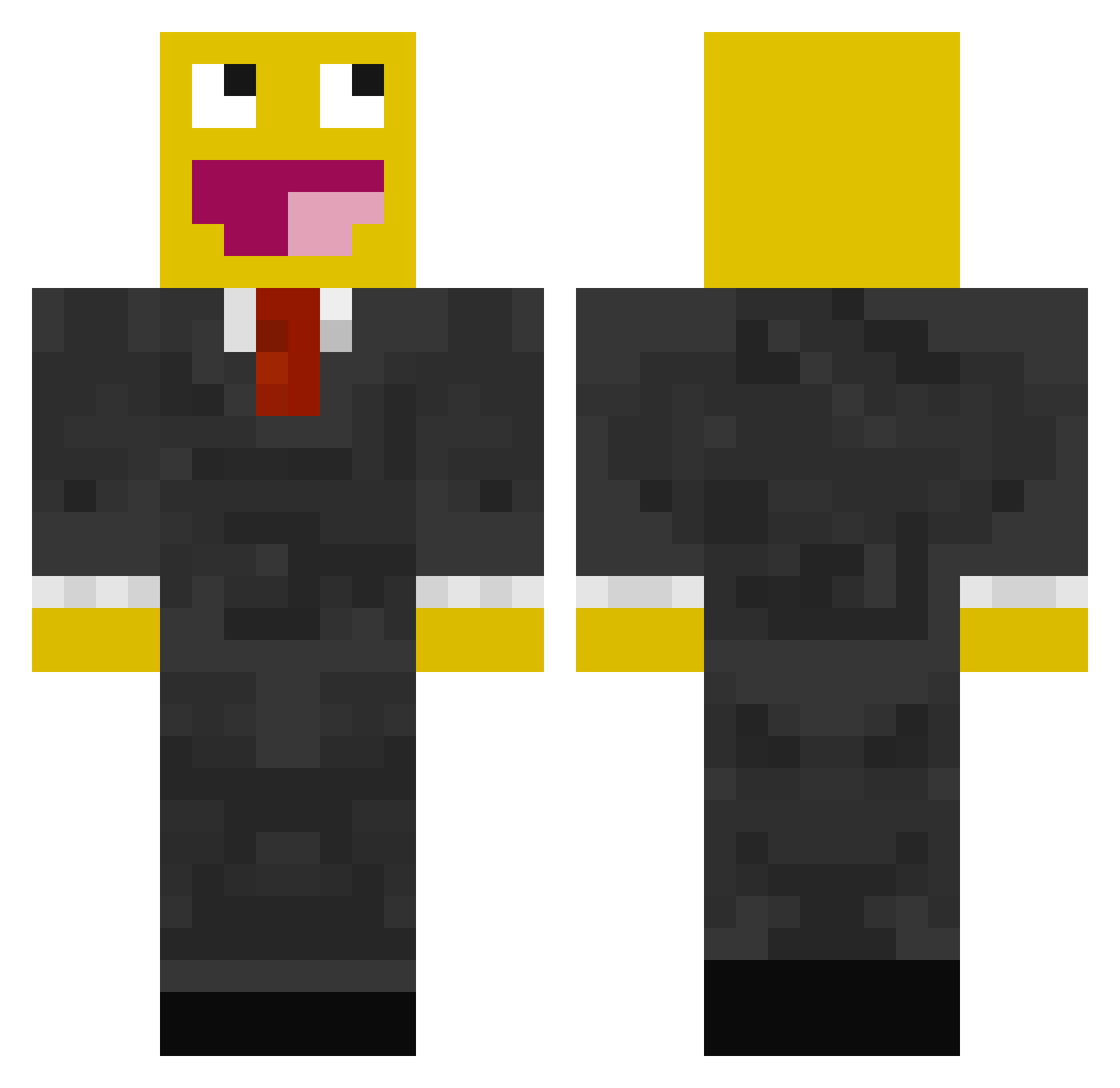
Current Minecraft skin of the player ansh560, loaded from the official Mojang API. Rotate the 3D model with your mouse or finger, then download the skin as a PNG file and use it in Minecraft: Bedrock Edition or Java Edition for free. When ansh560 changes their skin, this page updates automatically and the old skin stays in the history below.
Other players with this skin (529)
ansh560 was the 293rd player we have seen with this skin, first spotted on 27.09.2026. The same skin was seen on these players. Open a nickname to see their current skin and skin history.
 fairybug seanpatc bc304daedalus BARANGER TXcrusher34 Mrawesome1256 DKBangMadsen de4256 mbruner11 Texasboy01 saro_san sonsOFanarcyMC HottyMcHotPants love297 Assedio benjaminki123 oR3N3G4D3o bostonboy98 alpinejvc zachrobinson56 DeineMudder kaito0720 NeCa_ er1c2000 AppleSauceOfEden Angered niczap780 Chubbyking6 CreeperSweeper_ Julian1994 gavin010 viiksters PedroForLife MegaemeraldTJ ItzJocaFTW Grriimmz VisceralPotato funnykid089 Ottman BlacKKaR Austria_HG JTGabio TheRedEyedTerror TJeffries4863 i_am_nikita CraigPvP CaptainPazazle edstra Bobhobo12345 Mac_Madd3 _YellowMan_ adstercus IIZB3AST S3pT1kSilV3r mxwjung Trema_ Inspecting SublimeFroz noeldinho13 _creeper1013
More Smiley Face Minecraft skins
See all 2040 Smiley Face skins
How to install the ansh560 skin
- Press the Download button above to save the skin as a PNG file.
- Minecraft: Bedrock Edition (PE): open the Dressing Room from the main menu (or tap your character → Edit Character), go to Classic Skins → Owned, press the + (new skin) button, choose the downloaded PNG and pick the Classic (Steve) model. Works on PC and mobile; consoles cannot import custom skins.
- Minecraft: Java Edition: open the Minecraft Launcher, go to the Skins tab, click New Skin, load the PNG, pick the Classic (Steve) model and press Save & Use. You can also upload it at minecraft.net → Profile → Change Skin.
The skin does not show up after import - what should I do?
Restart Minecraft and open the Dressing Room again - imported skins sometimes appear only after a restart. Also make sure you selected the imported skin and picked the Classic (Steve) model.
Which model should I choose, Classic or Slim?
This skin is designed for the Classic (Steve) model. If you pick the wrong model, the arms of the skin will look stretched or squeezed.
Is the skin of ansh560 free to download?
Yes. Press Download, save the PNG file and use it in Minecraft: Bedrock Edition or Java Edition - no payment or registration needed. The skin also works on multiplayer servers and Realms.
More skins
Looking for more? Go back to all Minecraft skins and check the top skins of the week, month and all time, or find any player's skin by nickname.