
aminosi6 - Minecraft Skins & Skin History
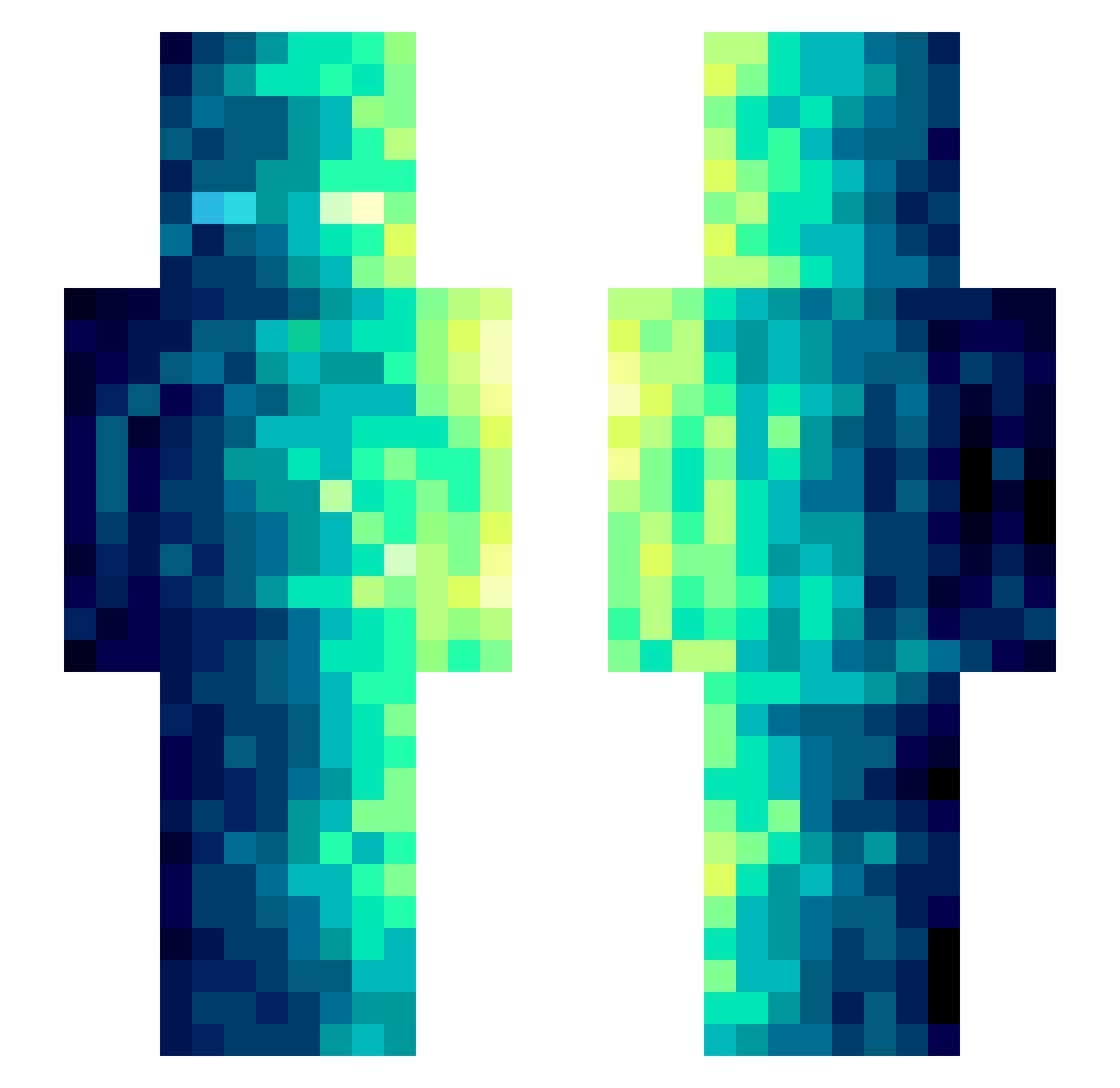
Current Minecraft skin of the player aminosi6, loaded from the official Mojang API. Rotate the 3D model with your mouse or finger, then download the skin as a PNG file and use it in Minecraft: Bedrock Edition or Java Edition for free. When aminosi6 changes their skin, this page updates automatically and the old skin stays in the history below.
Other players with this skin (489)
aminosi6 was the 40th player we have seen with this skin, first spotted on 05.08.2026. The same skin was seen on these players. Open a nickname to see their current skin and skin history.
 GEEKMAN344051 lao333 dydtjd0522 OKingHardt Hughost4123 samspace40 ArtemusFun RuiTachibana101 elias7pro conbrum Gadeget pangdin chyyyds666 Ivan_Pehckin_ Nils941 looking99 papacho01 SZNNNN LordofCreeper SkullyBully Tap_1 hildr6 nikocyril TacbL hti4rW _egorkapaupau_ KinWuy AVDF aikunkun100niany Roxy9988 Reid_Lightning WhatGG qiuyang_ AcrylicBirch360 Rgcgamer1764 Exile_Ashen orangege Qdrle brandon_mls aayutu Veltech AaYouok BlueSnowom Boggy_Woggy MEKOREA DezMic sugar1we CcZzJj7 beskonechnyy Spicet Dragoxeo NotSteve_000 madi99
 ratph TakaMundo wornout524 MrDreadd wj05 Feezroy MiMiJkd
How to install the aminosi6 skin
- Press the Download button above to save the skin as a PNG file.
- Minecraft: Bedrock Edition (PE): open the Dressing Room from the main menu (or tap your character → Edit Character), go to Classic Skins → Owned, press the + (new skin) button, choose the downloaded PNG and pick the Slim (Alex) model. Works on PC and mobile; consoles cannot import custom skins.
- Minecraft: Java Edition: open the Minecraft Launcher, go to the Skins tab, click New Skin, load the PNG, pick the Slim (Alex) model and press Save & Use. You can also upload it at minecraft.net → Profile → Change Skin.
The skin does not show up after import - what should I do?
Restart Minecraft and open the Dressing Room again - imported skins sometimes appear only after a restart. Also make sure you selected the imported skin and picked the Slim (Alex) model.
Which model should I choose, Classic or Slim?
This skin is designed for the Slim (Alex) model. If you pick the wrong model, the arms of the skin will look stretched or squeezed.
Is the skin of aminosi6 free to download?
Yes. Press Download, save the PNG file and use it in Minecraft: Bedrock Edition or Java Edition - no payment or registration needed. The skin also works on multiplayer servers and Realms.
More skins
Looking for more? Go back to all Minecraft skins and check the top skins of the week, month and all time, or find any player's skin by nickname.