
aliciacat - Minecraft Skins & Skin History
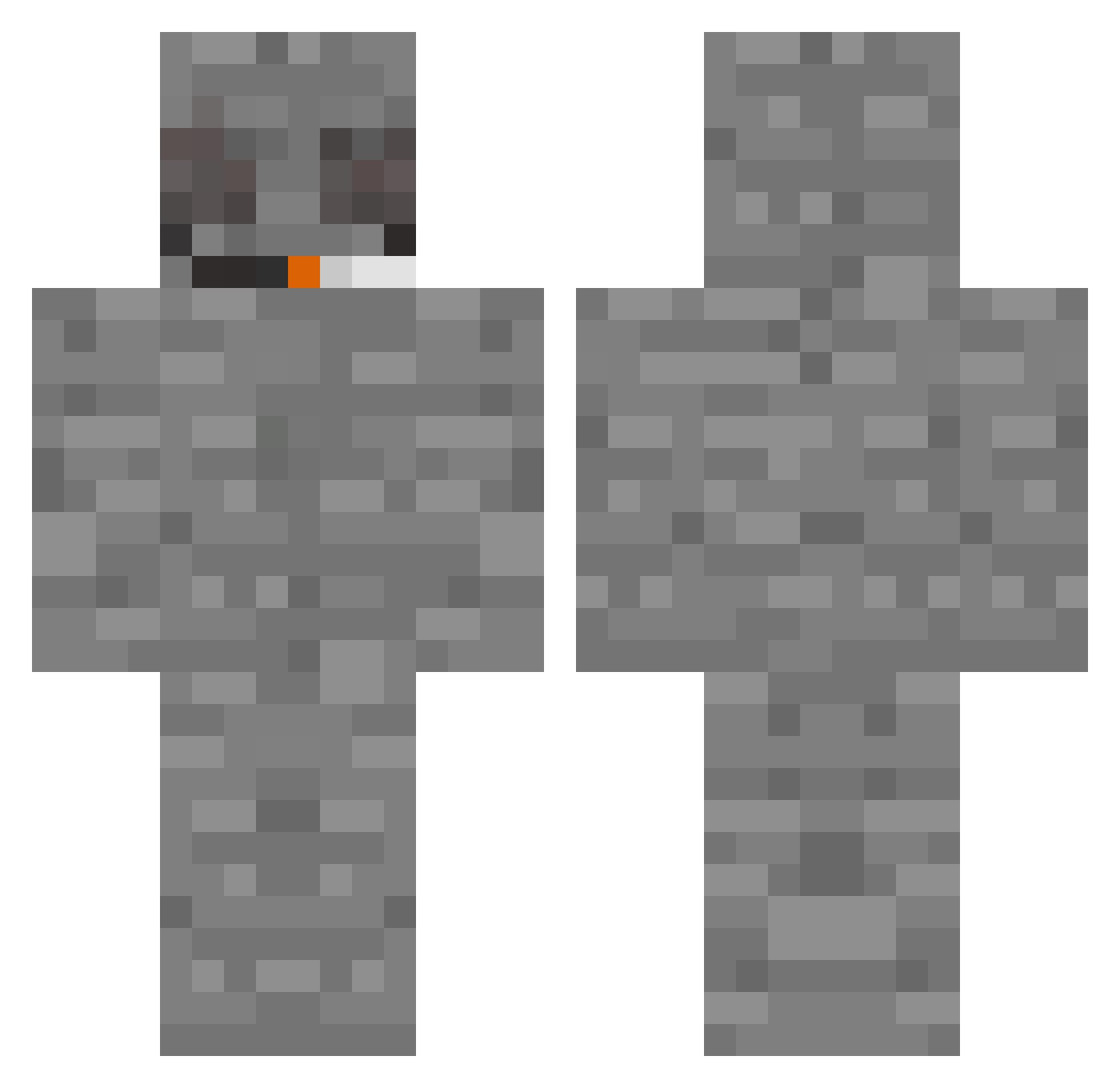
Current Minecraft skin of the player aliciacat, loaded from the official Mojang API. Rotate the 3D model with your mouse or finger, then download the skin as a PNG file and use it in Minecraft: Bedrock Edition or Java Edition for free. When aliciacat changes their skin, this page updates automatically and the old skin stays in the history below.
Other players with this skin (323)
aliciacat was the 277th player we have seen with this skin, first spotted on 19.10.2026. The same skin was seen on these players. Open a nickname to see their current skin and skin history.
 monkeysir MarkerSnlffer Jeketel _TGY_ ACGINORY Crafter2130 nr0p BMOJR Adni33 ichgooneaufvaler tanqi_ weebusy FukionLegend ConchaSucia69 Panda0231 Ranndarel Scriptol DVDbabka kingswilliam09 beldanchik FLaM3z_EU Z3FUSION ImUglyPerson StonedStone Wout3 CHANOK1 LesTermes KanekiDubz MightBeHigh Wenerson FlubbaMan987166 KarlPro107050 lzluna Krissz2 Dorgadong RatInstinctt iron_hwan TranqHead KRYAKS691337 FrAnK34811 PlugginPringles hentusik_ Jakee617 InkNut _Vilipi_ Hibitane Shadow_Client Furzik BOATVR1303 RonJonnys suburbancharm doitaotaoquan NincsJogaidCsovi RomDuf estfrosty Stoned_Slab GAVRX Yizsr Raco0nsincloset esjiee
More Rock Minecraft skins
How to install the aliciacat skin
- Press the Download button above to save the skin as a PNG file.
- Minecraft: Bedrock Edition (PE): open the Dressing Room from the main menu (or tap your character → Edit Character), go to Classic Skins → Owned, press the + (new skin) button, choose the downloaded PNG and pick the Classic (Steve) model. Works on PC and mobile; consoles cannot import custom skins.
- Minecraft: Java Edition: open the Minecraft Launcher, go to the Skins tab, click New Skin, load the PNG, pick the Classic (Steve) model and press Save & Use. You can also upload it at minecraft.net → Profile → Change Skin.
The skin does not show up after import - what should I do?
Restart Minecraft and open the Dressing Room again - imported skins sometimes appear only after a restart. Also make sure you selected the imported skin and picked the Classic (Steve) model.
Which model should I choose, Classic or Slim?
This skin is designed for the Classic (Steve) model. If you pick the wrong model, the arms of the skin will look stretched or squeezed.
Is the skin of aliciacat free to download?
Yes. Press Download, save the PNG file and use it in Minecraft: Bedrock Edition or Java Edition - no payment or registration needed. The skin also works on multiplayer servers and Realms.
More skins
Looking for more? Go back to all Minecraft skins and check the top skins of the week, month and all time, or find any player's skin by nickname.