
aiylatheangel - Minecraft Skins & Skin History
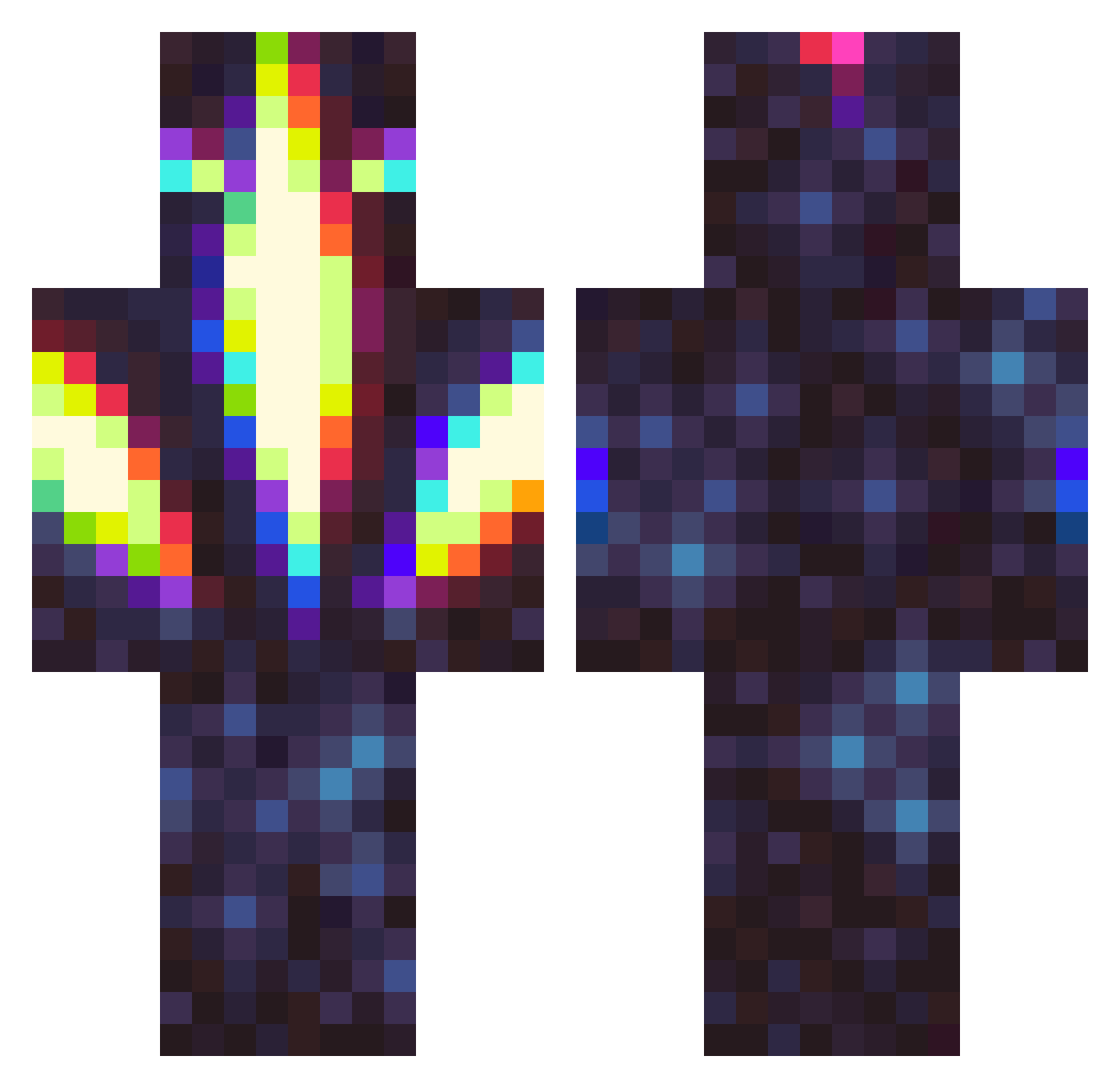
Current Minecraft skin of the player aiylatheangel, loaded from the official Mojang API. Rotate the 3D model with your mouse or finger, then download the skin as a PNG file and use it in Minecraft: Bedrock Edition or Java Edition for free. When aiylatheangel changes their skin, this page updates automatically and the old skin stays in the history below.
Other players with this skin (326)
aiylatheangel was the 43rd player we have seen with this skin, first spotted on 08.08.2026. The same skin was seen on these players. Open a nickname to see their current skin and skin history.
 elisemichelle97 Marco27360 profosho Amendoim_zinho
 Kryvul jessejames222 ILIKEREESES34 Venamos55 vanitasPL Novah05 Zaul13 EmCharBreeze RiftRipper49 Zeusonthelooose DinoRida Teoras_ Waydromeda CurryKingKalle
 TrippleJ2020 celestialnebulae DiscipleofM numinous510 Doyle5000 jodlos End_me_please69 dytract_ CentsBAD Zac1010 Pastatoast ShutD9wn ChaaBoiii alexb110 JayMacOne OldSunF TJK104 Mykeytoe Teragonite Muffin1o9 dj21095 clown_josee Glacial TheDarkV0id121 HalfDrgn Saint_Lucien _Scorp1on_ LightdarkNC
 MikkelThePickel9 GDMCA Chaddus_McGee orthodoxbin KURlMU Titanis32 Polynixs crotisol mrpatato30 Zugyo IanChenxx R0V3R13 nebrot0 drowsycyborg
More Glowing Minecraft skins
How to install the aiylatheangel skin
- Press the Download button above to save the skin as a PNG file.
- Minecraft: Bedrock Edition (PE): open the Dressing Room from the main menu (or tap your character → Edit Character), go to Classic Skins → Owned, press the + (new skin) button, choose the downloaded PNG and pick the Classic (Steve) model. Works on PC and mobile; consoles cannot import custom skins.
- Minecraft: Java Edition: open the Minecraft Launcher, go to the Skins tab, click New Skin, load the PNG, pick the Classic (Steve) model and press Save & Use. You can also upload it at minecraft.net → Profile → Change Skin.
The skin does not show up after import - what should I do?
Restart Minecraft and open the Dressing Room again - imported skins sometimes appear only after a restart. Also make sure you selected the imported skin and picked the Classic (Steve) model.
Which model should I choose, Classic or Slim?
This skin is designed for the Classic (Steve) model. If you pick the wrong model, the arms of the skin will look stretched or squeezed.
Is the skin of aiylatheangel free to download?
Yes. Press Download, save the PNG file and use it in Minecraft: Bedrock Edition or Java Edition - no payment or registration needed. The skin also works on multiplayer servers and Realms.
More skins
Looking for more? Go back to all Minecraft skins and check the top skins of the week, month and all time, or find any player's skin by nickname.