
adri_171 - Minecraft Skins & Skin History
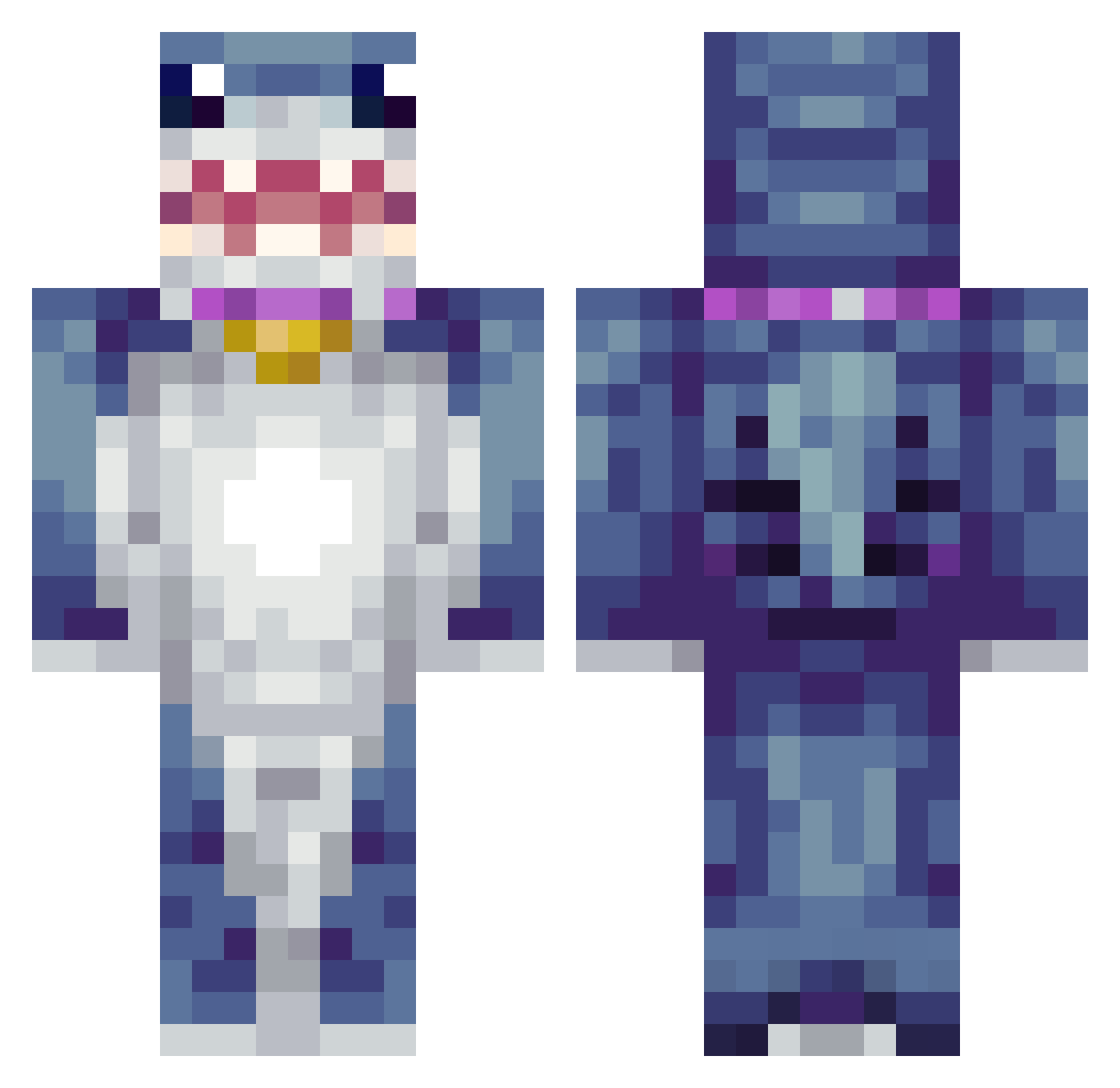
Current Minecraft skin of the player adri_171, loaded from the official Mojang API. Rotate the 3D model with your mouse or finger, then download the skin as a PNG file and use it in Minecraft: Bedrock Edition or Java Edition for free. When adri_171 changes their skin, this page updates automatically and the old skin stays in the history below.
Other players with this skin (428)
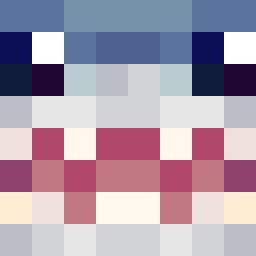
adri_171 was the 231st player we have seen with this skin, first spotted on 28.09.2026. The same skin was seen on these players. Open a nickname to see their current skin and skin history.
 IAmHim44 Antuaa99 mosam245 LK_Bru DesperateNerd vanvan09 Poseidon425 eddy_2016 Leonsbooty M2dsenEjerMig T3TSU_ Edwardo_420 TheReal_MrSeal69 CharmXx1 binsu589 Stone_Statues_ jerimyp7 Chikahan SOSISAIAX dhfhr44 PokeToad37 Enjue LucentSauce Mhl0614 Space_Diamond_ CG_GABRIEL louisgsharples GalaxyPyre lumiere745 zmonkeywallace Banana_Vet HartopUshushi Boohbah_0 JBR12 Tonisy siraxolotl27 Stephoooooon Mizzy8_ akVz vpset1 Sharksoldier36 dejota_ coolsasas pepinito777 Flamethrower99 Aixvz Maaigot xxcmathiascxx DuongTieu12 cuddlingus bill119 Master_Dantes Kimichi124 Kyfess Doba64 SiticEye weile34 Pirk27 angrymonsta Josjenjoh
More Shark Minecraft skins
How to install the adri_171 skin
- Press the Download button above to save the skin as a PNG file.
- Minecraft: Bedrock Edition (PE): open the Dressing Room from the main menu (or tap your character → Edit Character), go to Classic Skins → Owned, press the + (new skin) button, choose the downloaded PNG and pick the Classic (Steve) model. Works on PC and mobile; consoles cannot import custom skins.
- Minecraft: Java Edition: open the Minecraft Launcher, go to the Skins tab, click New Skin, load the PNG, pick the Classic (Steve) model and press Save & Use. You can also upload it at minecraft.net → Profile → Change Skin.
The skin does not show up after import - what should I do?
Restart Minecraft and open the Dressing Room again - imported skins sometimes appear only after a restart. Also make sure you selected the imported skin and picked the Classic (Steve) model.
Which model should I choose, Classic or Slim?
This skin is designed for the Classic (Steve) model. If you pick the wrong model, the arms of the skin will look stretched or squeezed.
Is the skin of adri_171 free to download?
Yes. Press Download, save the PNG file and use it in Minecraft: Bedrock Edition or Java Edition - no payment or registration needed. The skin also works on multiplayer servers and Realms.
More skins
Looking for more? Go back to all Minecraft skins and check the top skins of the week, month and all time, or find any player's skin by nickname.