
_seb9 - Minecraft Skins & Skin History
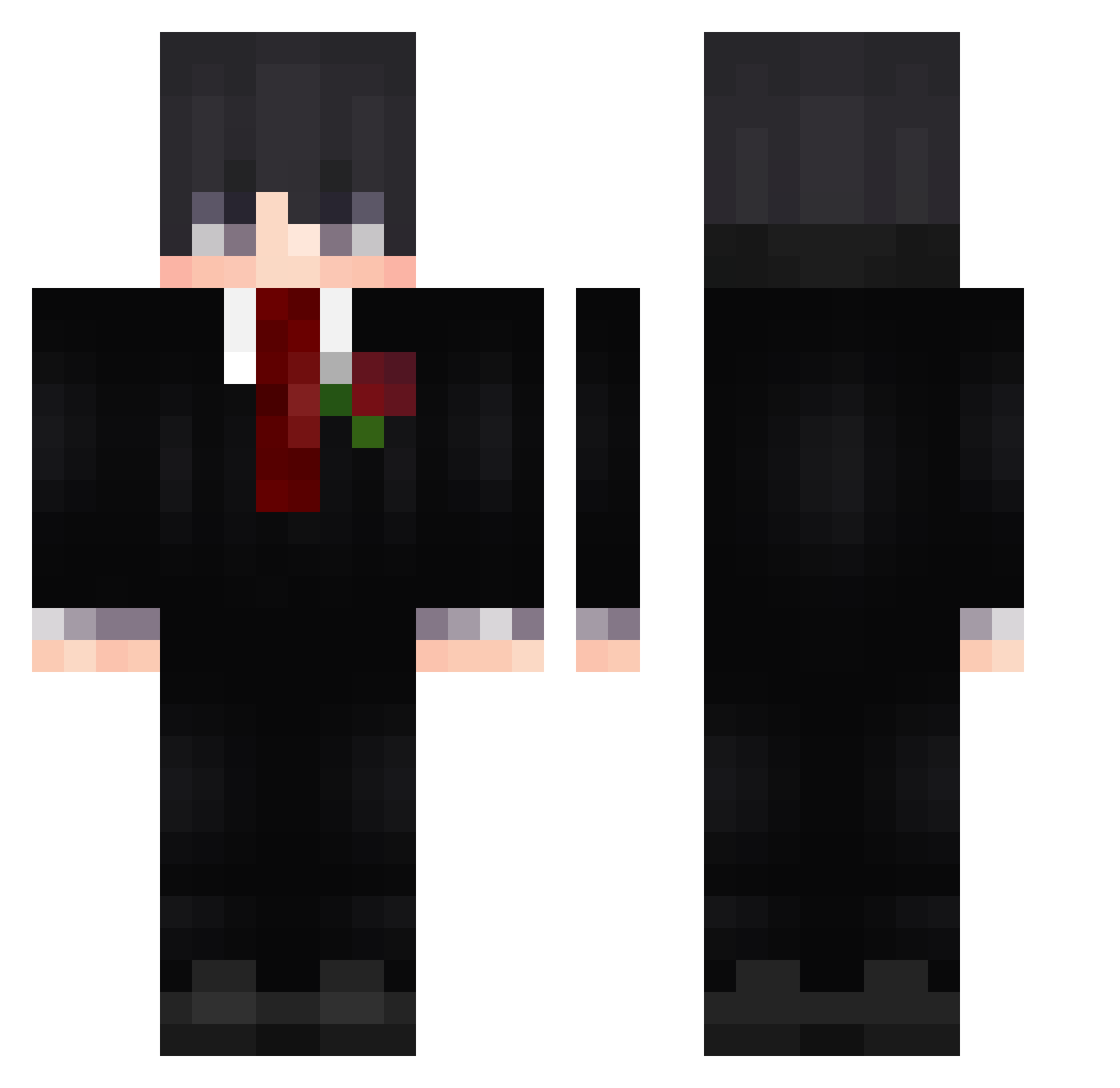
Current Minecraft skin of the player _seb9, loaded from the official Mojang API. Rotate the 3D model with your mouse or finger, then download the skin as a PNG file and use it in Minecraft: Bedrock Edition or Java Edition for free. When _seb9 changes their skin, this page updates automatically and the old skin stays in the history below.
Other players with this skin (553)
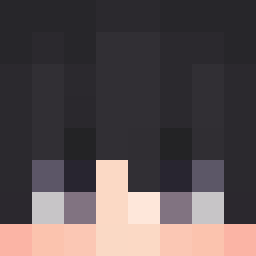
_seb9 was the 488th player we have seen with this skin, first spotted on 14.10.2026. The same skin was seen on these players. Open a nickname to see their current skin and skin history.
 phoonk SattuMC RushDungeons h1ll_ Heliecraft hykid1189 prettyreyrey jkevin231 srMordoo Urielzx1 Magni12 Janis_PvP wali999_ anshen123 Oo_O0o Lanjokie SantGabo zunblezz ilor15 nemesis_2103 joulie35 Dylan_g1611 makako19 Hyperbola4 SanMono19 eliteangolius hjzhuang1204 vyaxo 1997jake B4nani murilontxz soslu_misir Texogamerz iwja mrgabrys DuxVn zun1021 kavelkins sccolin0911 Ronaldo200807 thatskosi CalmDown789 KissPaige fmetehan seatrino AyushmanPlayz_ NoJustCandle Waizyke Perrini4runny02 Rodris2kkw ThePant0ufle Fio007 Enlaw Kaan36875 catdog0504 mmcwl woolwoolwoolwool mroboticsman X_king_Axel NotSwyz
More Rose Minecraft skins
How to install the _seb9 skin
- Press the Download button above to save the skin as a PNG file.
- Minecraft: Bedrock Edition (PE): open the Dressing Room from the main menu (or tap your character → Edit Character), go to Classic Skins → Owned, press the + (new skin) button, choose the downloaded PNG and pick the Classic (Steve) model. Works on PC and mobile; consoles cannot import custom skins.
- Minecraft: Java Edition: open the Minecraft Launcher, go to the Skins tab, click New Skin, load the PNG, pick the Classic (Steve) model and press Save & Use. You can also upload it at minecraft.net → Profile → Change Skin.
The skin does not show up after import - what should I do?
Restart Minecraft and open the Dressing Room again - imported skins sometimes appear only after a restart. Also make sure you selected the imported skin and picked the Classic (Steve) model.
Which model should I choose, Classic or Slim?
This skin is designed for the Classic (Steve) model. If you pick the wrong model, the arms of the skin will look stretched or squeezed.
Is the skin of _seb9 free to download?
Yes. Press Download, save the PNG file and use it in Minecraft: Bedrock Edition or Java Edition - no payment or registration needed. The skin also works on multiplayer servers and Realms.
More skins
Looking for more? Go back to all Minecraft skins and check the top skins of the week, month and all time, or find any player's skin by nickname.