
_pAJamas_ - Minecraft Skins & Skin History
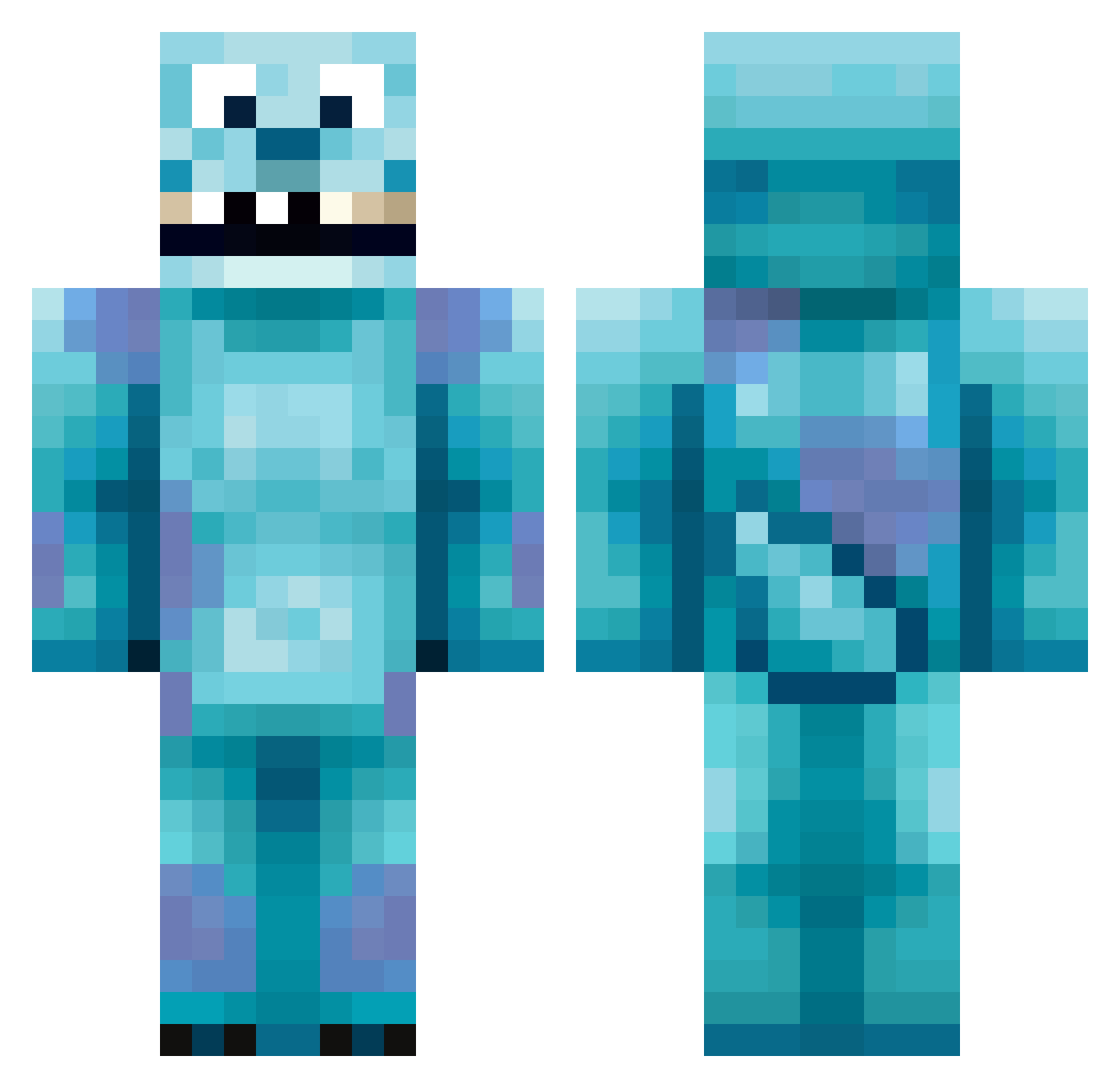
Current Minecraft skin of the player _pAJamas_, loaded from the official Mojang API. Rotate the 3D model with your mouse or finger, then download the skin as a PNG file and use it in Minecraft: Bedrock Edition or Java Edition for free. When _pAJamas_ changes their skin, this page updates automatically and the old skin stays in the history below.
Other players with this skin (213)
_pAJamas_ was the 67th player we have seen with this skin, first spotted on 28.08.2026. The same skin was seen on these players. Open a nickname to see their current skin and skin history.
 massky
 LVRI50 dham19 BossHogg300 yycgXS Kasztan28 Bober03 moonmil Stickerpaperz G2Carlos 99GORG SmittyTech Strawberries356 Olayon PickABook coydiz jibaro55 MrMozart_ LogiBear23 Not_xMouse BigPeenLew B0nki77 TikTokGuby I_am_Sully MaxiBurger bicsayshi Jsenberg WuMIn259 DebbieWoo Therealcikko emreStark Karlosek SHANKSC08 JustSaimen williamdoos StaxxAlmighty69 BellaChenPinZhen atomus07 aloisha Rydaw989 Gamersav Kodi_Mercs BuKacks Count_Morkula1 Milous12CZ JaPierdoIe simon1708 franjovaro00 ProfNich ParkCello ConcreteGuru mcdr Matraquage peetroyer PopsKarnage LAWRENCEJNC 11un NeverFoldGav SoyDidacS Maepy_320
More Sulley Minecraft skins
How to install the _pAJamas_ skin
- Press the Download button above to save the skin as a PNG file.
- Minecraft: Bedrock Edition (PE): open the Dressing Room from the main menu (or tap your character → Edit Character), go to Classic Skins → Owned, press the + (new skin) button, choose the downloaded PNG and pick the Classic (Steve) model. Works on PC and mobile; consoles cannot import custom skins.
- Minecraft: Java Edition: open the Minecraft Launcher, go to the Skins tab, click New Skin, load the PNG, pick the Classic (Steve) model and press Save & Use. You can also upload it at minecraft.net → Profile → Change Skin.
The skin does not show up after import - what should I do?
Restart Minecraft and open the Dressing Room again - imported skins sometimes appear only after a restart. Also make sure you selected the imported skin and picked the Classic (Steve) model.
Which model should I choose, Classic or Slim?
This skin is designed for the Classic (Steve) model. If you pick the wrong model, the arms of the skin will look stretched or squeezed.
Is the skin of _pAJamas_ free to download?
Yes. Press Download, save the PNG file and use it in Minecraft: Bedrock Edition or Java Edition - no payment or registration needed. The skin also works on multiplayer servers and Realms.
More skins
Looking for more? Go back to all Minecraft skins and check the top skins of the week, month and all time, or find any player's skin by nickname.