
 beekeeperrrr popeurban22 twice7713 Expired51 Mopikooooooooo28 wodospad420 Atlaaaaaaas iThatWhiteGuy risingphoenix514 Raloric SlikyMits JoshAllard FAM_son MiaoW_0R CookieNomNom123 Pelee08 DespicableDr TULIPETE SIHUN__ Lone2605 Gostyy Groov3x Nem0ide Rambo70110 NoodlesOrDie haha123000 chiffres dedrie upintheclouds444 WillDaBeast1810 Swiirthy Akira_Liu jewlz4 xDaniNepe Juxe22 Princess_Chae RETSION ConCon_69 PHsO_TRiCKzZ Lander_44 Wampah FunkyPack MangoCooper thebtens saad156 JULEN360 Smoopzy yobttocs Ierke001 Armine toxicsloth123 DumpsterDaddy iamsbarrrr arhisking_ emreStark ilipily B0nki77 11un DebbieWoo XueenS
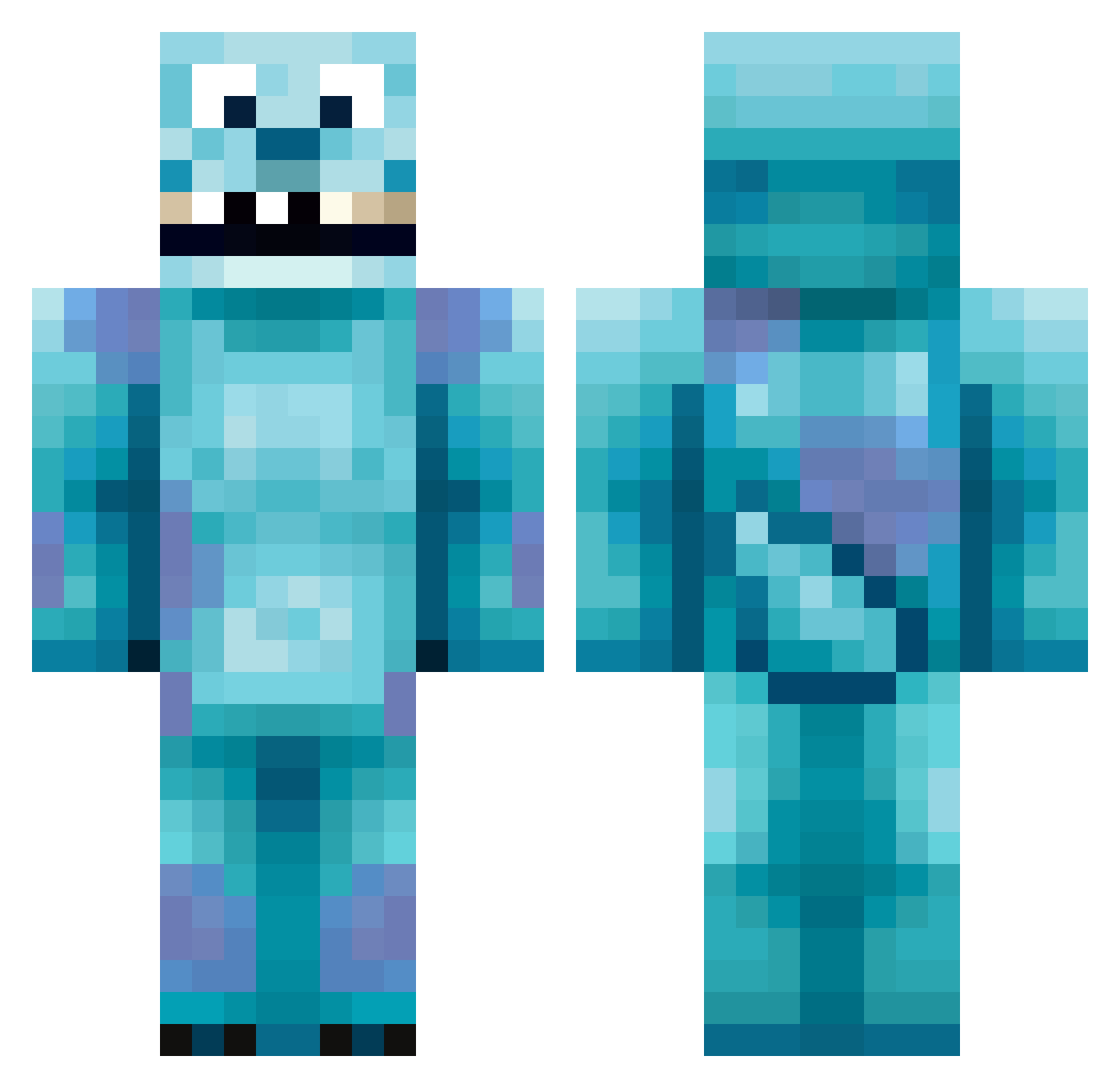
Minecraft skin of Atlaaaaaaas. Rotate the 3D model with your mouse or finger to view the skin from every angle, then download it as a PNG file and use it in Minecraft: Bedrock Edition or Java Edition for free. Rate the skin with stars to help other players find the best skins in our collection.
How to install the Atlaaaaaaas skin
- Press the Download button above to save the skin as a PNG file.
- Minecraft: Bedrock Edition (PE): open the Dressing Room from the main menu (or tap your character → Edit Character), go to Classic Skins → Owned, press the + (new skin) button, choose the downloaded PNG and pick the Classic (Steve) model. Works on PC and mobile; consoles cannot import custom skins.
- Minecraft: Java Edition: open the Minecraft Launcher, go to the Skins tab, click New Skin, load the PNG, pick the Classic (Steve) model and press Save & Use. You can also upload it at minecraft.net → Profile → Change Skin.
The skin does not show up after import - what should I do?
Restart Minecraft and open the Dressing Room again - imported skins sometimes appear only after a restart. Also make sure you selected the imported skin and picked the Classic (Steve) model.
Which model should I choose, Classic or Slim?
This skin is designed for the Classic (Steve) model. If you pick the wrong model, the arms of the skin will look stretched or squeezed.
Is this skin free to use?
Yes. Press Download, save the PNG file and use it in Minecraft: Bedrock Edition or Java Edition - no payment or registration needed. The skin also works on multiplayer servers and Realms.
More Sulley Minecraft skins
More skins
Looking for more? Go back to all Minecraft skins and check the top skins of the week, month and all time, or find any player's skin by nickname.