
__n_n___ - Minecraft Skins & Skin History
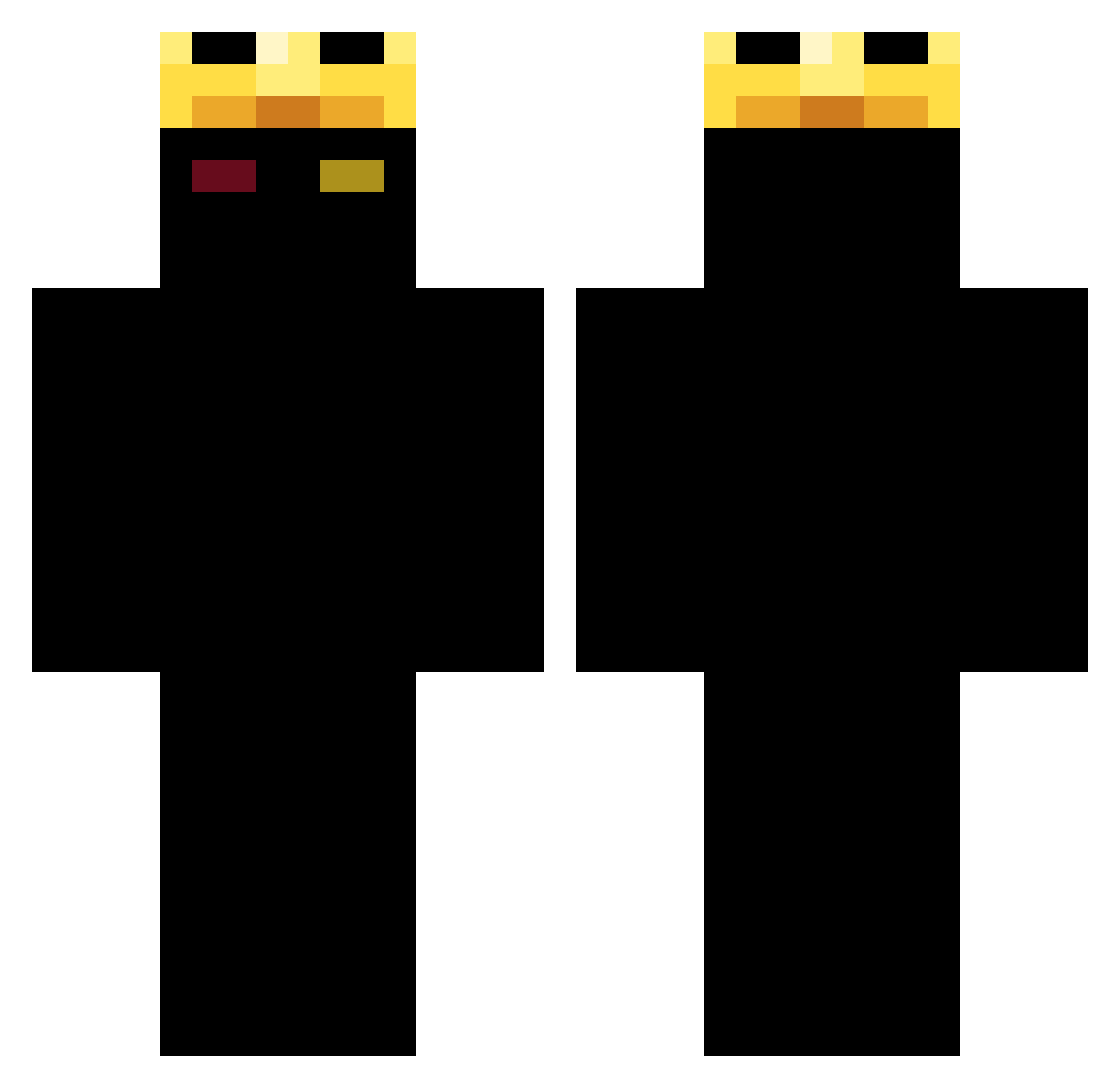
Current Minecraft skin of the player __n_n___, loaded from the official Mojang API. Rotate the 3D model with your mouse or finger, then download the skin as a PNG file and use it in Minecraft: Bedrock Edition or Java Edition for free. When __n_n___ changes their skin, this page updates automatically and the old skin stays in the history below.
Other players with this skin (395)
__n_n___ was the 72nd player we have seen with this skin, first spotted on 16.08.2026. The same skin was seen on these players. Open a nickname to see their current skin and skin history.
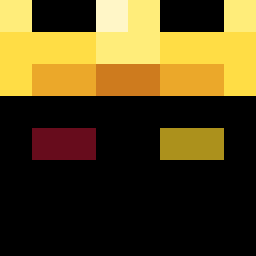 tonimarvi28 JonahSSG Leozzin_08 0oYN blaze123_ overdoseoff joejoe2021 Surneaa AceAbove Bestow_KyXgMM ProfessorGenki_ obmi w3yy_ unnamedajak N1kito MagrinX NelsonLopez Wistonjs ElpepexD2371 Argenisfc megabytes7 Xerinone ferrariinfiniti villxv Angelokiller11 Arkanoid65 Memo6101 Sesamder jpptd Reaper1410135 JoazinhoCraft EndLiar78 RabbitMario890 itscolton2013 Moblr ChispaDeMuseum qb6v SupCinar Senna27__ Mal_DXOTHz JudasStar alcici karama054 RK0070 Papichulo2402 patrick123456677 JovanDash SrDuckDarck vNqski The_Canab IBooj
 Vcadox 3vital Mahm TcCarlos Ga7bz Myst1calll mcaltsam1 anpm SquidLauncher09
More Ranboo Minecraft skins
How to install the __n_n___ skin
- Press the Download button above to save the skin as a PNG file.
- Minecraft: Bedrock Edition (PE): open the Dressing Room from the main menu (or tap your character → Edit Character), go to Classic Skins → Owned, press the + (new skin) button, choose the downloaded PNG and pick the Classic (Steve) model. Works on PC and mobile; consoles cannot import custom skins.
- Minecraft: Java Edition: open the Minecraft Launcher, go to the Skins tab, click New Skin, load the PNG, pick the Classic (Steve) model and press Save & Use. You can also upload it at minecraft.net → Profile → Change Skin.
The skin does not show up after import - what should I do?
Restart Minecraft and open the Dressing Room again - imported skins sometimes appear only after a restart. Also make sure you selected the imported skin and picked the Classic (Steve) model.
Which model should I choose, Classic or Slim?
This skin is designed for the Classic (Steve) model. If you pick the wrong model, the arms of the skin will look stretched or squeezed.
Is the skin of __n_n___ free to download?
Yes. Press Download, save the PNG file and use it in Minecraft: Bedrock Edition or Java Edition - no payment or registration needed. The skin also works on multiplayer servers and Realms.
More skins
Looking for more? Go back to all Minecraft skins and check the top skins of the week, month and all time, or find any player's skin by nickname.