
_SzklAnka__ - Minecraft Skins & Skin History
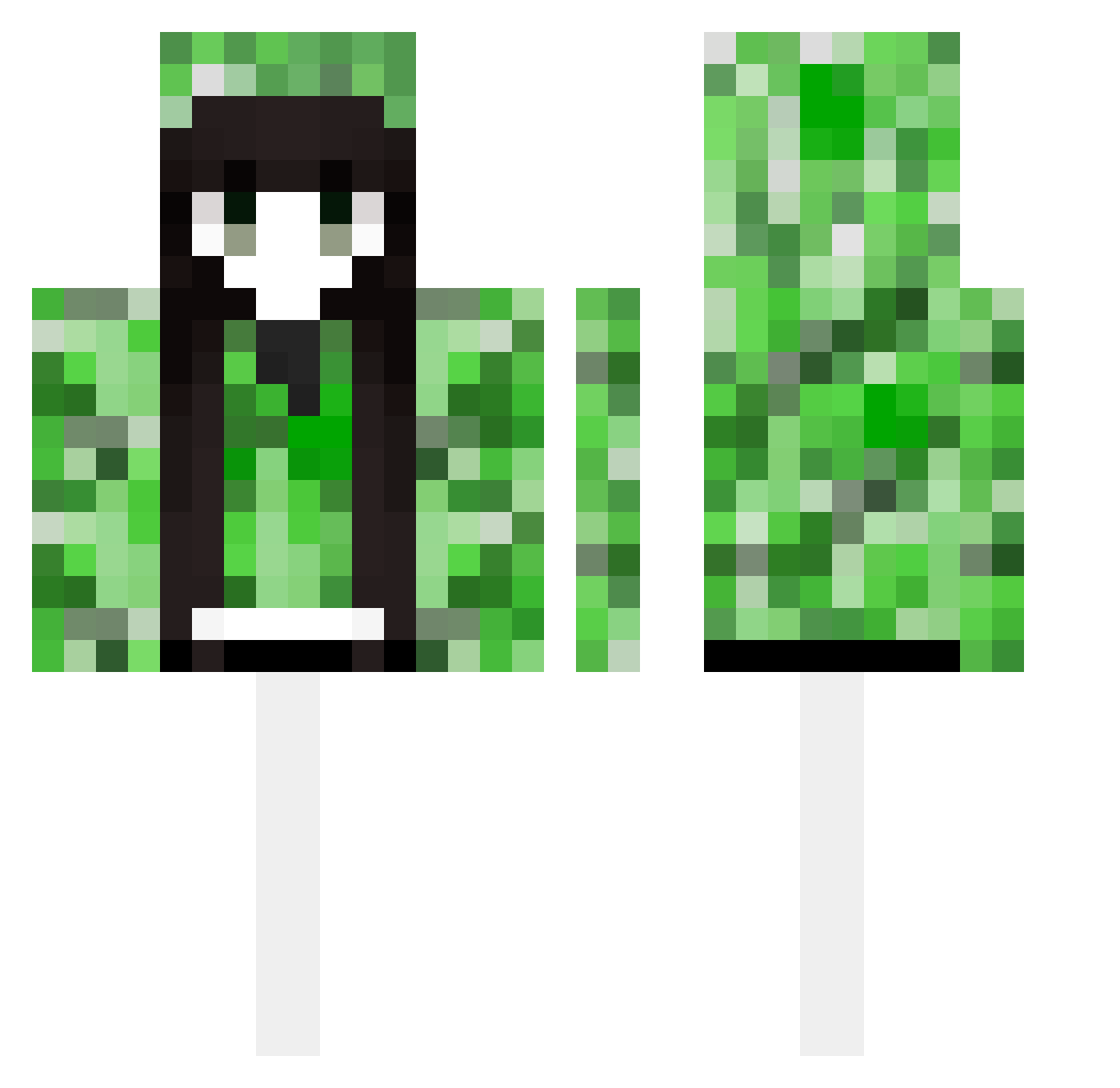
Current Minecraft skin of the player _SzklAnka__, loaded from the official Mojang API. Rotate the 3D model with your mouse or finger, then download the skin as a PNG file and use it in Minecraft: Bedrock Edition or Java Edition for free. When _SzklAnka__ changes their skin, this page updates automatically and the old skin stays in the history below.
Other players with this skin (489)
_SzklAnka__ was the 267th player we have seen with this skin, first spotted on 27.09.2026. The same skin was seen on these players. Open a nickname to see their current skin and skin history.
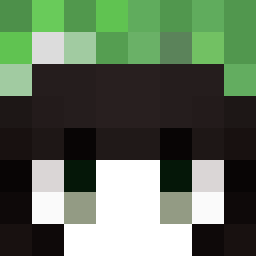 fengguangjiyueyu fenggang TNTeamC1 zinuk_ blbyn hao_1234 SONGGUOO Yang220 kijhl moranye lakeun45 L2yuu FFF7777 obligation66 PoppedByNinja YIXU233 JJJbox nanay1 xiaoyu1234567 tang97119 BeiJuO Obliviiion1 biubiu1210 ZJArong zhengjuna lauraladivina __TheShy PAHCG milliondolarman hahawht YueLink Atxvz1 Neotheus iBatuhanC gradlol1234 warrobotnick xochan G0BLlN0429 shiinasaki KaZuYaSaMa12345 femoby A03596 stars6868 Qian_Qizi Dxrainbow NightCorvus wafflelover976 Aki0730 idiehard9 Alouette737 ss445151696 srffjhg zhou1011 Geoffrey3568 curryisnotme tpsama sslleep amekkan 5I0N XDZaychiK
More Creeper Minecraft skins
How to install the _SzklAnka__ skin
- Press the Download button above to save the skin as a PNG file.
- Minecraft: Bedrock Edition (PE): open the Dressing Room from the main menu (or tap your character → Edit Character), go to Classic Skins → Owned, press the + (new skin) button, choose the downloaded PNG and pick the Classic (Steve) model. Works on PC and mobile; consoles cannot import custom skins.
- Minecraft: Java Edition: open the Minecraft Launcher, go to the Skins tab, click New Skin, load the PNG, pick the Classic (Steve) model and press Save & Use. You can also upload it at minecraft.net → Profile → Change Skin.
The skin does not show up after import - what should I do?
Restart Minecraft and open the Dressing Room again - imported skins sometimes appear only after a restart. Also make sure you selected the imported skin and picked the Classic (Steve) model.
Which model should I choose, Classic or Slim?
This skin is designed for the Classic (Steve) model. If you pick the wrong model, the arms of the skin will look stretched or squeezed.
Is the skin of _SzklAnka__ free to download?
Yes. Press Download, save the PNG file and use it in Minecraft: Bedrock Edition or Java Edition - no payment or registration needed. The skin also works on multiplayer servers and Realms.
More skins
Looking for more? Go back to all Minecraft skins and check the top skins of the week, month and all time, or find any player's skin by nickname.