
_SplashDash - Minecraft Skins & Skin History
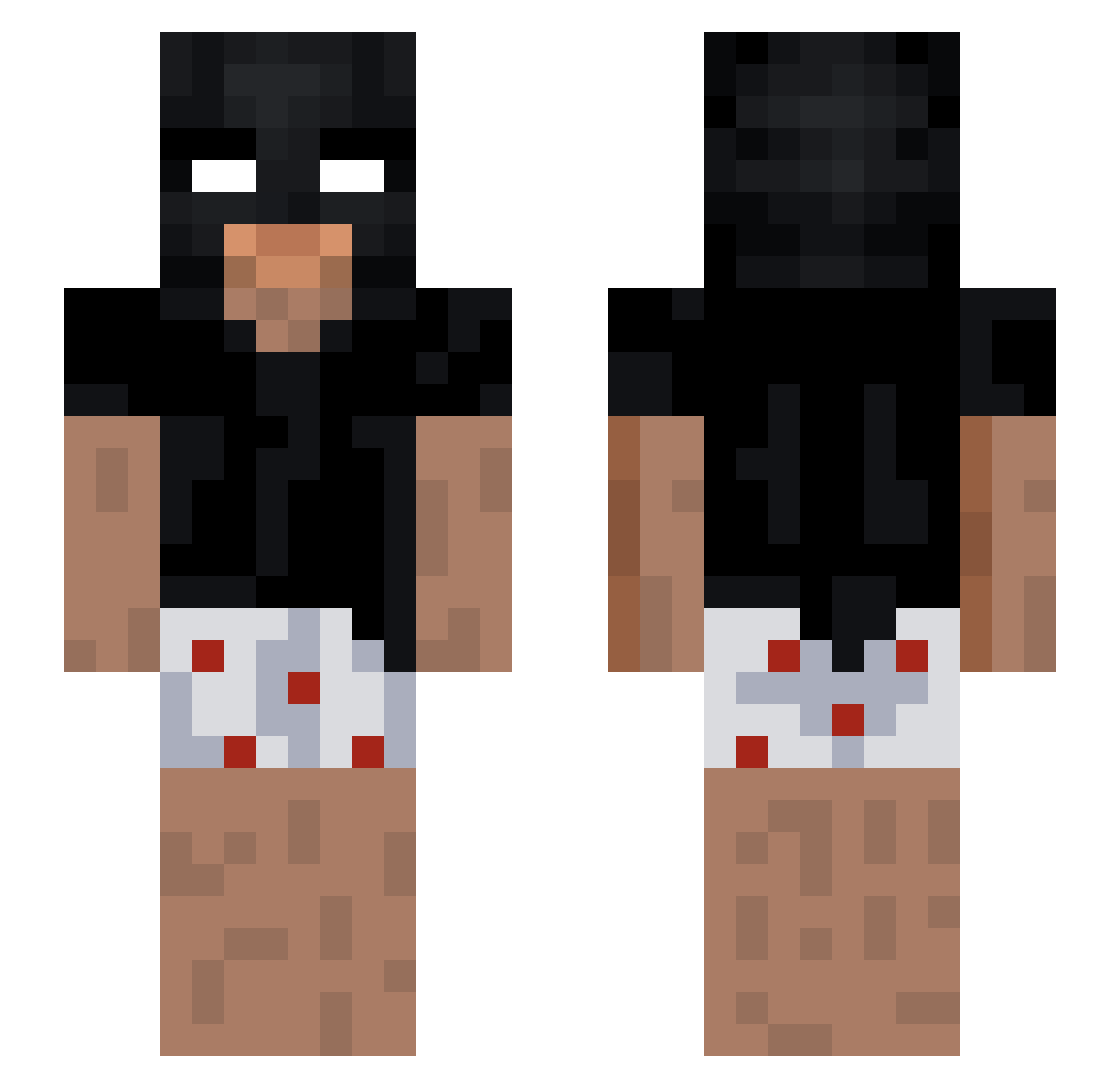
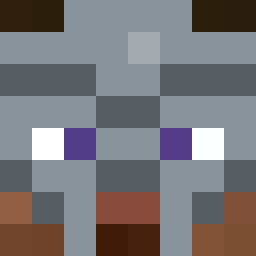
Current Minecraft skin of the player _SplashDash, loaded from the official Mojang API. Rotate the 3D model with your mouse or finger, then download the skin as a PNG file and use it in Minecraft: Bedrock Edition or Java Edition for free. When _SplashDash changes their skin, this page updates automatically and the old skin stays in the history below.
Other players with this skin (205)
_SplashDash was the 77th player we have seen with this skin, first spotted on 26.08.2026. The same skin was seen on these players. Open a nickname to see their current skin and skin history.
 ChefUnderground iv3yyh Azerti62 konacc LiquidMoth Panni3wiem Jaesuru GerryGH00 yelapad Nyrci Hanswurst1258 PepeGaxD kptReni Stay_mad8 tonozazaza Salvoao Mysyk BaroufYT _Tonyzz_ juicy______ hypoparathyroidi Kizuo77 Robb_z X_plax_X DanielFire2013 Trombson Fujitivess Vigoro760 DarkiuZZ
 dvir50 LilOof6969 RedGhost_ID Ghsxt34 Marra00 Toxicistuff walerr NeverTouchedIt BIG5ON
 appxrentlyzxn nacho0234 RetlessRyohei rysmostek nicolinhas123 MINSKHOTEL SuorTony KFN_DROXZ10 ItsKiiwi xicolasg
 Ryond_
 3MIR 3wib NotSwiftie2 nopeyes lerns_ stringentUitig0 jacobisbatman Gotinha01 Dezzvo NeachWC SAHROMA
More Funny Minecraft skins
How to install the _SplashDash skin
- Press the Download button above to save the skin as a PNG file.
- Minecraft: Bedrock Edition (PE): open the Dressing Room from the main menu (or tap your character → Edit Character), go to Classic Skins → Owned, press the + (new skin) button, choose the downloaded PNG and pick the Slim (Alex) model. Works on PC and mobile; consoles cannot import custom skins.
- Minecraft: Java Edition: open the Minecraft Launcher, go to the Skins tab, click New Skin, load the PNG, pick the Slim (Alex) model and press Save & Use. You can also upload it at minecraft.net → Profile → Change Skin.
The skin does not show up after import - what should I do?
Restart Minecraft and open the Dressing Room again - imported skins sometimes appear only after a restart. Also make sure you selected the imported skin and picked the Slim (Alex) model.
Which model should I choose, Classic or Slim?
This skin is designed for the Slim (Alex) model. If you pick the wrong model, the arms of the skin will look stretched or squeezed.
Is the skin of _SplashDash free to download?
Yes. Press Download, save the PNG file and use it in Minecraft: Bedrock Edition or Java Edition - no payment or registration needed. The skin also works on multiplayer servers and Realms.
More skins
Looking for more? Go back to all Minecraft skins and check the top skins of the week, month and all time, or find any player's skin by nickname.