
_Lithophage_ - Minecraft Skins & Skin History
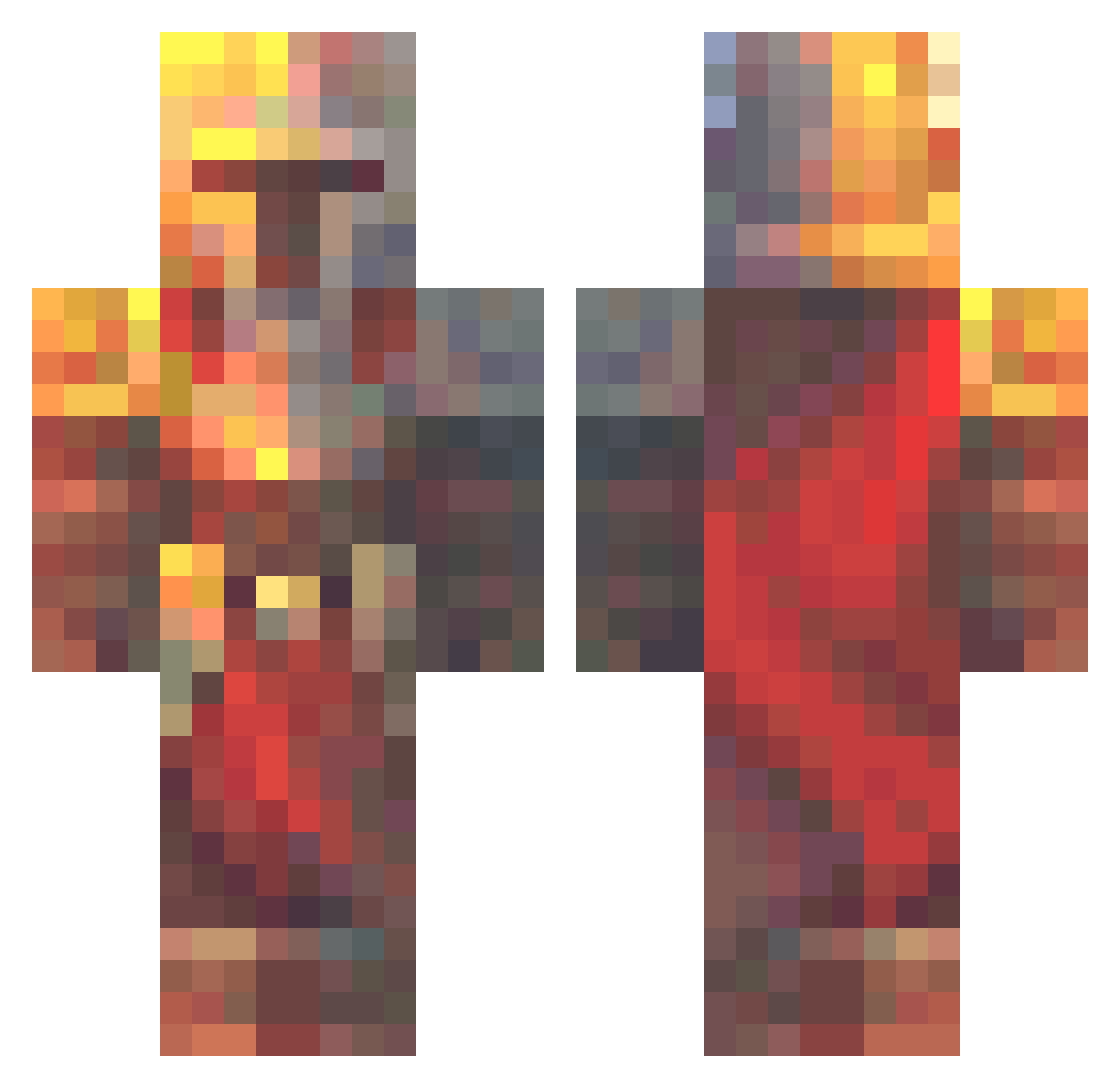
Current Minecraft skin of the player _Lithophage_, loaded from the official Mojang API. Rotate the 3D model with your mouse or finger, then download the skin as a PNG file and use it in Minecraft: Bedrock Edition or Java Edition for free. When _Lithophage_ changes their skin, this page updates automatically and the old skin stays in the history below.
Other players with this skin (574)
_Lithophage_ was the 456th player we have seen with this skin, first spotted on 14.10.2026. The same skin was seen on these players. Open a nickname to see their current skin and skin history.
 Perfetly bouncy784tiger_ Zings_78 Stikar matej04370 Jackray79 Ziva138 rediadan Orsalot DDOXEN Z3N1TH11 Arenen franklik D4rkF4ntasy Rraein Warelon TheDaughterAtom Redfrogs21 BlockBandit18 DEDECRAFT21 Toasterkang CasperLad22 florisw02 drinkingjetfuel Joep_the_gamernl EnlightenedNoob Lenzo92 Dencraft07 SpectralHook14 chesly neepowglungus69 omer4006 AyenDT Master_WafflesYT Haxters bradleyalston SheepishSmile Coolgirl29O MikeBAndersen InnerPoppy10 mxrcel_196 Mustycrusty1186 pick_a_colour BGRimuru Zwanman45 R4dda jayboy177 Tofimax herobrine2563 BoastyToners69 albie1 roccodile2000 SmokeTwitch ApfelSaft116 MR__FAN ReelerRus BitMExd RedBromine Apollo91100 TheCorkster999
More Medieval Minecraft skins
How to install the _Lithophage_ skin
- Press the Download button above to save the skin as a PNG file.
- Minecraft: Bedrock Edition (PE): open the Dressing Room from the main menu (or tap your character → Edit Character), go to Classic Skins → Owned, press the + (new skin) button, choose the downloaded PNG and pick the Classic (Steve) model. Works on PC and mobile; consoles cannot import custom skins.
- Minecraft: Java Edition: open the Minecraft Launcher, go to the Skins tab, click New Skin, load the PNG, pick the Classic (Steve) model and press Save & Use. You can also upload it at minecraft.net → Profile → Change Skin.
The skin does not show up after import - what should I do?
Restart Minecraft and open the Dressing Room again - imported skins sometimes appear only after a restart. Also make sure you selected the imported skin and picked the Classic (Steve) model.
Which model should I choose, Classic or Slim?
This skin is designed for the Classic (Steve) model. If you pick the wrong model, the arms of the skin will look stretched or squeezed.
Is the skin of _Lithophage_ free to download?
Yes. Press Download, save the PNG file and use it in Minecraft: Bedrock Edition or Java Edition - no payment or registration needed. The skin also works on multiplayer servers and Realms.
More skins
Looking for more? Go back to all Minecraft skins and check the top skins of the week, month and all time, or find any player's skin by nickname.