
_2inchesisenough - Minecraft Skins & Skin History
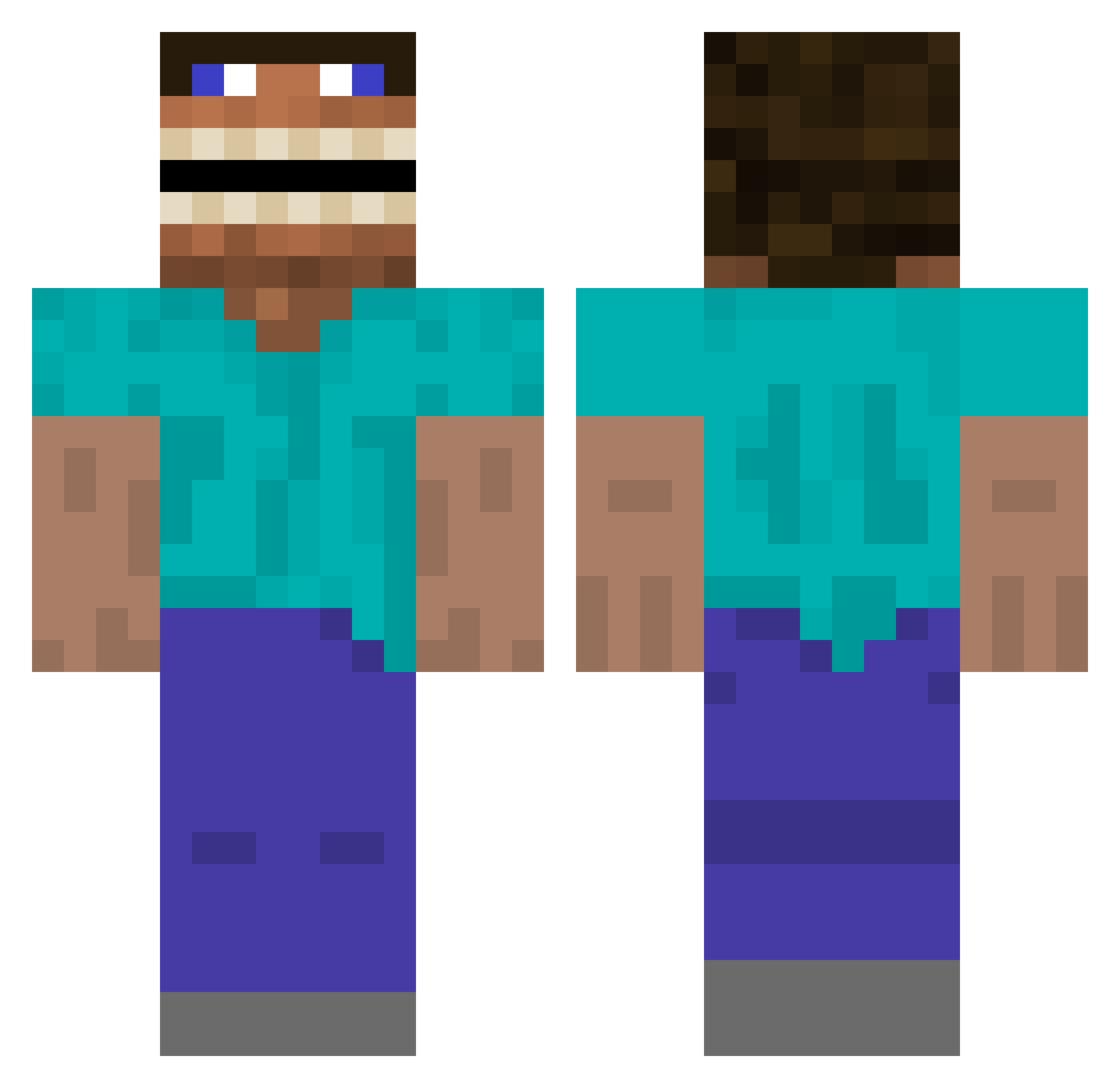
Current Minecraft skin of the player _2inchesisenough, loaded from the official Mojang API. Rotate the 3D model with your mouse or finger, then download the skin as a PNG file and use it in Minecraft: Bedrock Edition or Java Edition for free. When _2inchesisenough changes their skin, this page updates automatically and the old skin stays in the history below.
Other players with this skin (497)
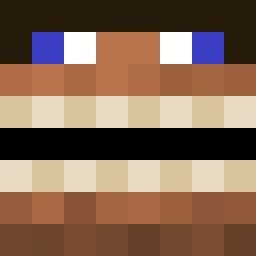
_2inchesisenough was the 390th player we have seen with this skin, first spotted on 30.10.2026. The same skin was seen on these players. Open a nickname to see their current skin and skin history.
 rayyanxo Brian2684_HK V1ct0rla CertaFR Just_Kerem shoebomb1 Bolt4000 ArtIV4Him Mike3241 quazeeee lugenbold Iamthepp Hydricia Terkoiz Bravo_Six_ EpicBlob69 NoobyJaden8 lo75n Petr____31 Mati200416 linneajacoby ENDY52 anaslover revinsd Joshy_7 notXylene Gub01 5255 XXxWhiteGuy sinkjax WHAMMY8642 Cracker_121 StellarisMaximus kailegolover8870 lifeisgood9007 Liamlester20123 crakimax TheD3vilsHound Elveric Jimbis Tomamomomomomooo Teachmehow2play godmaster444 wabba_dooba RelightToxic Super_fluffle HittingBelowZero KeentOne Ratatouille_OF Saul_Johnson Sausage_and_Peps Bootswiththefur2 SimpSlayer1486 YaoGuai21 Steelkidj Blazeybetter toastyth0t KennyHong1 hal3yy stogian
More Funny Minecraft skins
How to install the _2inchesisenough skin
- Press the Download button above to save the skin as a PNG file.
- Minecraft: Bedrock Edition (PE): open the Dressing Room from the main menu (or tap your character → Edit Character), go to Classic Skins → Owned, press the + (new skin) button, choose the downloaded PNG and pick the Classic (Steve) model. Works on PC and mobile; consoles cannot import custom skins.
- Minecraft: Java Edition: open the Minecraft Launcher, go to the Skins tab, click New Skin, load the PNG, pick the Classic (Steve) model and press Save & Use. You can also upload it at minecraft.net → Profile → Change Skin.
The skin does not show up after import - what should I do?
Restart Minecraft and open the Dressing Room again - imported skins sometimes appear only after a restart. Also make sure you selected the imported skin and picked the Classic (Steve) model.
Which model should I choose, Classic or Slim?
This skin is designed for the Classic (Steve) model. If you pick the wrong model, the arms of the skin will look stretched or squeezed.
Is the skin of _2inchesisenough free to download?
Yes. Press Download, save the PNG file and use it in Minecraft: Bedrock Edition or Java Edition - no payment or registration needed. The skin also works on multiplayer servers and Realms.
More skins
Looking for more? Go back to all Minecraft skins and check the top skins of the week, month and all time, or find any player's skin by nickname.