
Zpe43 - Minecraft Skins & Skin History
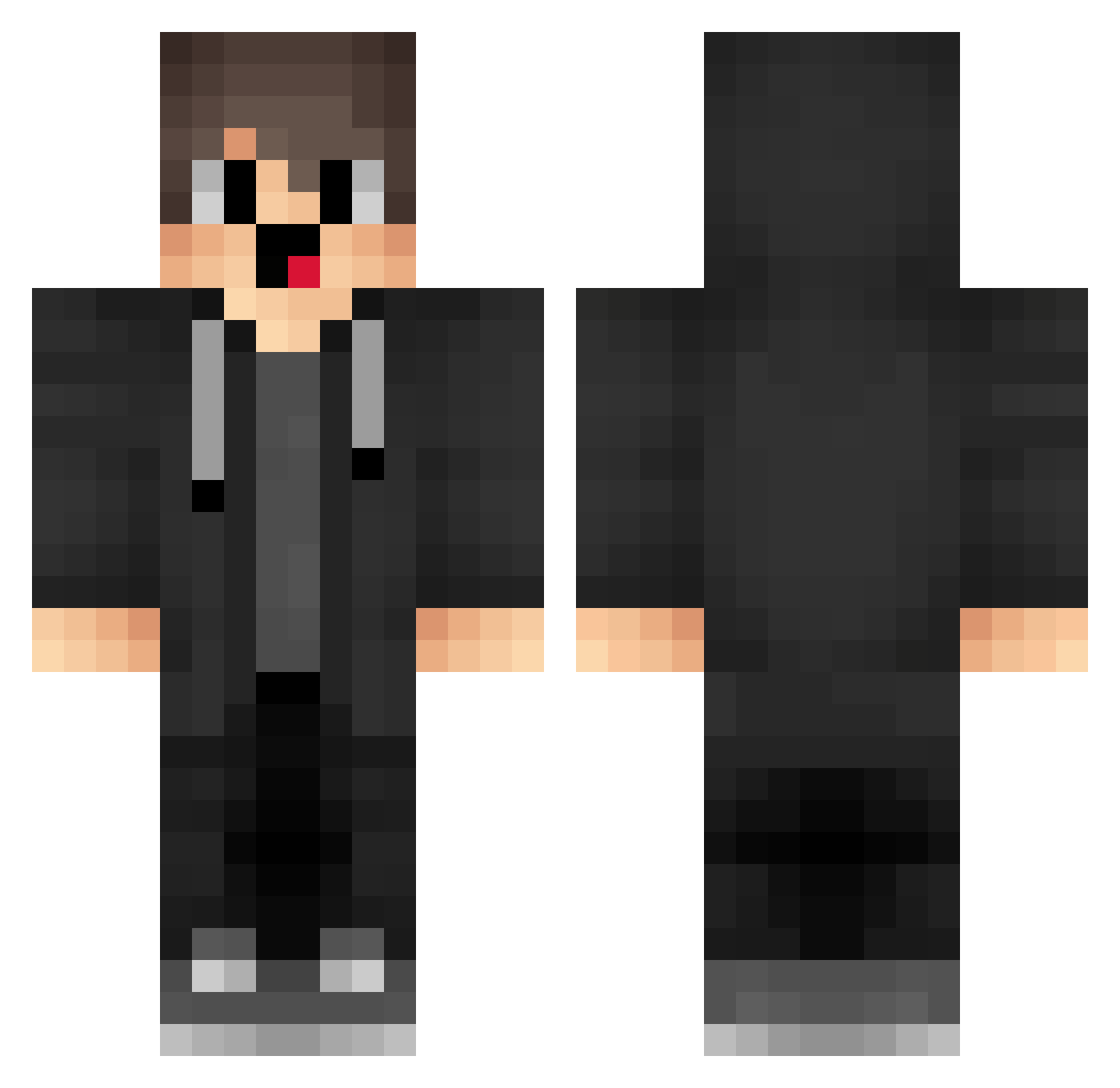
Current Minecraft skin of the player Zpe43, loaded from the official Mojang API. Rotate the 3D model with your mouse or finger, then download the skin as a PNG file and use it in Minecraft: Bedrock Edition or Java Edition for free. When Zpe43 changes their skin, this page updates automatically and the old skin stays in the history below.
Other players with this skin (1453)
Zpe43 was the 665th player we have seen with this skin, first spotted on 10.09.2026. The same skin was seen on these players. Open a nickname to see their current skin and skin history.
 VcV609 Porarzz zyxzyxzyx90 dZi373 mXd924 tya376 LRE_13 Wkh653 bzG774 Juuhblue kuying_awa 088k Afm563 MuW654 smj900 FCm88 Abuspzz_00000 oXI541 fhr197 NlN20 CqG223 shanyic IEu923 BRg572 kevink_ HalloxOff QKn557 gci848 Qdi447 XwD713 mRi515 Jake_n_Finny WRNBBDB ricefurmer11 FZN20 JrL268 vxM723 Aip375 hypxer YKE906 Yyc114 Mfe612 sfI275 rXg975 RhF942 rGR445 fZI866 Yeahyeahyeah0 ErL484 qtE829 NotXPrime Qoi341 box_yqaPRVPIa253 TfF379 YmM240 sserzzrt xzK797 UwJ940 cemallahinisikim cjQ90
How to install the Zpe43 skin
- Press the Download button above to save the skin as a PNG file.
- Minecraft: Bedrock Edition (PE): open the Dressing Room from the main menu (or tap your character → Edit Character), go to Classic Skins → Owned, press the + (new skin) button, choose the downloaded PNG and pick the Classic (Steve) model. Works on PC and mobile; consoles cannot import custom skins.
- Minecraft: Java Edition: open the Minecraft Launcher, go to the Skins tab, click New Skin, load the PNG, pick the Classic (Steve) model and press Save & Use. You can also upload it at minecraft.net → Profile → Change Skin.
The skin does not show up after import - what should I do?
Restart Minecraft and open the Dressing Room again - imported skins sometimes appear only after a restart. Also make sure you selected the imported skin and picked the Classic (Steve) model.
Which model should I choose, Classic or Slim?
This skin is designed for the Classic (Steve) model. If you pick the wrong model, the arms of the skin will look stretched or squeezed.
Is the skin of Zpe43 free to download?
Yes. Press Download, save the PNG file and use it in Minecraft: Bedrock Edition or Java Edition - no payment or registration needed. The skin also works on multiplayer servers and Realms.
More skins
Looking for more? Go back to all Minecraft skins and check the top skins of the week, month and all time, or find any player's skin by nickname.