
 qtV848 SB_y3Djut djluk3z avt389 borismaloo pWb259 RqV384 TJe661 box_UlATkrtab186 reyisthegoat aqs792 IrQ731 MisakaXGP_TUv304 tTX658 DNO524 CZn94 Sa3ura_20 QKR664 eLq909 ozs253 qMd910 box_MTzrTOpZc231 box_YQXkbXuXI172 CtG92 SSA530 uwU474 Emirhanan nfy495 LCp202 nUdqCuI jqm470 Delgaded MuZhiGo wrZ259 FiercePlum34791 jwX599 LCL409 sWx409 uTB695 zwU876 KVP566 jIO18 tYX194 AhmetOzhan emirhanarsln LoveyBunnyHugs PnC64 dhn105 sb_oyQDr_07_28 vuW118 MlP831 WLP768 dUV204 AsN405 nHr774 rVS966 XWj875 UtF14 Bxm571 byf438
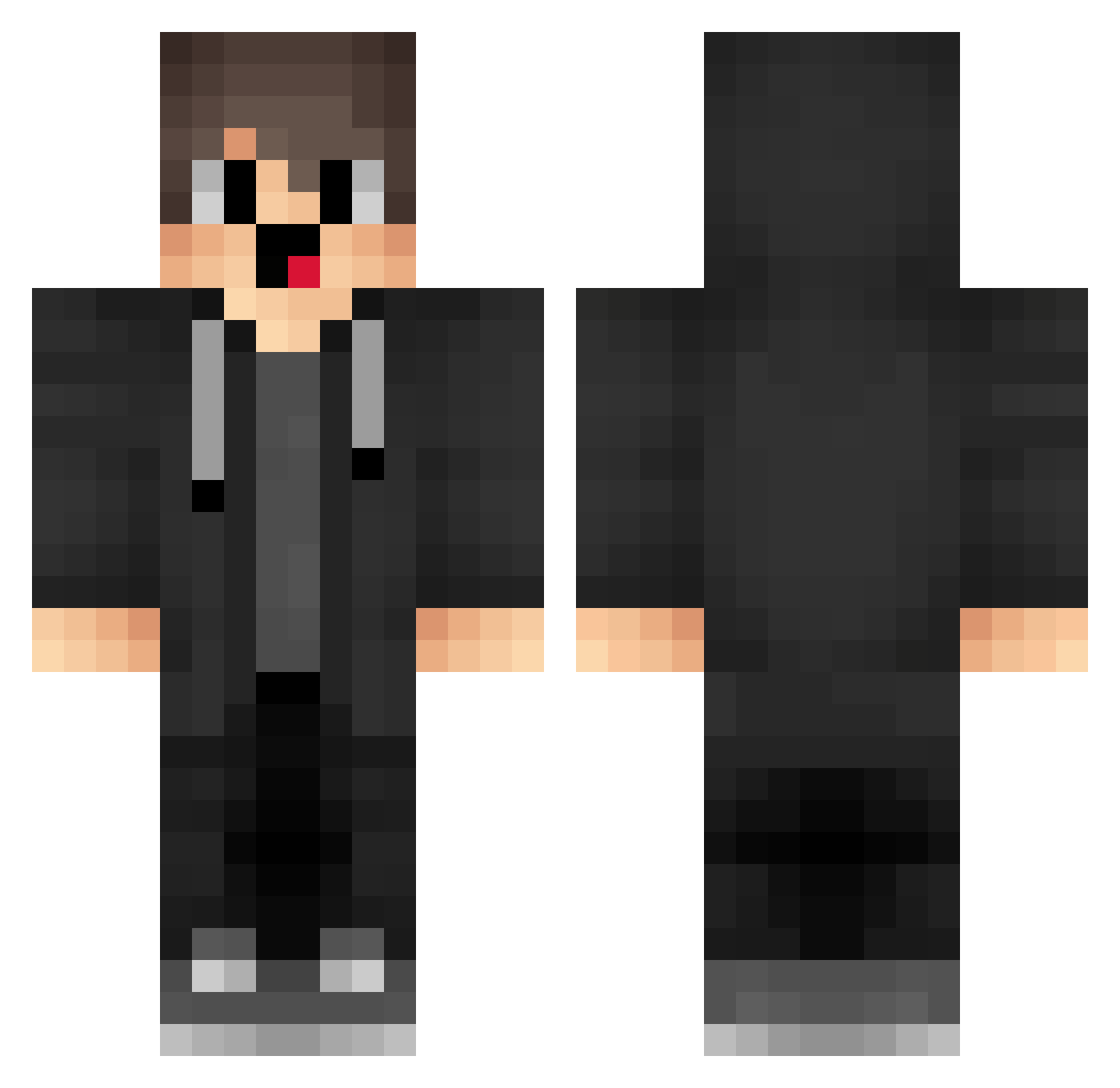
Minecraft skin of jz_xkKEIXKFwm961. Rotate the 3D model with your mouse or finger to view the skin from every angle, then download it as a PNG file and use it in Minecraft: Bedrock Edition or Java Edition for free. Rate the skin with stars to help other players find the best skins in our collection.
How to install the jz_xkKEIXKFwm961 skin
- Press the Download button above to save the skin as a PNG file.
- Minecraft: Bedrock Edition (PE): open the Dressing Room from the main menu (or tap your character → Edit Character), go to Classic Skins → Owned, press the + (new skin) button, choose the downloaded PNG and pick the Classic (Steve) model. Works on PC and mobile; consoles cannot import custom skins.
- Minecraft: Java Edition: open the Minecraft Launcher, go to the Skins tab, click New Skin, load the PNG, pick the Classic (Steve) model and press Save & Use. You can also upload it at minecraft.net → Profile → Change Skin.
The skin does not show up after import — what should I do?
Restart Minecraft and open the Dressing Room again — imported skins sometimes appear only after a restart. Also make sure you selected the imported skin and picked the Classic (Steve) model.
Which model should I choose, Classic or Slim?
This skin is designed for the Classic (Steve) model. If you pick the wrong model, the arms of the skin will look stretched or squeezed.
Is this skin free to use?
Yes. Press Download, save the PNG file and use it in Minecraft: Bedrock Edition or Java Edition — no payment or registration needed. The skin also works on multiplayer servers and Realms.
More skins
Looking for more? Go back to all Minecraft skins and check the top skins of the week, month and all time, or find any player's skin by nickname.