
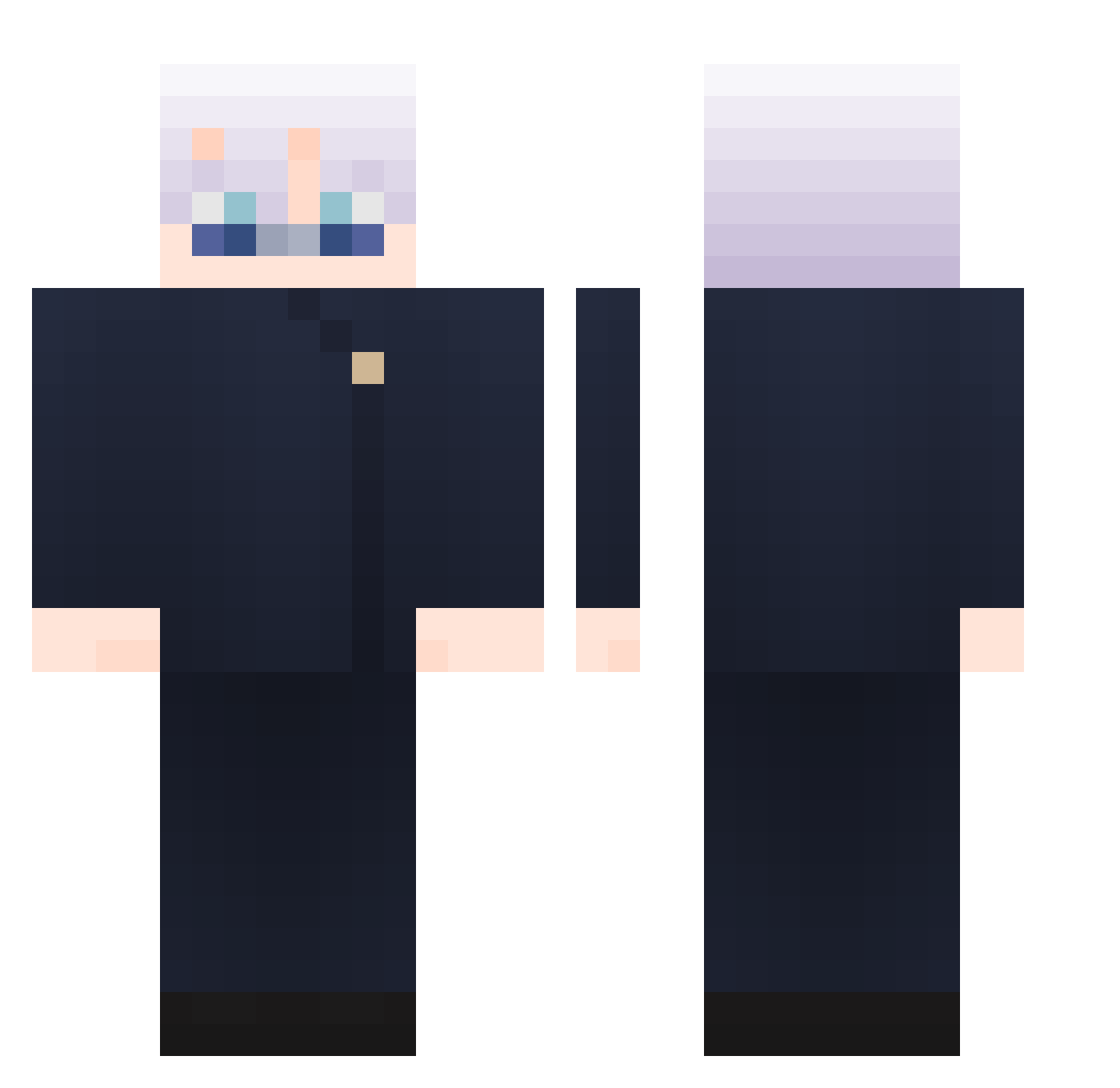
Current Minecraft skin of the player ZinSed, loaded from the official Mojang API. Rotate the 3D model with your mouse or finger, then download the skin as a PNG file and use it in Minecraft: Bedrock Edition or Java Edition for free. When ZinSed changes their skin, this page updates automatically and the old skin stays in the history below.
Other players with this skin (782)
ZinSed was the 304th player we have seen with this skin, first spotted on 31.08.2026. The same skin was seen on these players. Open a nickname to see their current skin and skin history.
 Salmonsaito Unlikeable RtE_05 Khannuz Tseenka iphonesiri luisin453
 Yandaho uuju VINCER4 Goatcityyy Linow1512 orute2810 Best_p travisfiq B3YourCat Psycho__Bot fishl356 Yu316 Krauss7 MoicestLucas
 NeverLucky1026 DJhyj Cuhdiii monkeyyy123 tjscm123 Andre_Lindo Ghaith_2006 Sneaksquidd MC_boyan Ryuseshi KraZD4ve ilysm12 Deekayovich Camilo782 1yeri Jai_XO7 kiju165 swyxoo MaoMaoyy YYBon 222244 Tumbleweed1619 yiYeHeyi dlqms_ william7799 Flower_baby_ D4N4K4s HARRIER0718 thexdrako zukicchi jxwsh seungbeom2 Stephen0727 Rufi21 BoBo_LJB Felpsin yuzilin uk4wa_ adso90349034
More Satoru Gojo Minecraft skins
See all 1160 Satoru Gojo skins
How to install the ZinSed skin
- Press the Download button above to save the skin as a PNG file.
- Minecraft: Bedrock Edition (PE): open the Dressing Room from the main menu (or tap your character → Edit Character), go to Classic Skins → Owned, press the + (new skin) button, choose the downloaded PNG and pick the Classic (Steve) model. Works on PC and mobile; consoles cannot import custom skins.
- Minecraft: Java Edition: open the Minecraft Launcher, go to the Skins tab, click New Skin, load the PNG, pick the Classic (Steve) model and press Save & Use. You can also upload it at minecraft.net → Profile → Change Skin.
The skin does not show up after import - what should I do?
Restart Minecraft and open the Dressing Room again - imported skins sometimes appear only after a restart. Also make sure you selected the imported skin and picked the Classic (Steve) model.
Which model should I choose, Classic or Slim?
This skin is designed for the Classic (Steve) model. If you pick the wrong model, the arms of the skin will look stretched or squeezed.
Is the skin of ZinSed free to download?
Yes. Press Download, save the PNG file and use it in Minecraft: Bedrock Edition or Java Edition - no payment or registration needed. The skin also works on multiplayer servers and Realms.
More skins
Looking for more? Go back to all Minecraft skins and check the top skins of the week, month and all time, or find any player's skin by nickname.