
ZechsZero - Minecraft Skins & Skin History
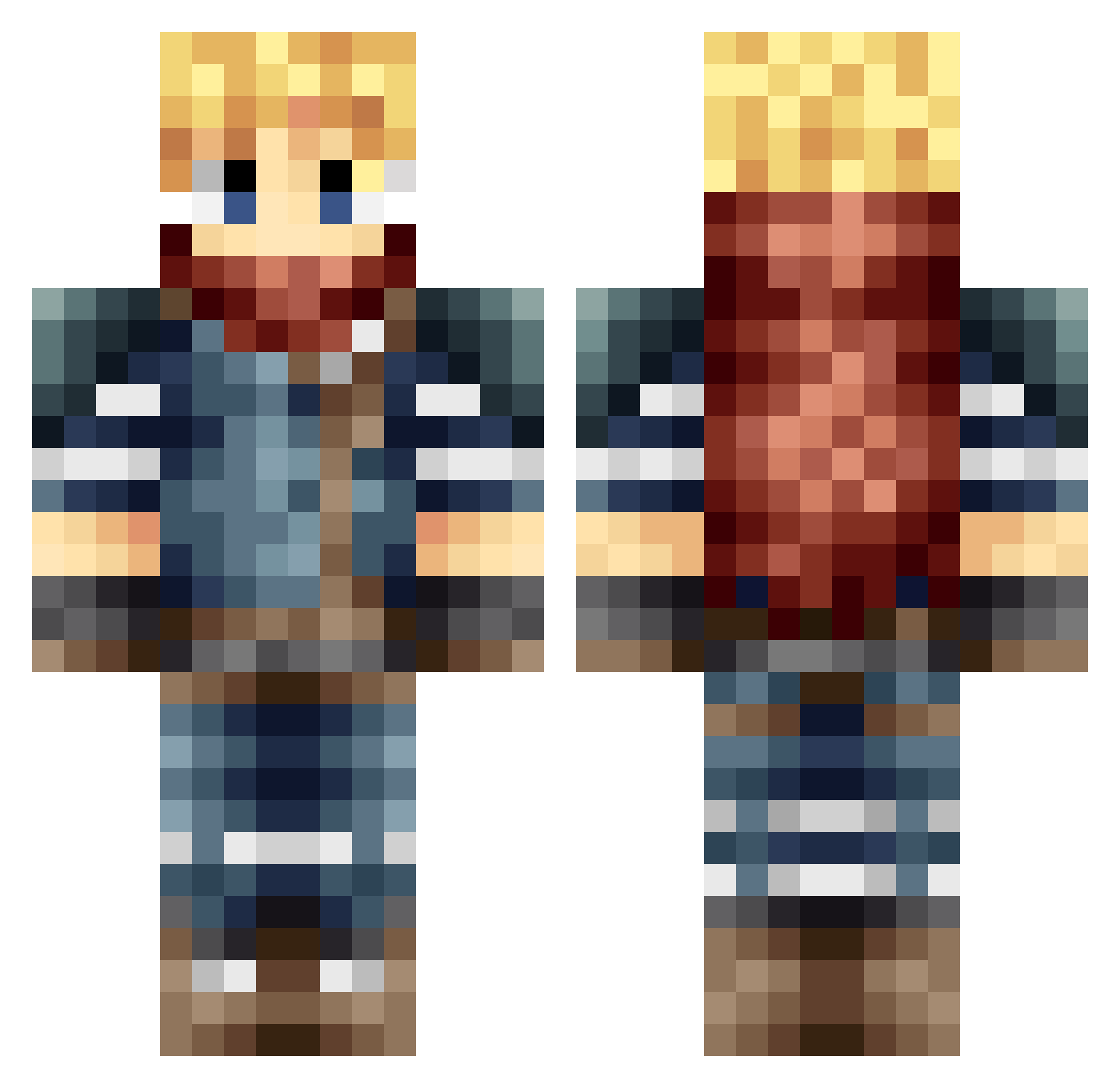
Current Minecraft skin of the player ZechsZero, loaded from the official Mojang API. Rotate the 3D model with your mouse or finger, then download the skin as a PNG file and use it in Minecraft: Bedrock Edition or Java Edition for free. When ZechsZero changes their skin, this page updates automatically and the old skin stays in the history below.
Other players with this skin (665)
ZechsZero was the 503rd player we have seen with this skin, first spotted on 13.10.2026. The same skin was seen on these players. Open a nickname to see their current skin and skin history.
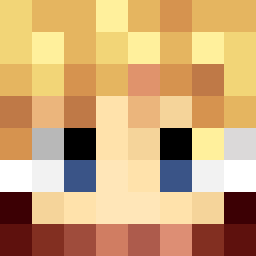 Lunarian132 Zamido dudenbro inu88 Masa1986 Mc_Clowdstrife Cloudy77 cutieway beepingbird _Murf_ jaytored mattiboy98 raizle54 elvisjl Seriusman deemansin Fortuna3594 glacier640 Hyoukar pacwolf9187 Lepman023 Tialt Syavar LORDBOOLIUS Cloud_Strife ChezLouie Voltictitan JackaroGamer Korrig bluebert Tommele Agut10 abdallahjack Dateek Baconatorbot Lomouth Cubes01 NFcreeper100 Bahws AzothLiquid VoodooStruck Denotatum Amygorawr Waddy_ RyoGrattius Toumi14 Dragnear derpboy1234 Vict3rG valmindu22 4ing subtrot Strachness Enaio B0oOm Ferm55 Feomathario cloudyangelo FFavatar IFarmForYou
More Adventurer Minecraft skins
How to install the ZechsZero skin
- Press the Download button above to save the skin as a PNG file.
- Minecraft: Bedrock Edition (PE): open the Dressing Room from the main menu (or tap your character → Edit Character), go to Classic Skins → Owned, press the + (new skin) button, choose the downloaded PNG and pick the Classic (Steve) model. Works on PC and mobile; consoles cannot import custom skins.
- Minecraft: Java Edition: open the Minecraft Launcher, go to the Skins tab, click New Skin, load the PNG, pick the Classic (Steve) model and press Save & Use. You can also upload it at minecraft.net → Profile → Change Skin.
The skin does not show up after import - what should I do?
Restart Minecraft and open the Dressing Room again - imported skins sometimes appear only after a restart. Also make sure you selected the imported skin and picked the Classic (Steve) model.
Which model should I choose, Classic or Slim?
This skin is designed for the Classic (Steve) model. If you pick the wrong model, the arms of the skin will look stretched or squeezed.
Is the skin of ZechsZero free to download?
Yes. Press Download, save the PNG file and use it in Minecraft: Bedrock Edition or Java Edition - no payment or registration needed. The skin also works on multiplayer servers and Realms.
More skins
Looking for more? Go back to all Minecraft skins and check the top skins of the week, month and all time, or find any player's skin by nickname.