
 EpicNutSack5 Virom123 leScratt M3physto Elliarii luckycat2 talisman1 Craftnico1 flacobob Valyrian_ DuckedUpOnQuack XxTrueRedSPxX KaitoUtah Light_Natsu xCarrx77 romseed jbag1489 INCEPTOR99 RapZfr Kammerz Crono87 Psylenttt Harman85 CloudLockheart1 Xakzis Dayuri Obiguido GeordyBaldie mimwect kiss0my0anthia RipTideStriker Egamus30 Pineedle NeoIshiara theterabyte Shadyal MBmehdiMB ffcarey NiiZaY Kasrkrin nicolas9927 PigsThatFry VashAerich JoanToPro BlackberryBandit Thorify Shantheus Xerthox desteria_admin Wonderboy6 NateErrant lorthak StUriel zolofan86 TheMaus22 Rhinotastic Br0cK88 supertijmen61 AKLasareth Sobra62
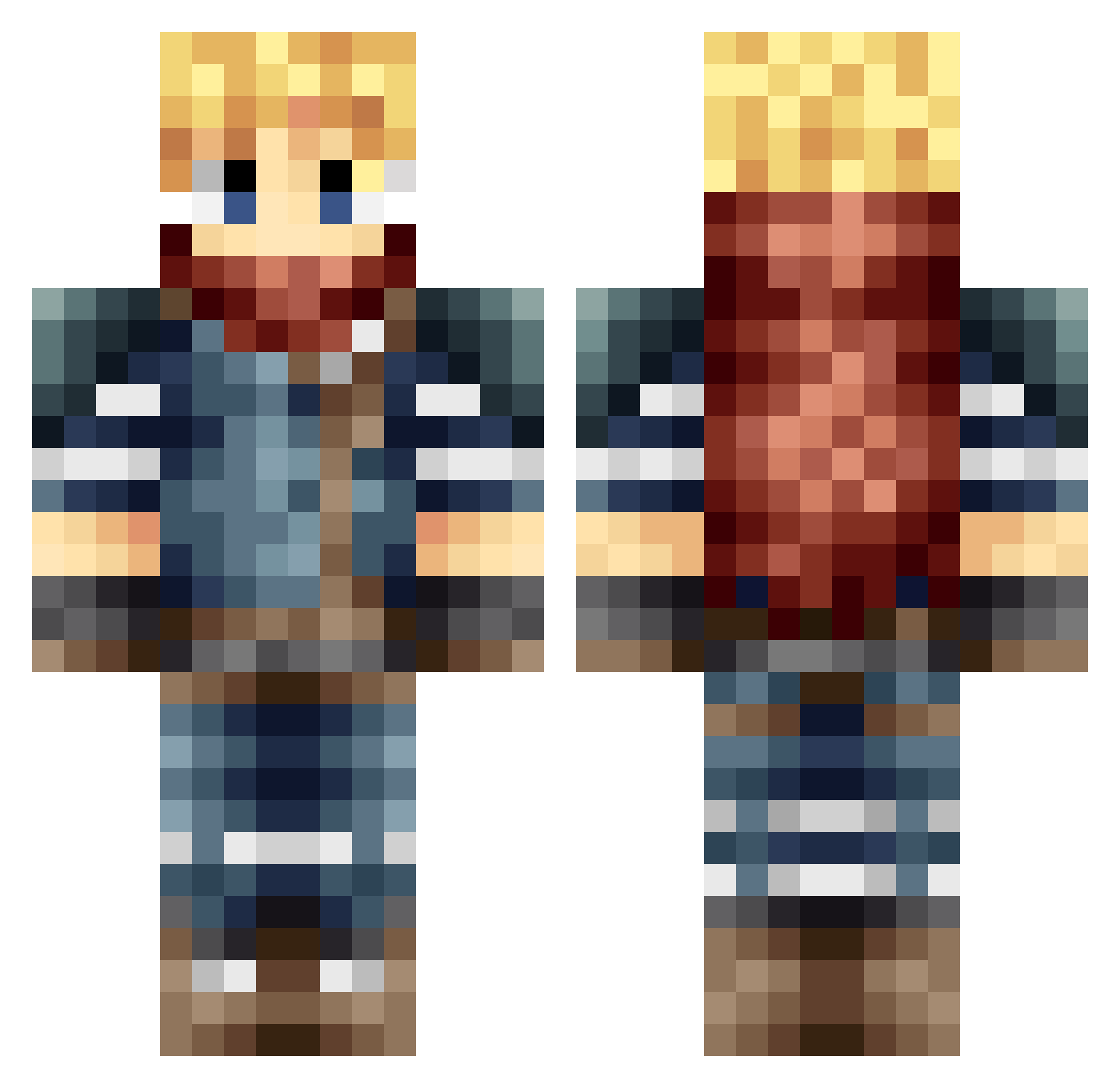
Minecraft skin of alex63230. Rotate the 3D model with your mouse or finger to view the skin from every angle, then download it as a PNG file and use it in Minecraft: Bedrock Edition or Java Edition for free. Rate the skin with stars to help other players find the best skins in our collection.
How to install the alex63230 skin
- Press the Download button above to save the skin as a PNG file.
- Minecraft: Bedrock Edition (PE): open the Dressing Room from the main menu (or tap your character → Edit Character), go to Classic Skins → Owned, press the + (new skin) button, choose the downloaded PNG and pick the Classic (Steve) model. Works on PC and mobile; consoles cannot import custom skins.
- Minecraft: Java Edition: open the Minecraft Launcher, go to the Skins tab, click New Skin, load the PNG, pick the Classic (Steve) model and press Save & Use. You can also upload it at minecraft.net → Profile → Change Skin.
The skin does not show up after import - what should I do?
Restart Minecraft and open the Dressing Room again - imported skins sometimes appear only after a restart. Also make sure you selected the imported skin and picked the Classic (Steve) model.
Which model should I choose, Classic or Slim?
This skin is designed for the Classic (Steve) model. If you pick the wrong model, the arms of the skin will look stretched or squeezed.
Is this skin free to use?
Yes. Press Download, save the PNG file and use it in Minecraft: Bedrock Edition or Java Edition - no payment or registration needed. The skin also works on multiplayer servers and Realms.
More Adventurer Minecraft skins
More skins
Looking for more? Go back to all Minecraft skins and check the top skins of the week, month and all time, or find any player's skin by nickname.