
YuckWindZ - Minecraft Skins & Skin History
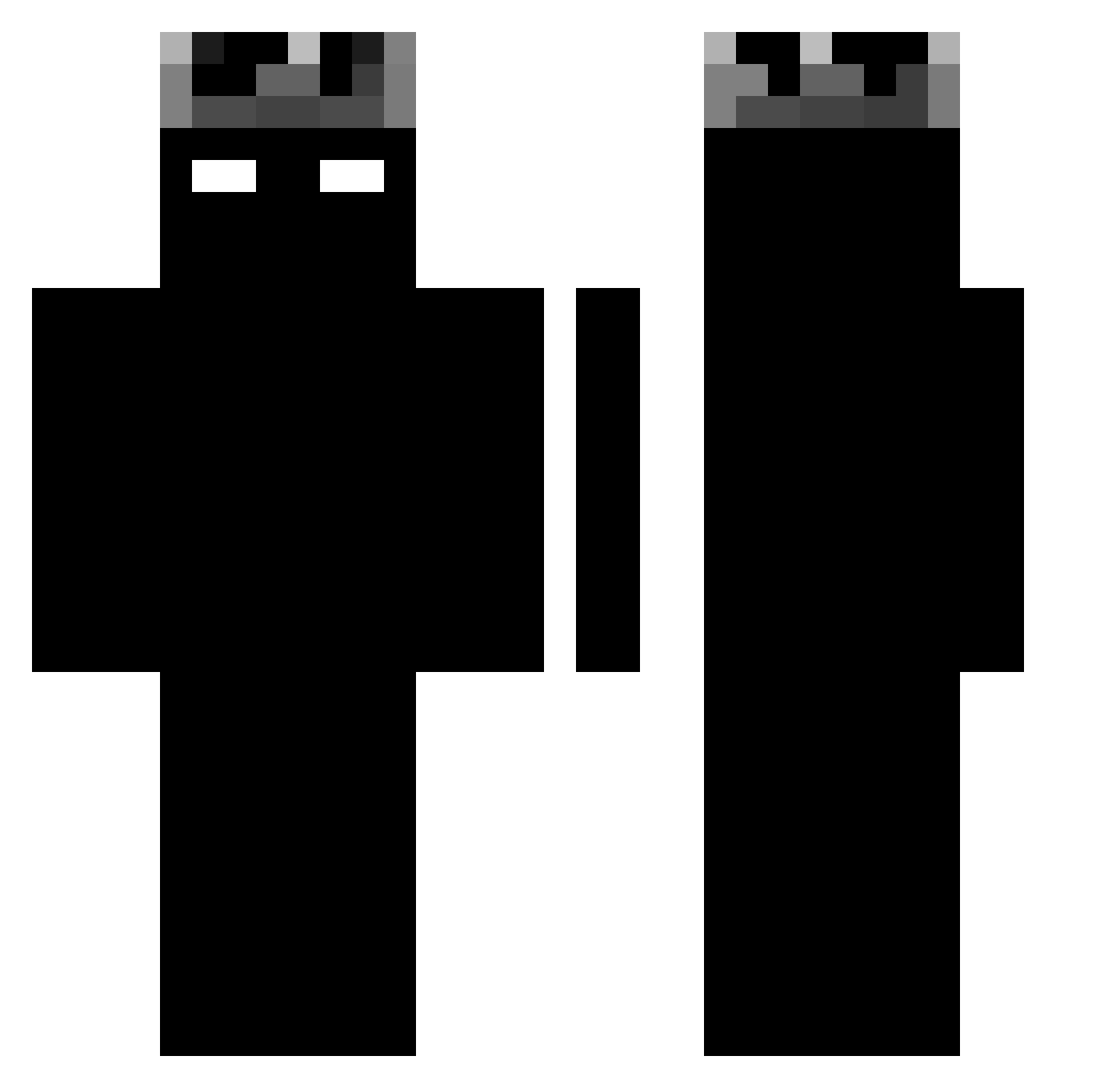
Current Minecraft skin of the player YuckWindZ, loaded from the official Mojang API. Rotate the 3D model with your mouse or finger, then download the skin as a PNG file and use it in Minecraft: Bedrock Edition or Java Edition for free. When YuckWindZ changes their skin, this page updates automatically and the old skin stays in the history below.
Other players with this skin (1188)
YuckWindZ was the 986th player we have seen with this skin, first spotted on 21.10.2026. The same skin was seen on these players. Open a nickname to see their current skin and skin history.
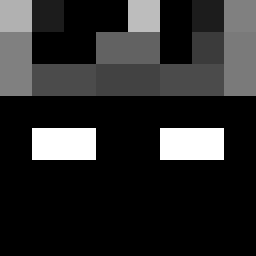 tommy09921 COUNNYG shadoDark jantoll Imperador_Galia Atlassswiata HEK1202 Kubus000 nayrian SON0X NinjaPeeCat Aleyuna TimurAbiMula JustRandom356 awderdana guwnolt yonatan555678 fushe666 QZD9 Alvaropg26 PhuTrongBell uncertain11 ITSPULLUP Crowo1 yGabrielzz rplxz LogicFnx Jaggernaut07 KingSenkup mateusz000 Parecetamol 142h dhruvil2 Br1mmy Trevor48 CrazyIsLazy Sitwe xdadeebdx1 proxd2 Simba214 trindadezsx Mot0GP mirdix Gotu_I Bad_Boy_Vollkorn HermanCHY erchiga pastafrite alo0f_ KaiLyfly r4yan2wavy HashTalha Dqrkness666 Purlo23 Anubiszs Gonzvi ilovepeep _Nox1ous leykitigri yyyyyyyy09852
More Shadow Minecraft skins
How to install the YuckWindZ skin
- Press the Download button above to save the skin as a PNG file.
- Minecraft: Bedrock Edition (PE): open the Dressing Room from the main menu (or tap your character → Edit Character), go to Classic Skins → Owned, press the + (new skin) button, choose the downloaded PNG and pick the Classic (Steve) model. Works on PC and mobile; consoles cannot import custom skins.
- Minecraft: Java Edition: open the Minecraft Launcher, go to the Skins tab, click New Skin, load the PNG, pick the Classic (Steve) model and press Save & Use. You can also upload it at minecraft.net → Profile → Change Skin.
The skin does not show up after import - what should I do?
Restart Minecraft and open the Dressing Room again - imported skins sometimes appear only after a restart. Also make sure you selected the imported skin and picked the Classic (Steve) model.
Which model should I choose, Classic or Slim?
This skin is designed for the Classic (Steve) model. If you pick the wrong model, the arms of the skin will look stretched or squeezed.
Is the skin of YuckWindZ free to download?
Yes. Press Download, save the PNG file and use it in Minecraft: Bedrock Edition or Java Edition - no payment or registration needed. The skin also works on multiplayer servers and Realms.
More skins
Looking for more? Go back to all Minecraft skins and check the top skins of the week, month and all time, or find any player's skin by nickname.