
YuMaster - Minecraft Skins & Skin History
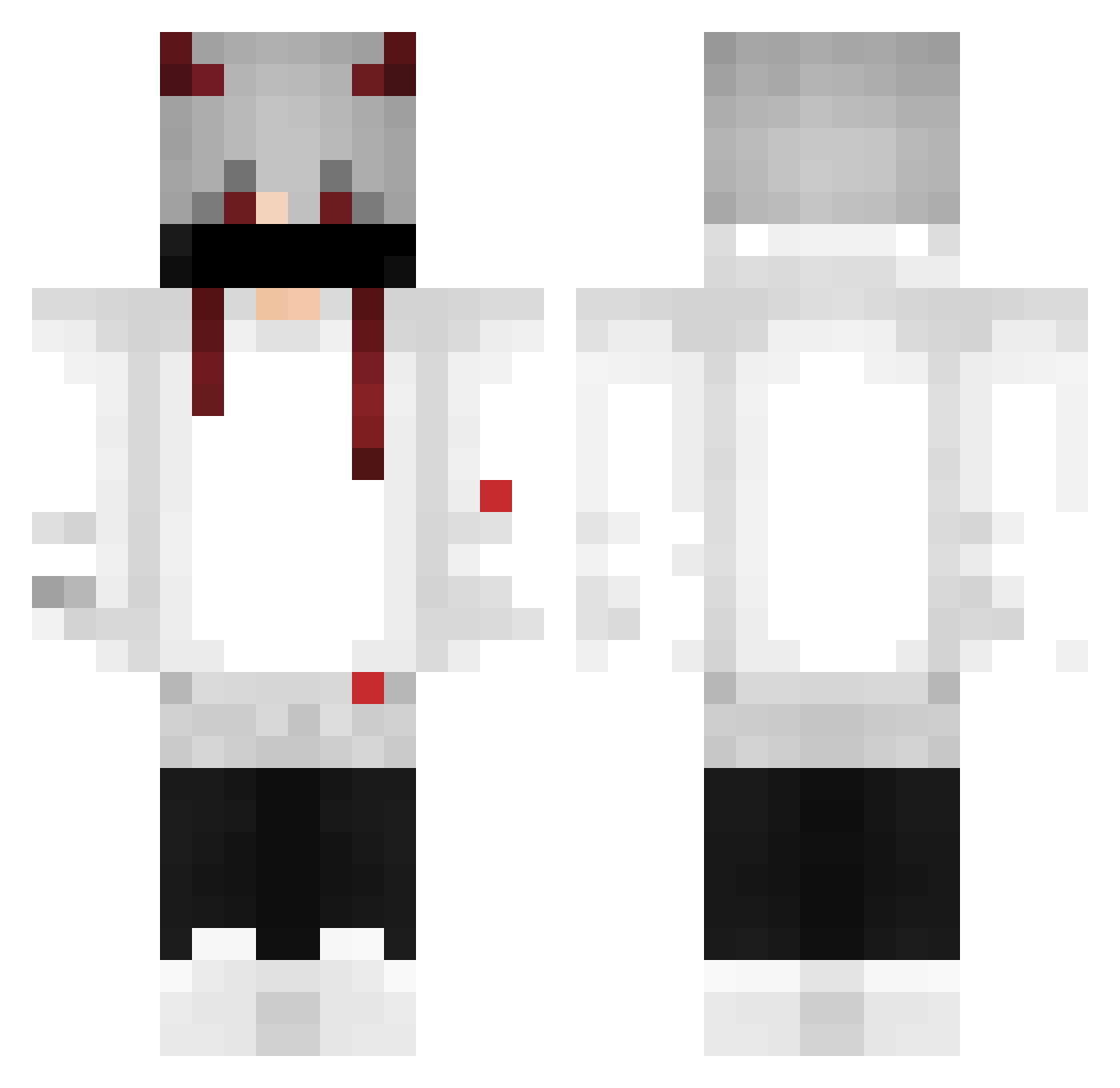
Current Minecraft skin of the player YuMaster, loaded from the official Mojang API. Rotate the 3D model with your mouse or finger, then download the skin as a PNG file and use it in Minecraft: Bedrock Edition or Java Edition for free. When YuMaster changes their skin, this page updates automatically and the old skin stays in the history below.
Other players with this skin (537)
YuMaster was the 494th player we have seen with this skin, first spotted on 12.11.2026. The same skin was seen on these players. Open a nickname to see their current skin and skin history.
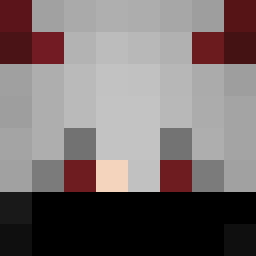 Bimodal523 Fr4x_ Hyperzee Het_07 Gabriels2z sh4rkmaid Unlucky272 i200zD Vargasx3932 TheChapeuDePalha leledu14 Z8eNiTsu Wigar1 inferno_corp LightHard akkotfpn Not_Spr izMono firezcamisa13 maxxTA4 Dxstxny999 pedrrkl ZuFDy S_shamms_S Nioox_066 Nhatanh2009 FillipeAguiar BleesedByGod Peerawich Gatooi L3czki Mathiaszdz Daffa1 FakerGamerYT MaitreLama LingFour iMawtts DaKael7 kikiran pedrochaves0799 FIRE_DARK18 Osune yuri144hz LI4ANN SlowPkk c1sc06 Dreschaa Buggy32 SkyOne1 kodgeym Psykoticgodd bryanaaaaaaaaa Rofidd DraxxFPS y_XxEnzoSx dongdong2019111 sawacra formigonii Sano_O_O davidrtwd9
More Demon Horns Minecraft skins
How to install the YuMaster skin
- Press the Download button above to save the skin as a PNG file.
- Minecraft: Bedrock Edition (PE): open the Dressing Room from the main menu (or tap your character → Edit Character), go to Classic Skins → Owned, press the + (new skin) button, choose the downloaded PNG and pick the Classic (Steve) model. Works on PC and mobile; consoles cannot import custom skins.
- Minecraft: Java Edition: open the Minecraft Launcher, go to the Skins tab, click New Skin, load the PNG, pick the Classic (Steve) model and press Save & Use. You can also upload it at minecraft.net → Profile → Change Skin.
The skin does not show up after import - what should I do?
Restart Minecraft and open the Dressing Room again - imported skins sometimes appear only after a restart. Also make sure you selected the imported skin and picked the Classic (Steve) model.
Which model should I choose, Classic or Slim?
This skin is designed for the Classic (Steve) model. If you pick the wrong model, the arms of the skin will look stretched or squeezed.
Is the skin of YuMaster free to download?
Yes. Press Download, save the PNG file and use it in Minecraft: Bedrock Edition or Java Edition - no payment or registration needed. The skin also works on multiplayer servers and Realms.
More skins
Looking for more? Go back to all Minecraft skins and check the top skins of the week, month and all time, or find any player's skin by nickname.