
YouTh1nk - Minecraft Skins & Skin History
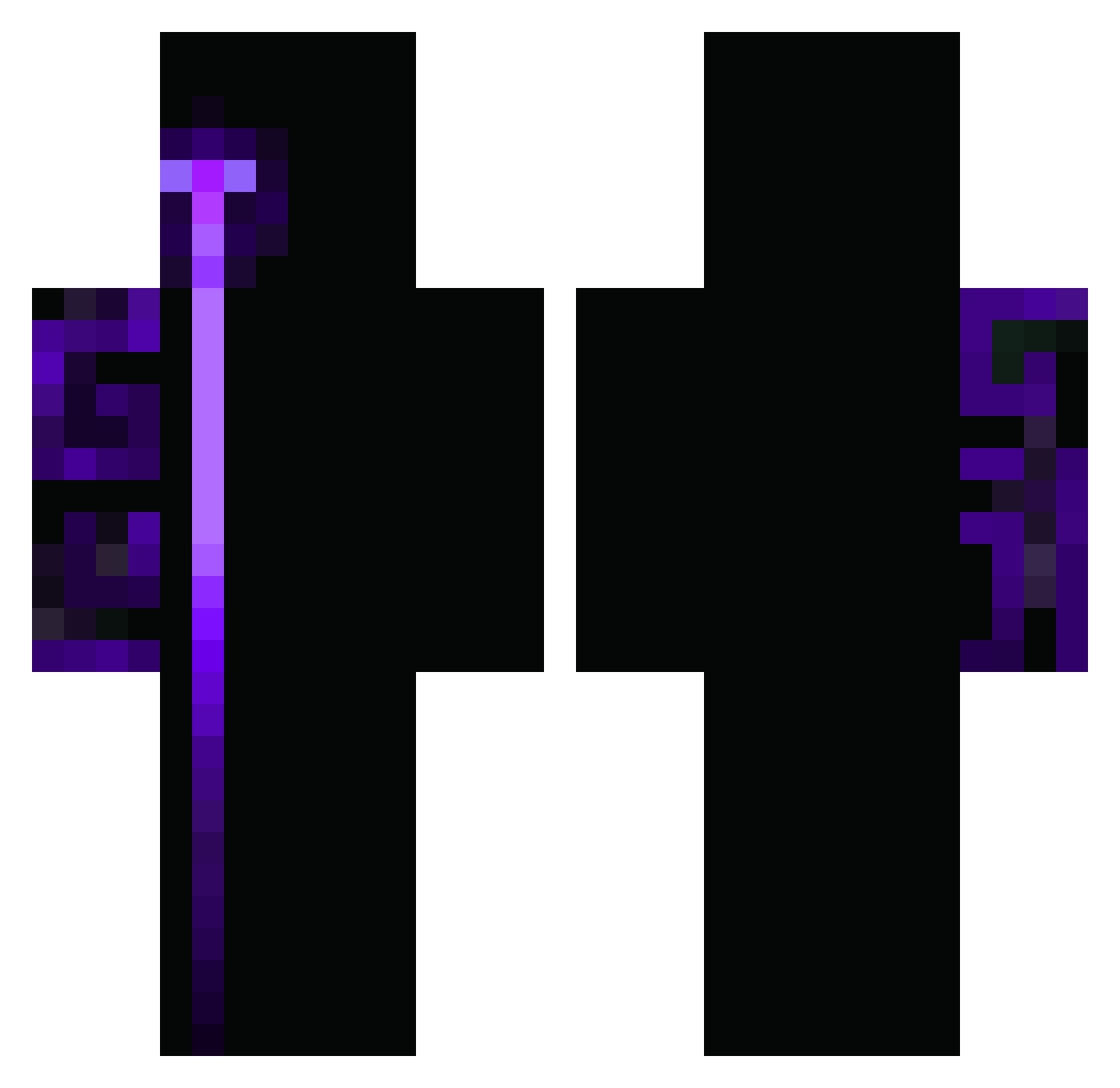
Current Minecraft skin of the player YouTh1nk, loaded from the official Mojang API. Rotate the 3D model with your mouse or finger, then download the skin as a PNG file and use it in Minecraft: Bedrock Edition or Java Edition for free. When YouTh1nk changes their skin, this page updates automatically and the old skin stays in the history below.
Other players with this skin (407)
YouTh1nk was the 58th player we have seen with this skin, first spotted on 08.08.2026. The same skin was seen on these players. Open a nickname to see their current skin and skin history.
 Elan2011 Bluperss Calyxx_ Zaiwel
 soybadbunny_11 Teamlx Emin0834 R0N1T gurbo1 PeteyMarston il1so yodderbob Elchus18 Aeham iso2611 m7mdd111 Cossy20 Painoslav LegendaryHalo Doktor003 DESN1TY OptiLink xiaodiao_lp mal_veritas_mama MartinsFran4545 proC10H15Nus pw247 POOSTRUDEL and42avaricious8 Zertified_
 Danf3r francy1203 kerem31sjkero HeroWillHD flychoi alfa516 ITZ_NOT_GHOST UnknownKing5033 cleite_do_21 BlackBurnRove OddReason JustLoser27 sleeperx04 Dxniel3010 Chacho_0 Killainstinkt82 noldrokong Tempest2623 hayri_ratmi123 HUMINGYANG Gamingsuchti443 DinoFarz Dgs10x Luquitas04050 LeWic_
 szaralcikplejboj salezzgr Peter662
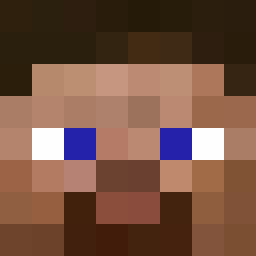 Enzinho12345
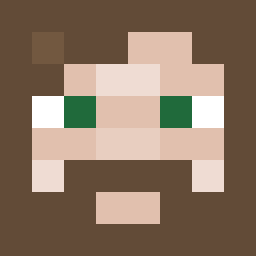 Aleisyourbro
How to install the YouTh1nk skin
- Press the Download button above to save the skin as a PNG file.
- Minecraft: Bedrock Edition (PE): open the Dressing Room from the main menu (or tap your character → Edit Character), go to Classic Skins → Owned, press the + (new skin) button, choose the downloaded PNG and pick the Classic (Steve) model. Works on PC and mobile; consoles cannot import custom skins.
- Minecraft: Java Edition: open the Minecraft Launcher, go to the Skins tab, click New Skin, load the PNG, pick the Classic (Steve) model and press Save & Use. You can also upload it at minecraft.net → Profile → Change Skin.
The skin does not show up after import - what should I do?
Restart Minecraft and open the Dressing Room again - imported skins sometimes appear only after a restart. Also make sure you selected the imported skin and picked the Classic (Steve) model.
Which model should I choose, Classic or Slim?
This skin is designed for the Classic (Steve) model. If you pick the wrong model, the arms of the skin will look stretched or squeezed.
Is the skin of YouTh1nk free to download?
Yes. Press Download, save the PNG file and use it in Minecraft: Bedrock Edition or Java Edition - no payment or registration needed. The skin also works on multiplayer servers and Realms.
More skins
Looking for more? Go back to all Minecraft skins and check the top skins of the week, month and all time, or find any player's skin by nickname.