
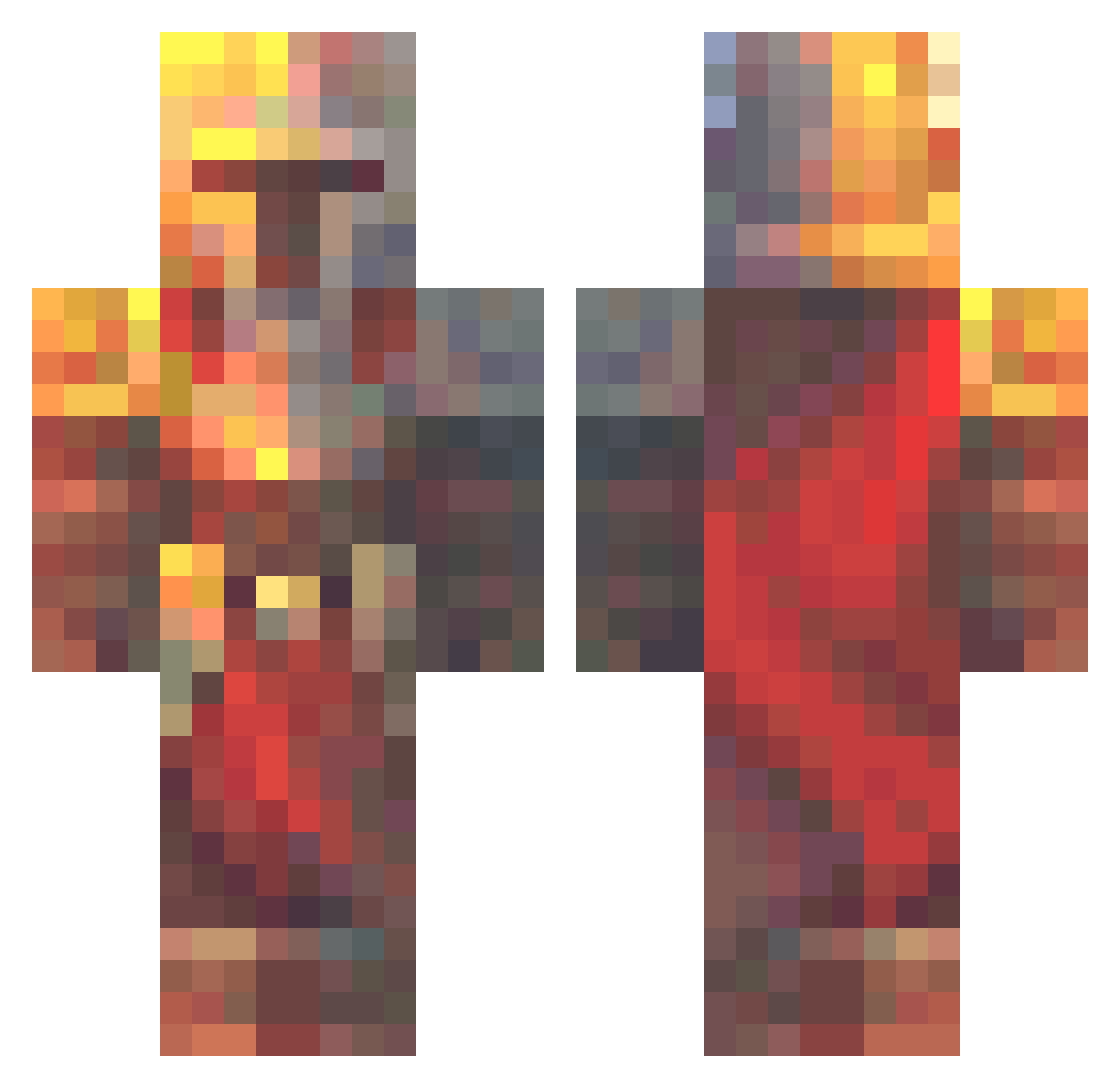
Current Minecraft skin of the player YohlYohl, loaded from the official Mojang API. Rotate the 3D model with your mouse or finger, then download the skin as a PNG file and use it in Minecraft: Bedrock Edition or Java Edition for free. When YohlYohl changes their skin, this page updates automatically and the old skin stays in the history below.
Other players with this skin (479)
YohlYohl was the 79th player we have seen with this skin, first spotted on 07.08.2026. The same skin was seen on these players. Open a nickname to see their current skin and skin history.
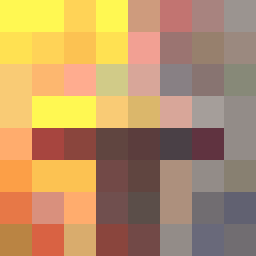 Dazen527 Trevanator71 PrinceLaura Fantorill Ripshaw14 Ladyslayer14 NinjaLJT Addamint Lanvexity caden1won TheBigGuy0017 Puuddles06 MRock7406 DENVER233
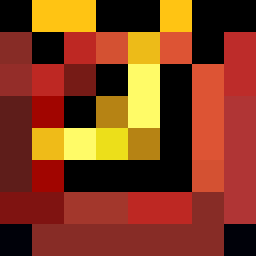 GreenODeer Capten_Bob G_j_c Crimsoninfernox Mathalamieux
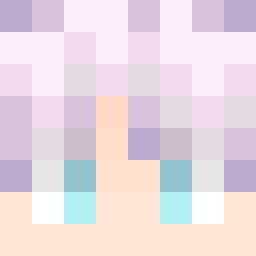 Big_Bert56 Httghj_ Bigbosser8 RYRY_BREAD1 Fatalframe101 Hazydays97
 NekoMaze Iniqa666 GigaDeez CasperFP0674 KilleBeeze CynestaR_K WombatImBusch NinjaPooPants Shadow_Hunter96 cavejoe123 DestroyerHarax Luretaz1789 BananaChunkyBoi Santtiago_2105 PEet_McGEet Ordensstaat buninho_ KATOuFOOL Grimdraga MindFuzzzz RnVoyageur Boltman7616 TachyonicCookie PokeFede08 Ferrnandoo
 BigCats88 HAVA1011 Shogunsun69 poopy2229 BroGamer011 Fertie NSH626 Kolegon DaBestBrother Odvaha_
More Medieval Minecraft skins
How to install the YohlYohl skin
- Press the Download button above to save the skin as a PNG file.
- Minecraft: Bedrock Edition (PE): open the Dressing Room from the main menu (or tap your character → Edit Character), go to Classic Skins → Owned, press the + (new skin) button, choose the downloaded PNG and pick the Classic (Steve) model. Works on PC and mobile; consoles cannot import custom skins.
- Minecraft: Java Edition: open the Minecraft Launcher, go to the Skins tab, click New Skin, load the PNG, pick the Classic (Steve) model and press Save & Use. You can also upload it at minecraft.net → Profile → Change Skin.
The skin does not show up after import - what should I do?
Restart Minecraft and open the Dressing Room again - imported skins sometimes appear only after a restart. Also make sure you selected the imported skin and picked the Classic (Steve) model.
Which model should I choose, Classic or Slim?
This skin is designed for the Classic (Steve) model. If you pick the wrong model, the arms of the skin will look stretched or squeezed.
Is the skin of YohlYohl free to download?
Yes. Press Download, save the PNG file and use it in Minecraft: Bedrock Edition or Java Edition - no payment or registration needed. The skin also works on multiplayer servers and Realms.
More skins
Looking for more? Go back to all Minecraft skins and check the top skins of the week, month and all time, or find any player's skin by nickname.