
YogiBallin44 - Minecraft Skins & Skin History
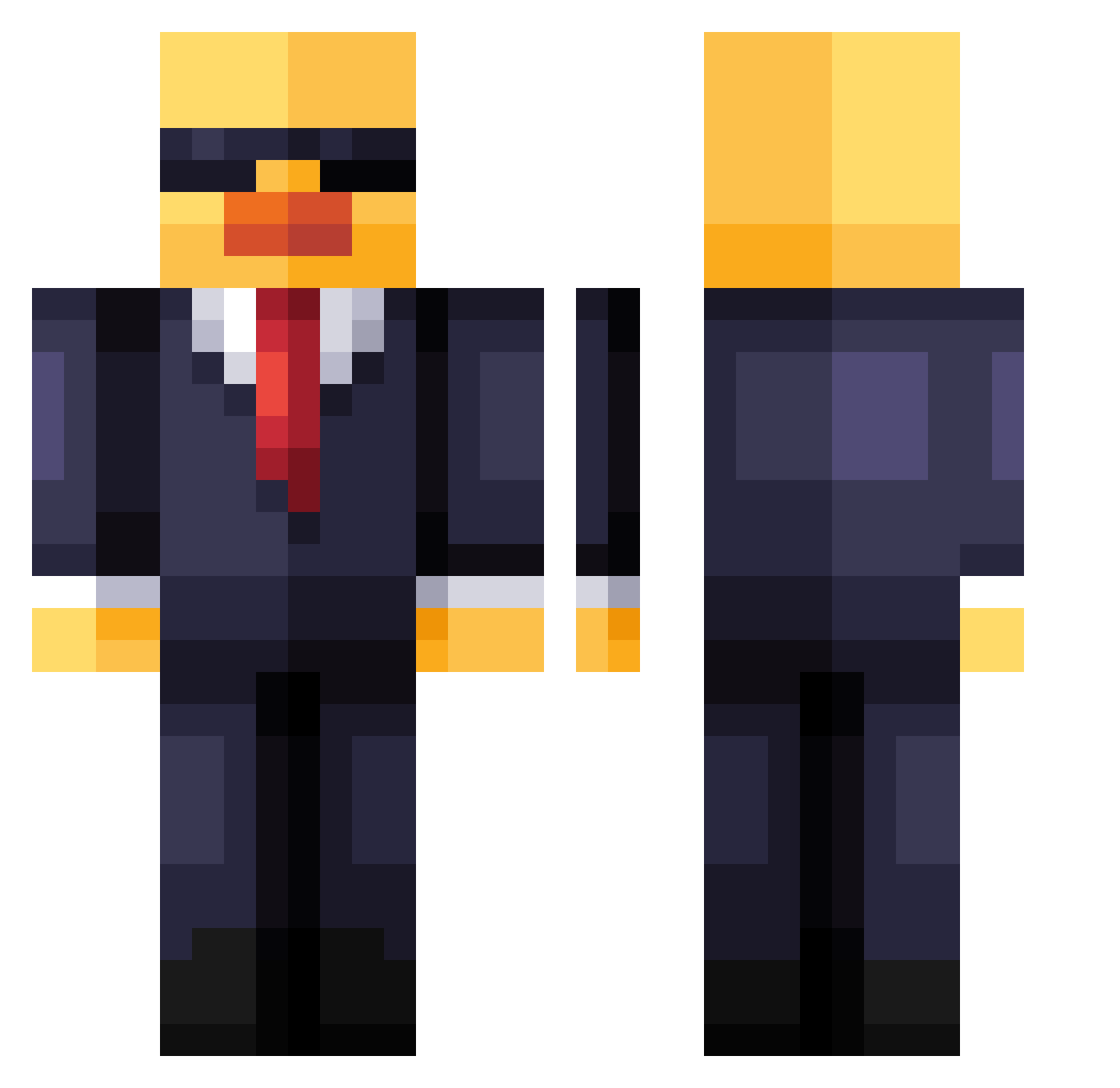
Current Minecraft skin of the player YogiBallin44, loaded from the official Mojang API. Rotate the 3D model with your mouse or finger, then download the skin as a PNG file and use it in Minecraft: Bedrock Edition or Java Edition for free. When YogiBallin44 changes their skin, this page updates automatically and the old skin stays in the history below.
Other players with this skin (229)
YogiBallin44 was the 166th player we have seen with this skin, first spotted on 15.10.2026. The same skin was seen on these players. Open a nickname to see their current skin and skin history.
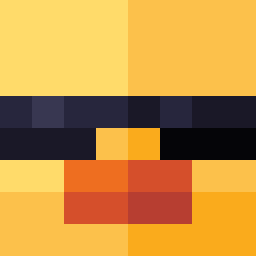 Zeombie theirapues _bas00_ South2Wests XYCRainer NorbuSama Kretia silentshadow72 Cr1tical_ hata_oji Cheeseball13 StackUltra Szymo202 Java_isheree Snidecorpse ARifEl3 dlgnswo DrLenny coolbrochco CaptainBedwars BaTReseT Empory AntarcticFlames GrinchGaming IahtheGreat SuperDude124 spyduck22 Kreedlander JustLebron BubbleDuckz jisk4icek BiggieCheese7 oDqth wertuipeter DBGminecraft claaudiolf Shadow121212 carbattron1313 makefaze4 Bombotix_MX derechtepuma Camilitox1 ItsJayl3n Alcivar28 geomeo FindusRed McFresh08 ars1kk ambausen ImAgentDuck Kepkys Ecclesian Mimel hassepls percxnt7 ser0te rino1162 Onixxx19 jpgs_ Cleminatoo
More Duck Minecraft skins
How to install the YogiBallin44 skin
- Press the Download button above to save the skin as a PNG file.
- Minecraft: Bedrock Edition (PE): open the Dressing Room from the main menu (or tap your character → Edit Character), go to Classic Skins → Owned, press the + (new skin) button, choose the downloaded PNG and pick the Classic (Steve) model. Works on PC and mobile; consoles cannot import custom skins.
- Minecraft: Java Edition: open the Minecraft Launcher, go to the Skins tab, click New Skin, load the PNG, pick the Classic (Steve) model and press Save & Use. You can also upload it at minecraft.net → Profile → Change Skin.
The skin does not show up after import - what should I do?
Restart Minecraft and open the Dressing Room again - imported skins sometimes appear only after a restart. Also make sure you selected the imported skin and picked the Classic (Steve) model.
Which model should I choose, Classic or Slim?
This skin is designed for the Classic (Steve) model. If you pick the wrong model, the arms of the skin will look stretched or squeezed.
Is the skin of YogiBallin44 free to download?
Yes. Press Download, save the PNG file and use it in Minecraft: Bedrock Edition or Java Edition - no payment or registration needed. The skin also works on multiplayer servers and Realms.
More skins
Looking for more? Go back to all Minecraft skins and check the top skins of the week, month and all time, or find any player's skin by nickname.