
YiHgg - Minecraft Skins & Skin History
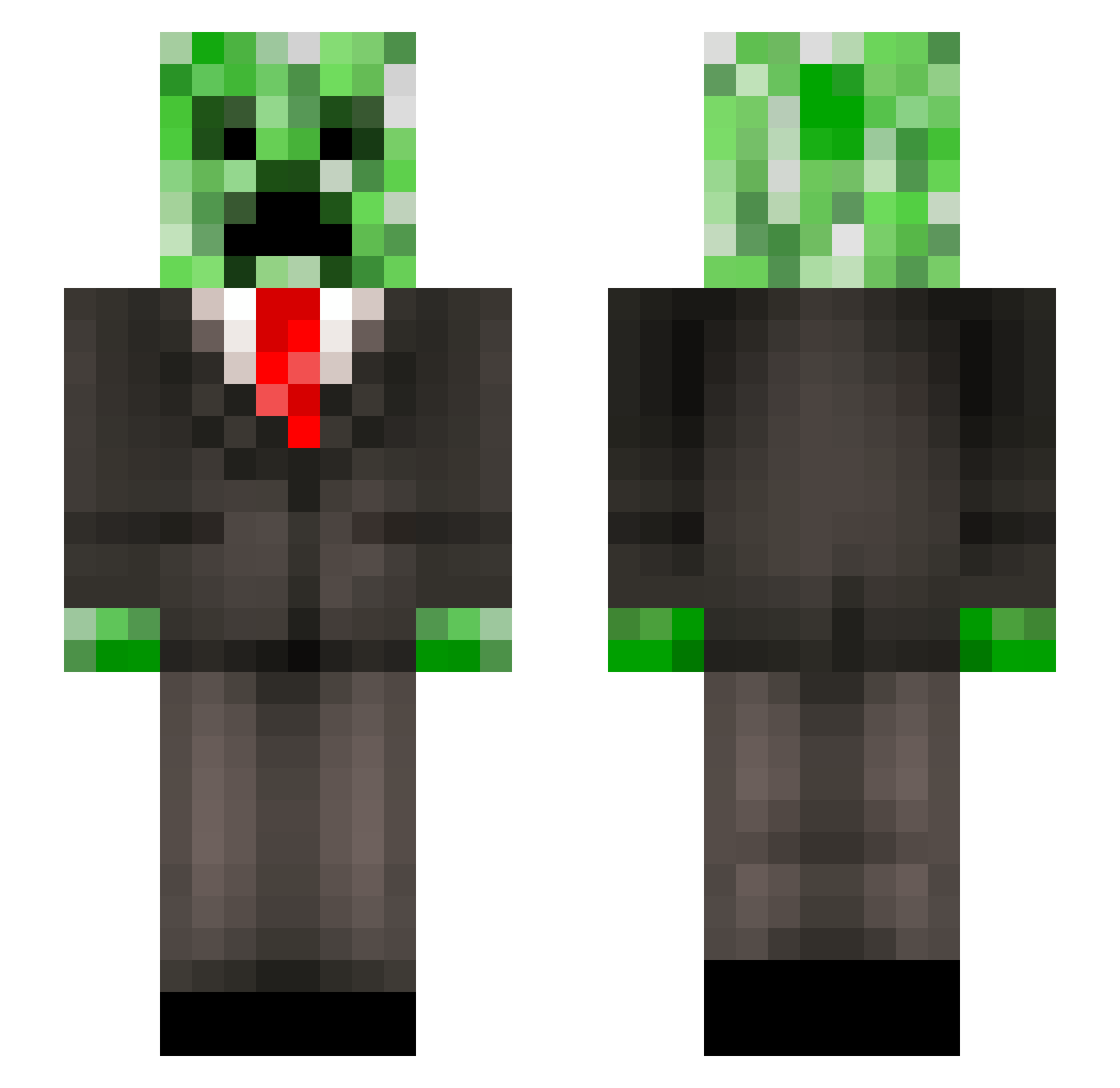
Current Minecraft skin of the player YiHgg, loaded from the official Mojang API. Rotate the 3D model with your mouse or finger, then download the skin as a PNG file and use it in Minecraft: Bedrock Edition or Java Edition for free. When YiHgg changes their skin, this page updates automatically and the old skin stays in the history below.
Other players with this skin (296)
YiHgg was the 289th player we have seen with this skin, first spotted on 15.11.2026. The same skin was seen on these players. Open a nickname to see their current skin and skin history.
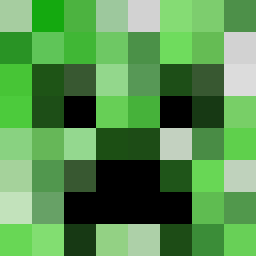 SniffingYay ABreSneakers SunnySimonik Fruitcacke Eegras D3RANG3DGORILLA Lighting_D Salt41 SuperJack07777 Banjojoke __dawt_ supra898 _RightNut_ SmokeyNinja4 Noudvvv Creeperking68 SuNingego zzrryy Savonien13 nuridmr1 Drascos MCFredo BrandoncorsacR Hdude321 Shayne_H JumpTheBorder02 DB_Choppa medved37 _Ashen_One_ tengeri5678 ChaserNickle SCHELDI hypersuperkid TokAlper 1unknownplayz TheGameSlacker Logger_Head DublinMcCallion CokaCao ALEXVIJITO vitamin_Plus Mr_creeper_plays Mathicripin LeBersch Booberang Plecostrum TinyRick0304 BoyFriend260 Rickwaardo paultv24 Gneh KustoszTequillaa Oriosys JIMMYBOBBIE doggo9876 Adisk06 ivipi NotAnOrange5 JarrettM 50Master
More Creeper Minecraft skins
How to install the YiHgg skin
- Press the Download button above to save the skin as a PNG file.
- Minecraft: Bedrock Edition (PE): open the Dressing Room from the main menu (or tap your character → Edit Character), go to Classic Skins → Owned, press the + (new skin) button, choose the downloaded PNG and pick the Slim (Alex) model. Works on PC and mobile; consoles cannot import custom skins.
- Minecraft: Java Edition: open the Minecraft Launcher, go to the Skins tab, click New Skin, load the PNG, pick the Slim (Alex) model and press Save & Use. You can also upload it at minecraft.net → Profile → Change Skin.
The skin does not show up after import - what should I do?
Restart Minecraft and open the Dressing Room again - imported skins sometimes appear only after a restart. Also make sure you selected the imported skin and picked the Slim (Alex) model.
Which model should I choose, Classic or Slim?
This skin is designed for the Slim (Alex) model. If you pick the wrong model, the arms of the skin will look stretched or squeezed.
Is the skin of YiHgg free to download?
Yes. Press Download, save the PNG file and use it in Minecraft: Bedrock Edition or Java Edition - no payment or registration needed. The skin also works on multiplayer servers and Realms.
More skins
Looking for more? Go back to all Minecraft skins and check the top skins of the week, month and all time, or find any player's skin by nickname.