
XxSB2007xX - Minecraft Skins & Skin History
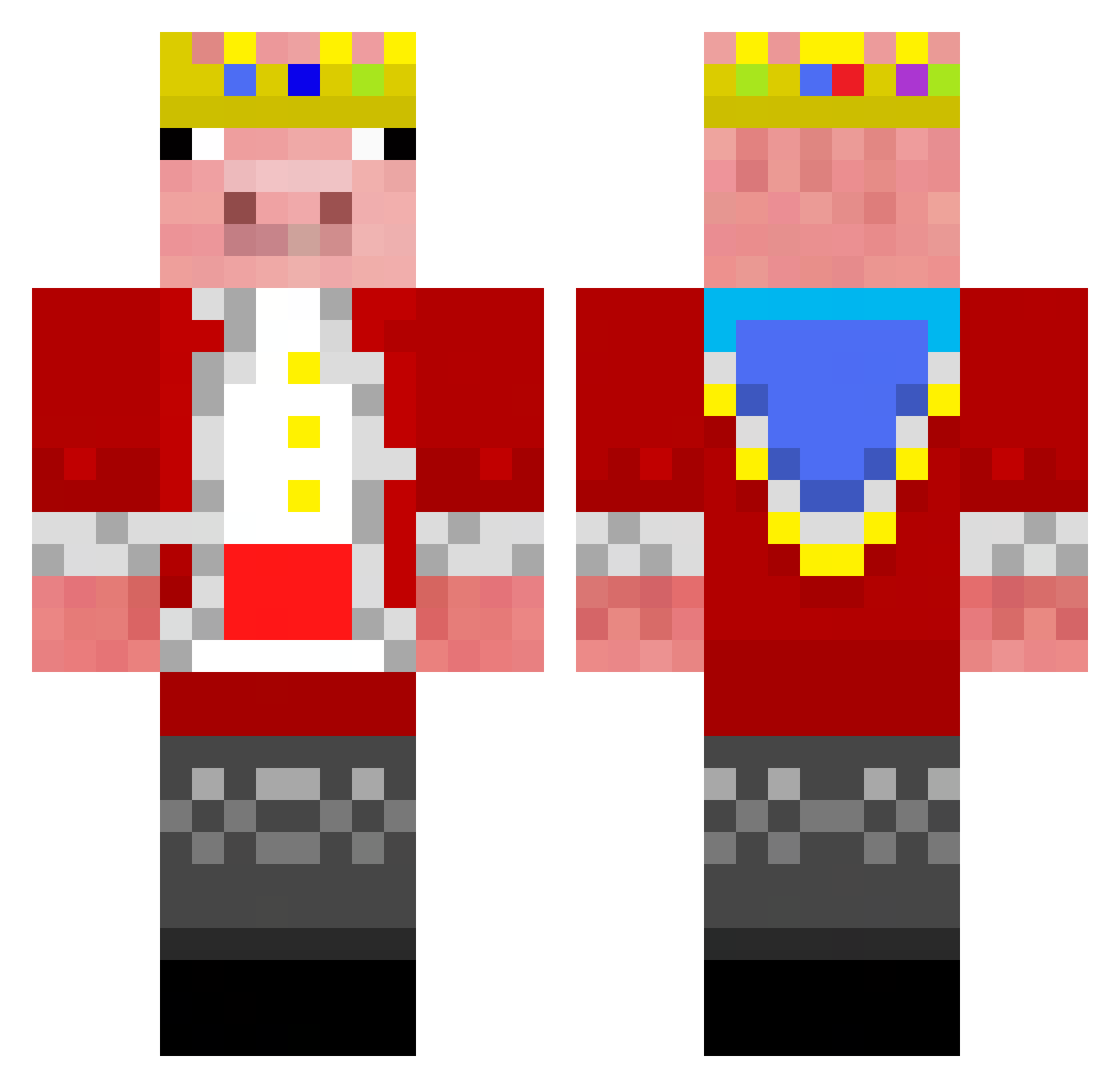
Current Minecraft skin of the player XxSB2007xX, loaded from the official Mojang API. Rotate the 3D model with your mouse or finger, then download the skin as a PNG file and use it in Minecraft: Bedrock Edition or Java Edition for free. When XxSB2007xX changes their skin, this page updates automatically and the old skin stays in the history below.
Other players with this skin (162)
XxSB2007xX was the 15th player we have seen with this skin, first spotted on 07.08.2026. The same skin was seen on these players. Open a nickname to see their current skin and skin history.
 _Tande_ GucciPanda_ WhiteVanMann Vironic06 ImSpyro BENAS67 fluffy1549 Jejames27 LokiSoul
 JACKBLEK Henry_stickmin Dlyngholm KunisadaUchiha gam3rhv MasonJarz27 SurRonster14 SenseiMZee
 NightOsprey Juanopipe11 Lolafoot06 SwitchWitch12 Piggod2 Piblatouffe YortDaBoi BudKix7 RitzySpy2010 UNOGOAT TAJAY05 slither1919 NinjaIcecream17 Spike5536 lucasyee14 ScottMcSauce Sugarcanegamer technoblade0942 Technoneverdies5 TheGusBus_1 Hootboy5240 Funmagnus kwakwrld SPARTAN5876 TactileTitan382 totally_normal67 EZ0009 _Kaesedipp_ Grey3012 Undaris WedRome Szaft BANANAGG777 Zergonaut MrJooJoo TheyCallMeNENE Tristang1903 Mega8D Doctor_Disco146 King_clown22 wolfy236 aMafu27 XMonsterKitKat
More Pig Minecraft skins
How to install the XxSB2007xX skin
- Press the Download button above to save the skin as a PNG file.
- Minecraft: Bedrock Edition (PE): open the Dressing Room from the main menu (or tap your character → Edit Character), go to Classic Skins → Owned, press the + (new skin) button, choose the downloaded PNG and pick the Classic (Steve) model. Works on PC and mobile; consoles cannot import custom skins.
- Minecraft: Java Edition: open the Minecraft Launcher, go to the Skins tab, click New Skin, load the PNG, pick the Classic (Steve) model and press Save & Use. You can also upload it at minecraft.net → Profile → Change Skin.
The skin does not show up after import - what should I do?
Restart Minecraft and open the Dressing Room again - imported skins sometimes appear only after a restart. Also make sure you selected the imported skin and picked the Classic (Steve) model.
Which model should I choose, Classic or Slim?
This skin is designed for the Classic (Steve) model. If you pick the wrong model, the arms of the skin will look stretched or squeezed.
Is the skin of XxSB2007xX free to download?
Yes. Press Download, save the PNG file and use it in Minecraft: Bedrock Edition or Java Edition - no payment or registration needed. The skin also works on multiplayer servers and Realms.
More skins
Looking for more? Go back to all Minecraft skins and check the top skins of the week, month and all time, or find any player's skin by nickname.